


Complete Guide: Setting Up AIO Liquid 420mm
Setting Up AIO Liquid 420mm. Tested & verified settings for best FPS and visual quality on SA hardware budgets.
Read moreDeciding on a 48-inch OLED gaming monitor vs TV? This guide breaks down the key differences in performance, features, and price to help you choose the perfect display for your setup. Discover which screen offers the best response times, input lag, and overall gaming experience. 🖥️⚡
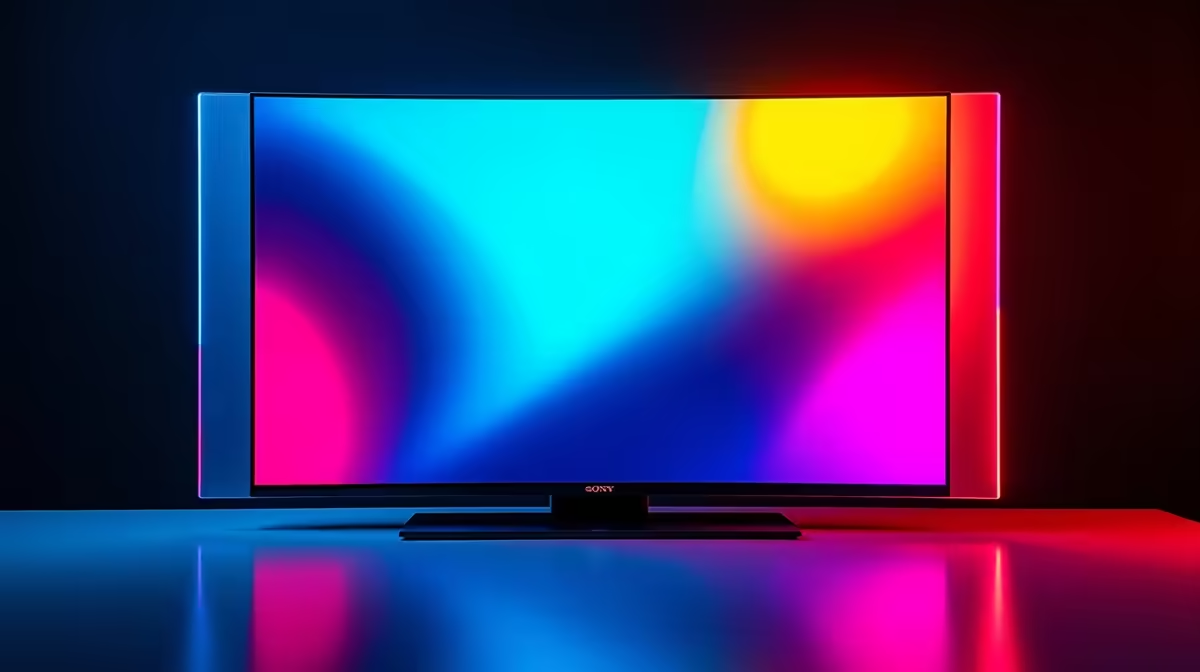
So, you’re staring at that empty spot on your desk, dreaming of a massive, glorious 48-inch OLED. The picture quality is legendary... but the big question hits: do you get the gaming monitor or the TV? They look almost identical, but for a South African gamer, choosing wrong can mean the difference between a clutch win in Warzone and a lag-induced disaster.
Let's settle the 48-inch OLED gaming monitor vs TV debate for your specific needs. ✨
At first glance, a 48-inch OLED TV and a gaming monitor seem interchangeable. Both offer stunning 4K visuals, perfect blacks, and vibrant colours. But underneath the hood, they are built for fundamentally different tasks. TVs are for watching; monitors are for interacting.
For gamers, three specs matter more than anything:
Don't write off the TV just yet. For many South African setups, especially those centred around a console, a 48-inch OLED TV can be the perfect all-in-one solution. 📺
If you're primarily a PS5 or Xbox Series X gamer, a modern OLED TV is a fantastic match. They almost all support HDMI 2.1, which enables 4K gaming at 120Hz—the sweet spot for next-gen consoles. Plus, you get the added benefits of a brilliant smart TV platform for streaming Netflix, Showmax, and more, often with superior built-in speakers. It's the ideal centrepiece for a lounge or entertainment room where gaming shares time with movie nights.
The main trade-off is often desk usage. TVs are designed to be viewed from a distance and typically come with simple, fixed stands. They also tend to have glossy screens, which make colours pop in a dark room but can be a nightmare for reflections in a brighter home office. If you're comparing options, looking at the specs of dedicated PC monitors can highlight these subtle but important differences.
Both OLED TVs and monitors can be susceptible to burn-in with static images over long periods. To protect your investment, hide your desktop taskbar, use a dark wallpaper, and enable pixel-shifting features in the display's menu. This ensures your screen stays pristine for years of gaming.
For the serious PC gamer, the argument for a purpose-built 48-inch OLED gaming monitor is incredibly strong. It's all about features that prioritise your gaming performance and comfort.
Gaming monitors are built for a desk. They feature DisplayPort connections—the standard for high-refresh-rate PC gaming—alongside multiple HDMI 2.1 ports. Many also include built-in USB hubs, making it easy to connect your keyboard, mouse, and headset directly to the screen. To complete your setup, you can find all the essential monitor accessories you might need, from high-quality cables to mounting arms.
Ergonomics are another huge win. Unlike a TV's static stand, a gaming monitor typically offers height, tilt, and swivel adjustments. This is crucial for maintaining good posture and avoiding neck strain during those marathon gaming sessions. While these large 48-inch displays are flat, many gamers find that for pure immersion at a desk, nothing beats one of the top-tier immersive curved monitors as their primary display. You could even pair your massive OLED with a handy portable monitor on the side for Discord or streaming stats.
Ultimately, a 48-inch OLED gaming monitor is simply better optimised for PC use. Text is often sharper due to different sub-pixel layouts, and they wake from sleep faster and more reliably than a TV. They also lack the aggressive auto-dimming (ABL - Auto Brightness Limiter) that can plague TVs during bright desktop scenes. When you invest in one of the best premium 4K monitors, you're paying for an experience tailored specifically for you, the gamer.
So, how do you solve the 48-inch OLED gaming monitor vs TV puzzle? It comes down to your primary use case.
Both options offer a breathtaking visual experience. Your choice depends on whether you need a versatile entertainment screen or a highly specialised tool for competitive victory. 🚀
Ready to Upgrade Your View? The debate between a monitor and a TV is all about your primary mission. For the ultimate, no-compromise PC gaming rig, a dedicated monitor is king. Explore our massive range of PC monitor deals and find the perfect screen to dominate the competition.
For many, a 48-inch OLED offers an incredibly immersive desktop experience. However, your desk depth is crucial. You'll need to sit far enough back to avoid eye strain and see the entire screen.
Generally, dedicated gaming monitors have lower input lag. However, modern OLED TVs with 'Game Mode' offer competitive performance, making the difference negligible for most gamers.
While the risk exists from static UI elements, modern OLEDs have features like pixel shifting to mitigate it. For varied gaming and desktop use, burn-in is less of a concern than it used to be.
Both are excellent choices. A TV offers smart features and often better HDR, while a dedicated monitor may have DisplayPort connections and faster response times for competitive play.
Yes, you can use a 48-inch OLED TV as a monitor. Ensure it supports Chroma 4:4:4 for clear text and connect it via HDMI 2.1 to get the best performance for productivity and gaming.
A key advantage is connectivity like DisplayPort. Monitors are designed for closer viewing, often have faster pixel response times, and typically wake from sleep faster than a TV.
Setting Up AIO Liquid 420mm. Tested & verified settings for best FPS and visual quality on SA hardware budgets.
Read more
Intel XTU Download & Setup Guide: Intel CPU. Clear setup instructions with SA-specific considerations, troubleshooting tips & recommended components.
Read more
Cyberpunk 2077 Max Settings on RTX 4090. Tested & verified settings for best FPS and visual quality on SA hardware budgets.
Read more
The Complete Guide to GPU. Everything you need to know with SA pricing, step-by-step instructions & expert recommendations.
Read more
NVCleanstall Download & Setup Guide: NVIDIA. Clear setup instructions with SA-specific considerations, troubleshooting tips & recommended components.
Read more
to Driver Installation for Beginners. Everything you need to know with SA pricing, step-by-step instructions & expert recommendations.
Read more
AMD RX 9050 XT: Rumoured Specs, Price & Release. SA-focused analysis with local pricing data, real-world insights & actionable buying advice.

Can RTX 4080 Super Run AI Workloads for SA Developers Detailed answer with SA data, expert analysis & practical recommendations for local buyers.

Can RTX 4090 Run AI Workloads for SA Developers Detailed answer with SA data, expert analysis & practical recommendations for local buyers.

Top Settings for Intel Arc B580 at Ultrawide 1440p picks evaluated on performance, value & SA availability with current Rand pricing from Evetech.

RTX 4060 CS2 Low Settings at 1080p: FPS Results. Real-world benchmark data, FPS numbers & performance analysis. What SA gamers can actually expect.

Visual Artifacts: Possible GPU Issue Issue #1. Diagnosis steps, proven fixes & when to seek professional help. SA-specific support info included.

Can the RTX 4090 Handle 1440p 144Hz Gaming. Performance testing verdict with real data & practical recommendations for SA buyers.

Top ASUS GPU Under R15000 picks evaluated on performance, value & SA availability with current Rand pricing from Evetech.

GTA 6 Max Settings on RTX 5070. Tested & verified settings for best FPS and visual quality on SA hardware budgets.

Cyberpunk 2077 Max Settings on RTX 5080. Tested & verified settings for best FPS and visual quality on SA hardware budgets.

Starfield Max Settings on RTX 5070 Ti. Tested & verified settings for best FPS and visual quality on SA hardware budgets.

Top RTX 5090 Under R5000 picks evaluated on performance, value & SA availability with current Rand pricing from Evetech.