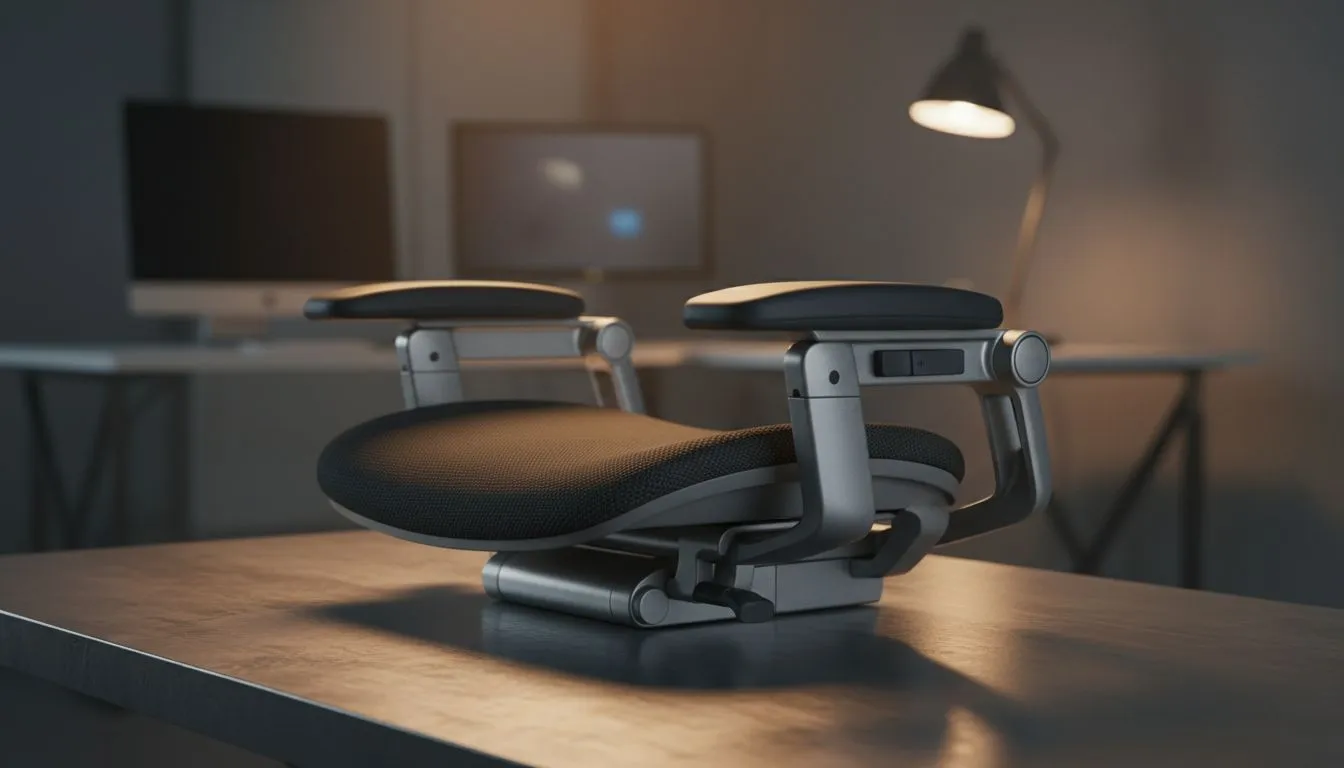
Why 4D Armrests Matter for Gamers’ Health and Comfort ⚡
Long gaming sessions can be brutal on your wrists, elbows, and shoulders. Many South African gamers overlook this, settling for chairs with basic armrests that simply don’t adjust properly. That’s where 4D armrests shine: they move in four directions—height, depth, width, and angle—to match your unique posture. This helps reduce strain and improves overall comfort, letting you focus on the game instead of aches.
If you’re exploring options, Evetech’s range of gaming chairs in South Africa offers plenty with 4D armrests to suit different budgets and styles.
How 4D Armrests Reduce Wrist, Elbow & Shoulder Strain
Height and Depth Adjustments for Wrist Health
The height and depth controls on 4D armrests let you align your forearms perfectly with your desk and keyboard. This prevents your wrists from bending awkwardly during intense gameplay—an essential safeguard against repetitive strain injuries like carpal tunnel syndrome. Instead of sitting with fixed armrests, adjust up or down to find the sweet spot your body craves.
Width and Angle for Elbow and Shoulder Relief 🔧
Widen or narrow your armrests to bring your elbows closer or further from your torso. This small tweak can make a huge difference, easing tension in the shoulders and upper back. The angle rotation allows even more customised positioning—reduce inward or outward stress and keep your arms in a natural stance for hours.
Brands such as Vertagear specialise in ergonomic designs that combine these 4D adjustments smoothly.
Choosing the Right 4D Armrest Gaming Chair in South Africa
Not all gaming chairs are made equal. It’s worth checking if the 4D armrests feel sturdy and easy to manipulate, plus matching the chair’s build to your height and weight. For those looking to invest in long-term health, quality materials and reliable mechanisms matter — go beyond looks.
Explore the ergonomic lineup from noblechairs, known for premium craftsmanship and excellent armrest adjustability.
Expert Tip
Make a quick daily habit of adjusting your 4D armrests before starting your session. This resets your posture and reminds your body not to slump—small tweaks have big impact on comfort!
If budget is a concern, you don’t need to overspend. The gaming chairs filtered under R5000 deliver good 4D armrest functionality without breaking the bank.
Enhancing Gaming Setups with 4D Armrests
The best setup supports your body as much as your rig. Pair your chair’s 4D armrests with a desk that complements your height and a keyboard tray that sits comfortably close. Even mouse accuracy benefits from stable and well-supported arms.
Brands such as enova provide ergonomic-minded designs that focus on balancing durable 4D armrests with stylish, modern aesthetics.
Finding the right chair with 4D armrests doesn’t just boost comfort—it can extend your gaming career and reduce downtime caused by strain.
Upgrade Your Comfort
Ready to feel the difference? Discover premium 4D armrest gaming chairs designed for South African gamers and protect your wrists and shoulders. Shop now at Evetech for performance that leaves lag in the dust.