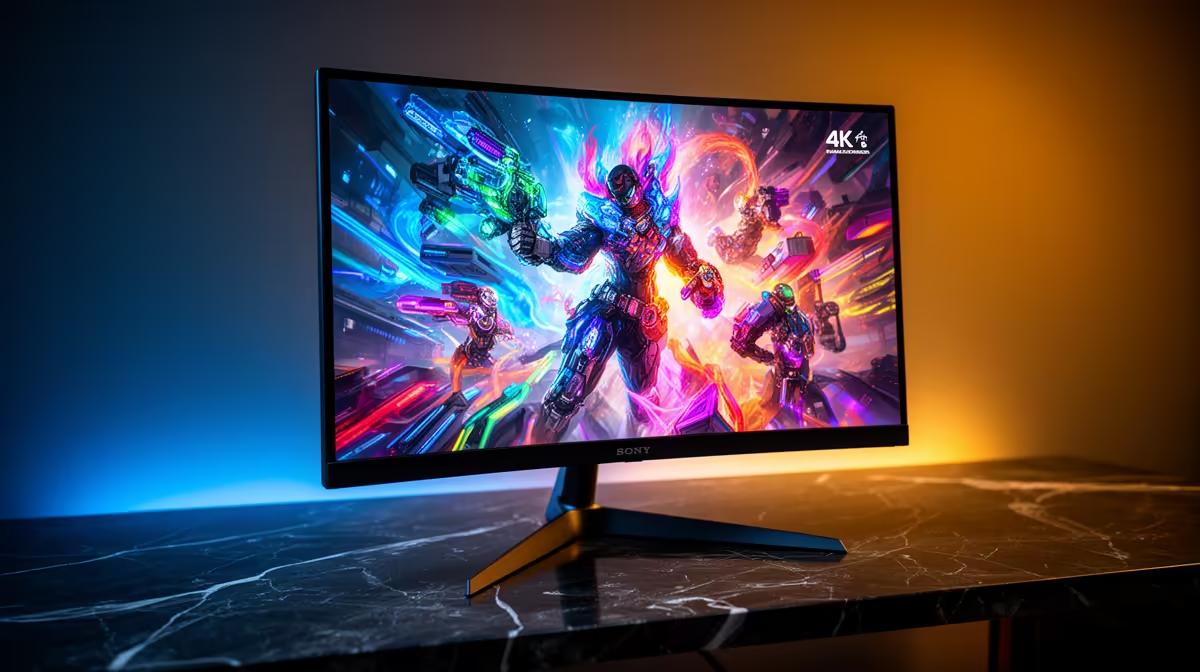
Running local AI and Stable Diffusion is GPU-and-memory bound, but the monitor still matters for previewing high-detail outputs accurately, where a true 4K panel earns its place.
Quick Answer
For local AI and Stable Diffusion work, a 27-inch or 32-inch 4K IPS monitor with strong colour accuracy lets you judge fine detail in generated images. The GPU and its VRAM do the heavy lifting; aim for 12GB or more of video memory. Quality 4K panels in SA run roughly R6,000 to R14,000.
Why 4K Helps This Workflow
Generated images reward close inspection, and a 4K panel shows fine texture and artefacts a 1080p screen hides. The extra resolution also gives space for the model interface, prompt history, and a full-size preview at once. Accurate colour ensures the image you tune matches the final output.
The monitor is not your performance bottleneck, though. Generation speed depends on the GPU and its VRAM, so a 12GB or larger card is the real priority, with the 4K screen serving as an accurate viewer.
Pairing Screen With Compute
Spend first on a GPU with ample VRAM, since model size and batch capacity hinge on it. Then add a colour-accurate 4K panel to inspect results. A 32-inch 4K screen suits detailed work without heavy scaling, while 27-inch 4K gives sharper pixel density on a smaller desk.
FAQ
Does the monitor affect Stable Diffusion speed?
No. Generation speed depends on the GPU and its VRAM. The monitor is for accurately previewing the detailed images you create.
How much VRAM do I need for local AI work?
Aim for at least 12GB to run common models comfortably; more VRAM allows larger models and bigger batches without running out of memory.
Is 27-inch or 32-inch 4K better for this?
32-inch 4K gives a larger preview without aggressive scaling, while 27-inch 4K offers sharper density on a smaller desk. Choose by available space.
GPU VRAM first; a 12GB-plus card drives generation, while a colour-accurate 4K panel is the accurate viewer for your outputs.