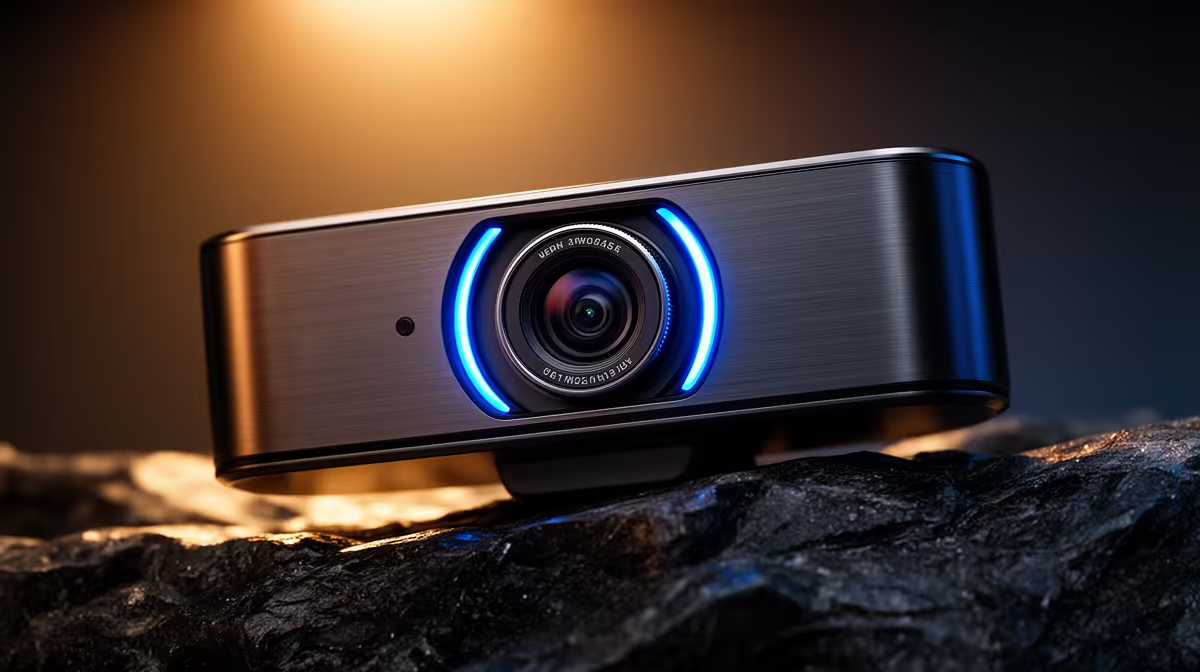
Logitech Brio 100 FHD R458 suits a first-year student who needs a clear webcam for lectures, tutorials, group calls, and basic content without paying for 4K they may not use every day.
Product picks for student video calls
For most study desks, the Logitech Brio 100 FHD R458 is the balanced choice because FHD is sharp enough for online classes, presentation recordings, and quick meetings with lecturers. It gives a cleaner image than entry HD while keeping the spend sensible for a student setup.
The Logitech C270 HD R252 is the budget pick if the priority is simply being visible and understood in class. Its HD spec is enough for basic video calls, especially if the room has decent lighting and the laptop camera is awkwardly placed or poor quality.
NearStream V08AF 4K R678 makes sense for a student who also records assignments, streams, tutors online, or wants a crisper creator desk setup. The 4K spec is not wasted if the camera will do more than occasional lectures, but it is more than a typical first-year needs for routine calls.
On a Joburg apartment desk, 4K is useful only if the setup is permanent
If the desk is small and shared with textbooks, a laptop, and a monitor, the Logitech Brio 100 FHD R458 is easier to justify than the NearStream V08AF 4K R678. If the student has a fixed desk, records often, and wants the sharper 4K image, the NearStream becomes a practical upgrade rather than a luxury.
Ready to choose the right webcam?
Compare the listed webcam range and match the resolution to how often the camera will be used.