


AIO Liquid 240mm Setup and Configuration: Complete Tutorial
AIO Liquid 240mm Setup and Configuration. Clear setup instructions with SA-specific considerations, troubleshooting tips & recommended components.
Read moreBoost your FPS gameplay with mice running a 4K Hz polling rate and zero delay! 🎯 Discover lag-free wireless performance today. 🔫
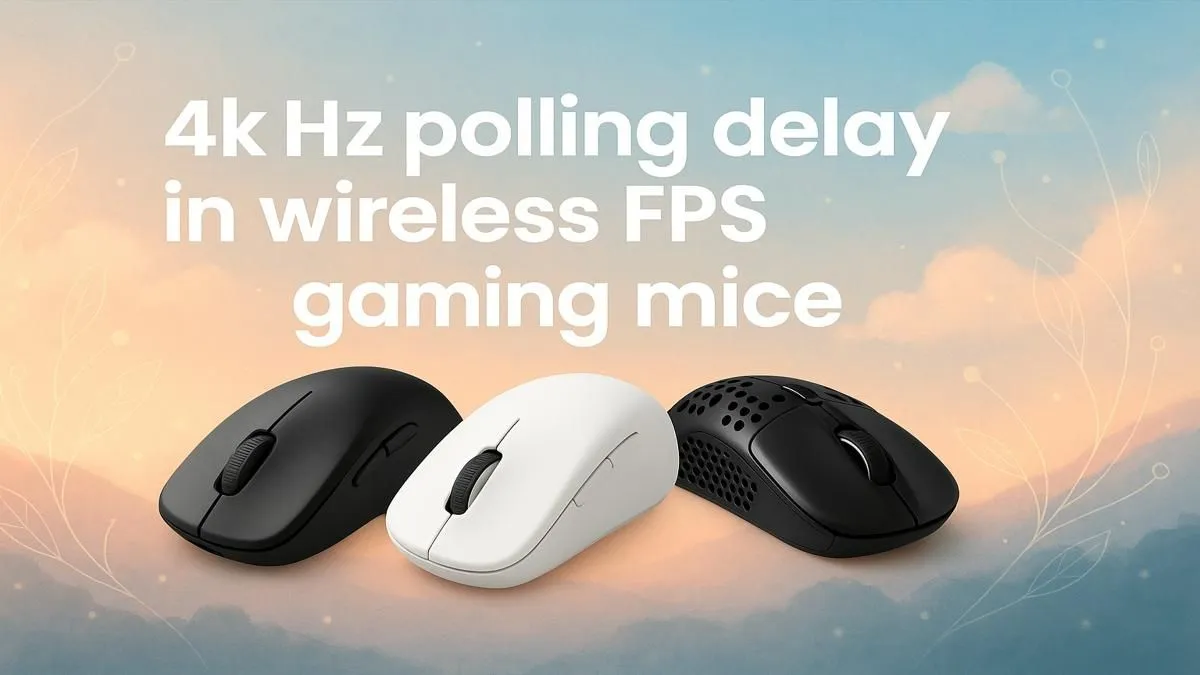
You line up the perfect headshot in Valorant. Click. But the enemy strafes, and your shot whiffs past their ear. Was it your aim, or did your gear betray you? In competitive FPS gaming, milliseconds are everything. That’s why achieving meaningful lag reduction in wireless FPS gaming mice is the ultimate goal. The latest breakthrough? A blistering 4K Hz polling rate, and it’s here to give you the razor-sharp edge you’ve been looking for. ⚡
So, what is this "polling rate" tech everyone's talking about? Think of it like the refresh rate of your monitor, but for your mouse. It’s the frequency at which your mouse reports its position to your computer, measured in Hertz (Hz).
For years, the gold standard was 1000 Hz, meaning the mouse sent 1000 updates every second. A 4K Hz polling rate quadruples that to 4,000 updates per second. This means the time between your physical hand movement and the cursor moving on-screen is drastically reduced. The result is a connection that feels almost psychic.
Okay, so the numbers are bigger… but can you actually feel it in-game? Absolutely. 🎯
Imagine tracking a fast-moving opponent in Apex Legends or making micro-adjustments to hold an angle in CS2. With a 4K Hz mouse, the on-screen cursor movement is noticeably smoother. There's less "judder" when you make quick flicks. This superior tracking and lag reduction provides more up-to-date information to the game engine, giving you a tangible advantage in duels where the first accurate shot wins. As this technology becomes more common, you can find some great deals on high-performance mice that won't break your budget.
A higher polling rate demands more from your processor. While most modern gaming rigs won't even break a sweat, older or budget CPUs might see a small FPS drop. If your game feels less smooth after switching to 4K Hz, try lowering it to 2000 Hz in your mouse software. It’s still a huge upgrade from 1000 Hz and might be the perfect balance for your system.
The old debate of wired vs. wireless has always hinged on latency. For years, pros stuck with cables, fearing the dreaded input lag of a wireless connection. Not anymore.
Modern technologies like Razer's HyperPolling and Logitech's LIGHTSPEED have made wireless performance indistinguishable from wired for human perception. The arrival of the 4K Hz polling rate on a premium top-tier wireless mouse is the final proof. These devices deliver elite-level responsiveness without a single cable to snag on your mousepad. Of course, if you want guaranteed performance and never have to worry about charging, a reliable wired mouse remains a fantastic, often more affordable, choice.
Buying a 4K Hz mouse is step one; ensuring your setup can take full advantage of it is step two. 🚀
First, place your wireless dongle as close to your mouse as possible, using the included extension cable if necessary. Keep it away from other wireless devices or large metal objects to ensure a clean signal.
Second, a great mouse needs a great surface. A high-quality mousepad provides a consistent texture for the sensor to track, which is crucial for a high-polling device. If your mouse feet are worn out or your pad is looking a bit tired, investing in some new quality mouse accessories can make your R5000 mouse feel brand new again.
Ready for a Zero-Lag Upgrade? Don't let input lag be the reason for another frustrating loss. Explore our curated selection and find the perfect mouse to match your playstyle and budget. Shop the latest gaming mice at Evetech for performance that leaves the competition in the dust.
Enables ultra-fast input commands for FPS precision.
Yes—reduces input delay significantly for FPS titles.
Minimizes delays, but depends on wireless tech solutions.
Use gaming software suites and online tools.
For competitive FPS, the investment pays off instantly.
Fast-paced FPS like Call of Duty and Fortnite gain the most.
Yes, for instant response during high-intensity gaming moments.
AIO Liquid 240mm Setup and Configuration. Clear setup instructions with SA-specific considerations, troubleshooting tips & recommended components.
Read more
Setting Up DDR5 64GB Kit. Tested & verified settings for best FPS and visual quality on SA hardware budgets.
Read more
Overwatch 2 Setup Guide Gamers. Clear setup instructions with SA-specific considerations, troubleshooting tips & recommended components.
Read more
R and RStudio on Mac: Data Science Setup Guide. Clear setup instructions with SA-specific considerations, troubleshooting tips & recommended components.
Read more
NVIDIA Broadcast Setup with GPU: Streamer Guide. Clear setup instructions with SA-specific considerations, troubleshooting tips & recommended components.
Read more
Core Ultra 7 265K Temperature Guide: Normal Range. Complete product range with SA pricing, key specs & recommendations for different budgets.
Read more
AMD RX 9050 XT: Rumoured Specs, Price & Release. SA-focused analysis with local pricing data, real-world insights & actionable buying advice.

Can RTX 4080 Super Run AI Workloads for SA Developers Detailed answer with SA data, expert analysis & practical recommendations for local buyers.

Can RTX 4090 Run AI Workloads for SA Developers Detailed answer with SA data, expert analysis & practical recommendations for local buyers.

Top Settings for Intel Arc B580 at Ultrawide 1440p picks evaluated on performance, value & SA availability with current Rand pricing from Evetech.

RTX 4060 CS2 Low Settings at 1080p: FPS Results. Real-world benchmark data, FPS numbers & performance analysis. What SA gamers can actually expect.

Visual Artifacts: Possible GPU Issue Issue #1. Diagnosis steps, proven fixes & when to seek professional help. SA-specific support info included.

Can the RTX 4090 Handle 1440p 144Hz Gaming. Performance testing verdict with real data & practical recommendations for SA buyers.

Top ASUS GPU Under R15000 picks evaluated on performance, value & SA availability with current Rand pricing from Evetech.

GTA 6 Max Settings on RTX 5070. Tested & verified settings for best FPS and visual quality on SA hardware budgets.

Cyberpunk 2077 Max Settings on RTX 5080. Tested & verified settings for best FPS and visual quality on SA hardware budgets.

Starfield Max Settings on RTX 5070 Ti. Tested & verified settings for best FPS and visual quality on SA hardware budgets.

Top RTX 5090 Under R5000 picks evaluated on performance, value & SA availability with current Rand pricing from Evetech.