

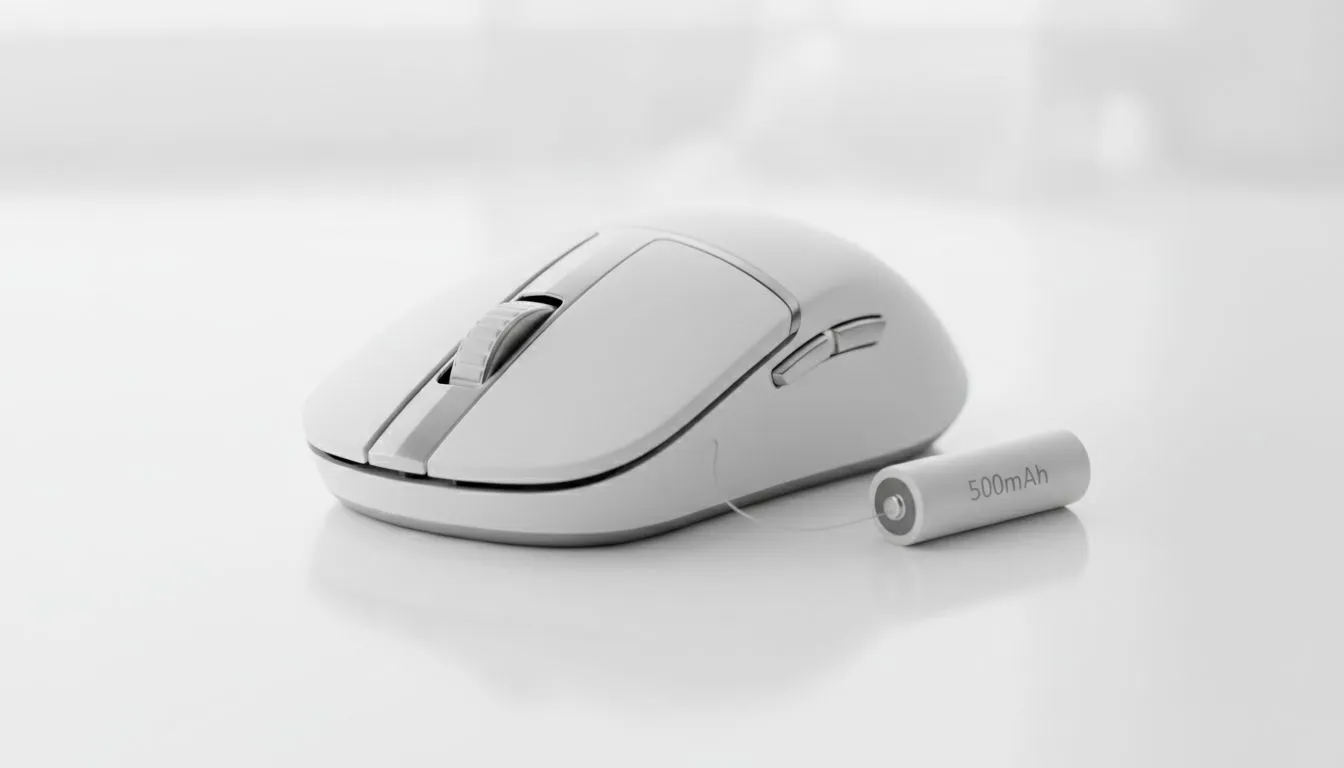
Decoding the 500mAh Mouse Battery
Imagine you are in the final circle of a high-stakes Warzone match... and your cursor stops dead. It is the ultimate South African gamer’s nightmare. Understanding your 500mAh mouse battery is about more than technical specs... it is about ensuring your gear lasts through long weekend sessions without needing a cable mid-fight. Knowing what that "500mAh" label actually means is the first step to better performance.
In simple terms, 500mAh stands for 500 milliampere-hours. This measures the electrical charge the battery can hold. For a high-performance gaming mouse, this capacity is often considered the "sweet spot". It provides enough juice to last several days of intense use while keeping the device light enough for those flick shots in Valorant. If the battery were much larger, the added weight might slow down your reaction time.
Why Capacity Matters for Your Wireless Setup
When you are hunting for the best gaming mouse deals in ZAR, you will notice that weight and battery life are always in a tug-of-war. A 500mAh mouse battery typically offers between 40 to 70 hours of continuous movement, depending on the sensor's efficiency and your RGB settings. 🔧
Battery Longevity Tip ⚡
To maximise your mouse battery lifespan, try lowering your polling rate from 1000Hz to 500Hz during casual browsing. While 1000Hz is essential for competitive gaming, the lower setting uses significantly less power during office work or YouTube sessions, giving you extra hours of play when it actually matters.
Proven Ways to Extend Your Mouse Battery Lifespan
If you want to ensure your 500mAh mouse battery stays healthy for years, you need to manage how you charge it. Lithium-ion batteries do not like being drained to 0% or kept at 100% for weeks on end. Most modern wireless mouse models come with software that allows you to set "Eco Modes" which automatically dim the lighting when the battery hits a certain threshold. 🚀
Another factor is the "sleep" timer. Check your peripheral software to see how quickly your device enters standby mode. Setting this to 1 or 2 minutes can save a surprising amount of energy over a week. If you find yourself constantly forgetting to charge, you might want to consider some mouse accessories like a charging dock or a high-quality braided cable for those emergency wired moments.
Choosing Between Endurance and Performance
While wireless technology has reached a point where latency is virtually non-existent, some purists still prefer the reliability of a wired mouse to avoid battery anxiety altogether. However, for most of us, the freedom of a wireless setup is worth the occasional charge. ✨
To get the most out of your 500mAh mouse battery: what it means and how to extend lifespan boils down to heat management and brightness. Keep your mouse away from direct sunlight on your desk, as heat degrades lithium cells faster than anything else. Also, consider turning off the "breathe" effect on your RGB... that flickering light consumes more power than a static, dim colour.
Ready to Upgrade Your Setup? Whether you need the endurance of a high-capacity wireless unit or the raw reliability of a wired connection, we have the gear to level up your game. Explore our massive range of gaming mice and find the perfect partner for your next victory.











