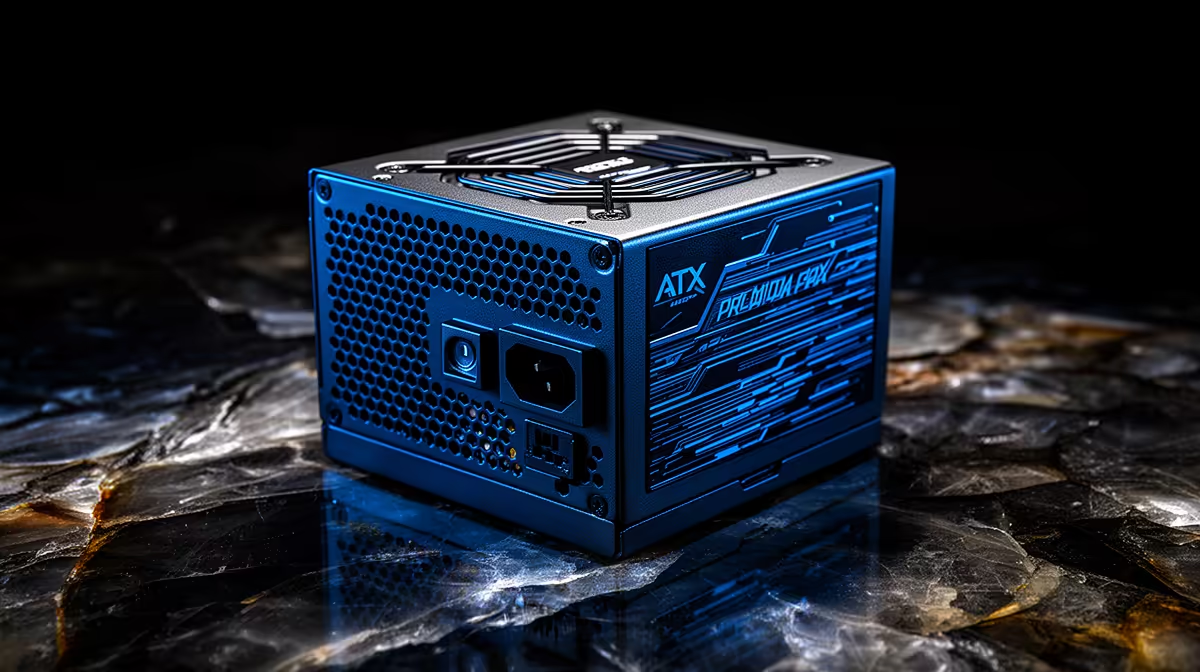
A 750W power supply can handle a minimalist desk when the desktop components require that capacity. The visible desk style has no effect on wattage. Choose the unit from the processor, graphics card, drives and connectors, then organise the external cables without hiding internal ventilation or creating an oversized PC for aesthetic reasons.
Size the computer first
List every component and check peak guidance for the graphics card. Cooler Master PF750 pricing is verified at R550, offering one standard 750W reference. Confirm current warranty, form factor, native connectors and supply length. A compact branded computer may use proprietary hardware, while a small case can reject a standard unit even when wattage fits.
Keep the clean setup serviceable
Route internal power cables away from fans and side panels. Outside the case, guide display and power leads with enough slack for desk movement. Do not cover the power-supply intake or seal the tower in a cupboard. Keep the switch and plug accessible for safe shutdown. Use only cables assigned to the exact modular supply where applicable.
An 80 PLUS rating concerns efficiency, not surge protection. Add suitable desk protection separately. Buy 750W when the component estimate and planned graphics upgrade support it; a reputable lower-capacity model may better suit a compact office PC.
Building a clean desktop? > Ask Evetech to verify supply capacity, connectors and case dimensions against the full parts list.