Dropping R10,000 on a top-tier processor is thrilling. But plugging it into a cheap board? That is a recipe for disaster. If you want maximum frames and zero throttling in the middle of a gaming marathon, power delivery is everything. Let us break down 16+2+1 VRM design and 80A SPS stages... and why your high-core-count CPU desperately needs them to survive.
Decoding the 16+2+1 VRM Design 🔧
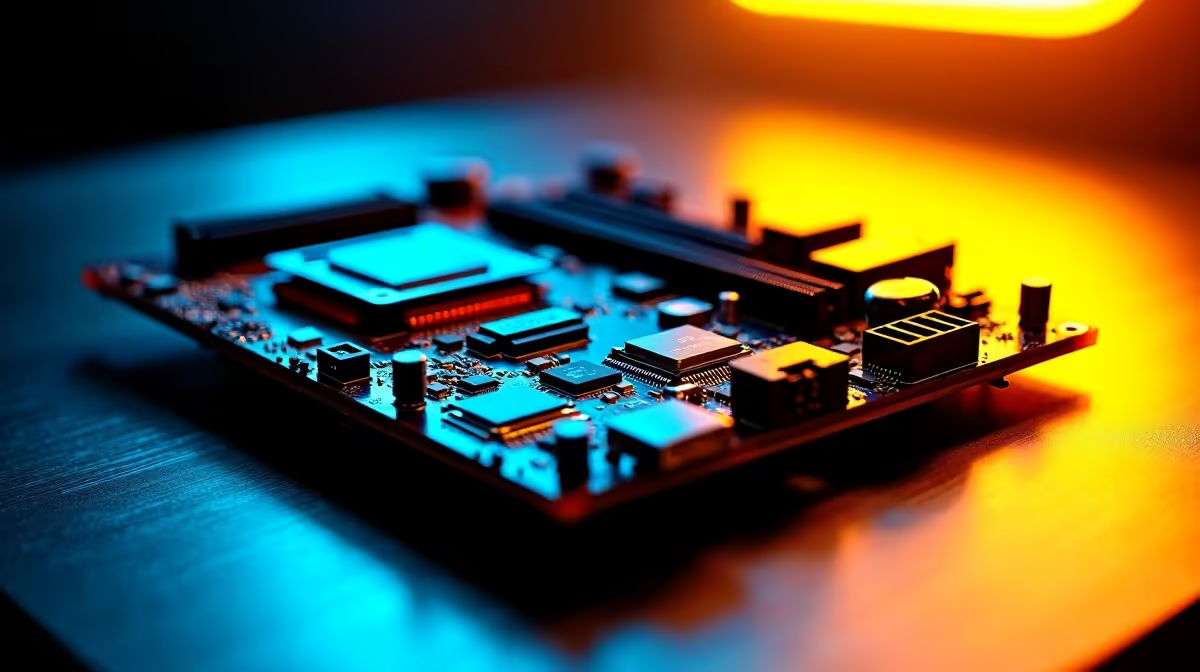
Your PC power supply pushes 12V to the motherboard. However, your delicate processor only needs around 1.3V. The Voltage Regulator Module (VRM) does this heavy lifting. A 16+2+1 VRM design is a premium layout that splits the workload beautifully.
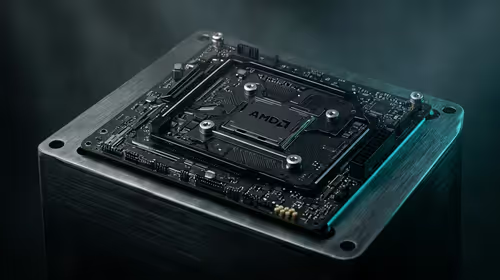
You get 16 phases dedicated purely to the CPU cores. Two phases handle the SoC... which includes the memory controller and integrated graphics. The final phase manages auxiliary power for PCIe lanes. Spreading the voltage across 16 phases means significantly less heat per component. When you upgrade to powerful desktop processors, you need clean and stable power to maintain those high boost clocks.
The Magic of 80A SPS Stages ⚡
Not all power phases are created equal. Older motherboard designs used separate chips for power delivery, which created excess heat and wasted energy. Enter the Smart Power Stage (SPS).
An 80A SPS stage combines the high-side MOSFET, low-side MOSFET, and driver into one highly efficient package. Delivering 80 Amps per phase means your motherboard can push massive current without breaking a sweat. If you are browsing premium motherboards, looking for 80A SPS stages ensures your system stays ice-cold under heavy loads. This is especially crucial during hot South African summers when ambient room temperatures soar.
Overclocking Pro Tip 🚀
Always pair a strong VRM motherboard with high-speed RAM. Clean power to the memory controller allows for tighter timings and better stability. Upgrading your RAM is the easiest way to complement a premium motherboard.
Why High-Core-Count CPUs Demand Premium Power
Modern 16-core and 24-core beasts consume serious wattage. When you are rendering 4K video or running intense gaming sessions, your CPU draws massive current. If your VRMs overheat, your motherboard will actively throttle the CPU to protect itself. Suddenly, your expensive rig performs like a budget machine.
Robust power delivery ensures your CPU reaches its maximum turbo speeds and stays there. This sustained performance is exactly why the best gaming PC deals carefully pair high-end chips with robust motherboards. You cannot unlock elite performance without a solid foundation to optimise your frame rates.
Furthermore, high-core-count CPUs thrive on fast memory. Pushing your system to the limit requires top-tier components across the board. Investing in high-performance memory kits ensures your processor is never starved for data while those 80A power stages keep the voltage perfectly flat.
Maximising Your ZAR Value ✨
You do not want to spend thousands of Rands only to leave performance on the table. Investing in a 16+2+1 VRM design with 80A SPS stages guarantees absolute stability for high-core-count CPUs. It also dramatically extends the lifespan of your components by reducing thermal stress.
Before you build your next dream rig, always check the power delivery specs. You can often find top-tier boards featured in our latest hardware specials to save some cash while securing elite performance.