



PCIe 5.0 vs PCIe 4.0 for Strategy and Sim Games in SA
PCIe 5.0 and PCIe 4.0 differ most in lane support, compatibility, and upgrade value for strategy and sim games. SA buyers should match the choice to their actual hardware and games.
Read moreFull Breakdown: cable choice decides whether your 8K monitor locks a clean 60Hz signal or drops to 4K when the GPU starts pushing frames. Use the breakdown to match the right SKU to your screen and GPU. Read the spec-by-spec notes, then the buying picks.
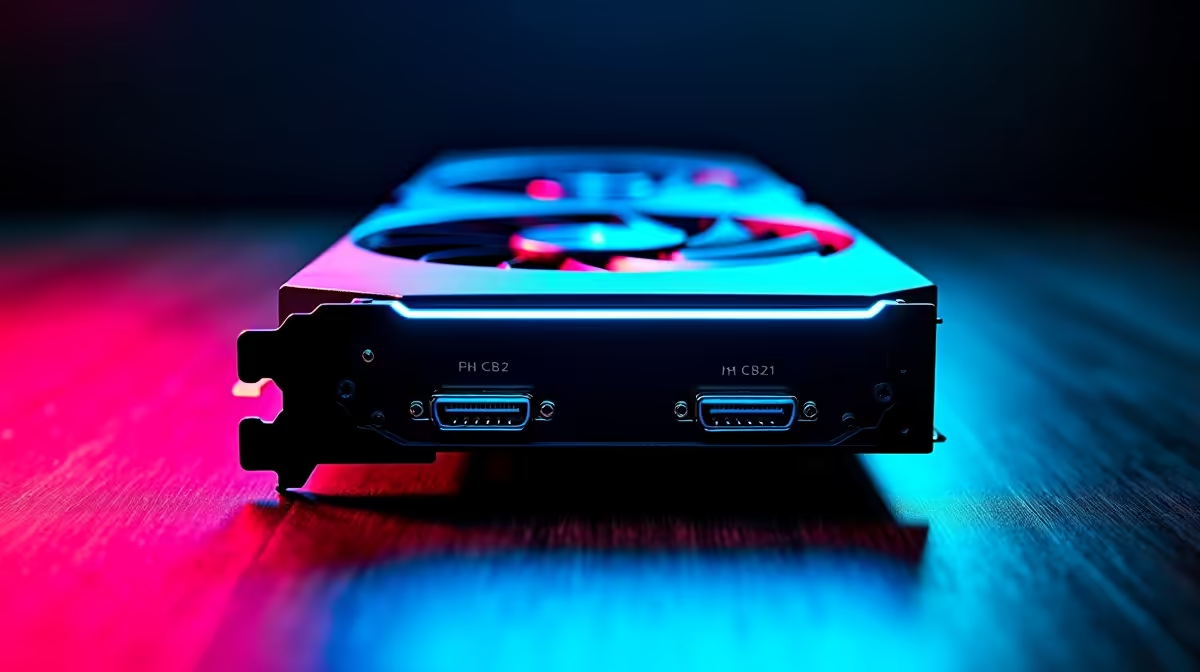
8K at 60Hz via DisplayPort requires three aligned components: a GPU with native DP 2.1 UHBR20 output, a DP 2.1 UHBR20 certified cable, and a monitor with a DP 2.1 UHBR20 input. Any single component below UHBR20 forces the connection into DSC mode, using Display Stream Compression to fit 8K data into lower bandwidth. All three components must match for uncompressed 8K/60Hz.
GPU side: the RTX 5080 and RTX 5090 from NVIDIA ship with native DP 2.1 UHBR20 outputs. The RX 9070 and RX 9070 XT from AMD similarly support DP 2.1. Previous generation cards including the RTX 4090 output only DP 1.4, which cannot carry uncompressed 8K/60Hz. Cable side: must be explicitly certified to DP 2.1 UHBR20 (80 Gbps). A cable labelled 8K or DP 2.1 without the UHBR20 designation may be UHBR10 or UHBR13.5, which cannot carry uncompressed 8K/60Hz with HDR. Monitor side: the display must have a DP 2.1 input rated for UHBR20 bandwidth. Verify this in the monitor specification sheet under the DP input section. All three points must confirm UHBR20 for native uncompressed 8K/60Hz.
When any link in the GPU-cable-monitor chain cannot sustain UHBR20, DSC is activated. The GPU compresses 8K frame data before transmission and the monitor decompresses it before display. For gaming and general content viewing, DSC is indistinguishable from uncompressed output. For frame-accurate video post-production or display calibration, the compression step is something colour-critical workflows should avoid. In practical gaming terms, DSC on 8K is not a meaningful downgrade.
Confirm GPU is RTX 5080, RTX 5090, RX 9070, or newer with DP 2.1 output. Confirm cable spec lists UHBR20 or 80 Gbps explicitly. Confirm cable is 2m or under. Confirm monitor DP input is listed as DP 2.1 in the spec sheet. Confirm monitor OSD is set to DP 2.1 mode rather than auto or DP 1.4 compatibility mode. After connection, verify the GPU control panel shows UHBR20 link rate. If any check fails, the connection runs in DSC or reduced bandwidth mode. Certified UHBR20 cables in SA are stocked at Evetech from around R500 to R750 for 2m passive options.
After connecting an 8K monitor with a DP 2.1 cable, open NVIDIA Control Panel under Display Information or AMD Software under Display Settings and check the reported link rate. UHBR20 should appear for a correctly matched connection. Seeing UHBR13.5 or UHBR10 indicates a component mismatch that needs investigation before the full 8K 60Hz spec is being used.
No. HDMI 2.1 at 48 Gbps requires DSC for 8K/60Hz. DP 2.1 UHBR20 at 80 Gbps is the only current cable standard that delivers uncompressed 8K/60Hz with 10-bit HDR.
On an RTX 5090, native 8K rendering in demanding titles produces frame rates under 60fps in most cases. DLSS 4 with 4K upscaling to 8K output makes 8K gaming practical, delivering visual quality close to native 8K at playable frame rates. The cable spec is the same regardless of whether the GPU renders natively or upscales.
Check the monitor specification sheet under connectivity. If the DP input is listed as DP 1.4 or earlier, the monitor does not support UHBR20. Current 8K monitors with DP 2.1 inputs are primarily available at the high end of the market in SA, typically above R35,000.
Ready to verify and build your 8K DisplayPort setup correctly? Evetech stocks certified DP 2.1 cables, high-resolution monitors, and compatible GPUs for South African builders. Get your setup sorted at Evetech.
PCIe 5.0 and PCIe 4.0 differ most in lane support, compatibility, and upgrade value for strategy and sim games. SA buyers should match the choice to their actual hardware and games.
Read more
AM5 vs AM4 for video editing in 4K Difference explained is mostly about compatibility, budget, upgrade path, and setup fit. SA buyers should check device support and real needs before expecting a clear win from either option.
Read more
OLED vs QD-OLED for strategy and sim games buyers - what changes is mostly about compatibility, budget, upgrade path, and setup fit. SA buyers should check device support and real needs before expecting a clear win from either option.
Read more
DisplayPort 2.1 and 1.4 differences matter when SA PC builders match GPUs, monitors, and refresh targets. Use this difference between displayport 2 1 and displayport 1 4 explained pc builders guide to avoid mismatched parts.
Read more
Ray tracing vs Path tracing depends on Strategy and sim games needs, platform limits, and budget fit. Compare compatibility, latency, upgrade path, and real setup constraints before choosing for an SA build.
Read more
wireless mouse guide for Gqeberha gamers should be shortlisted around the job it must do. South African buyers should compare sensor, shape, weight, and wireless latency, warranty path, and upgrade room before treating any pick as best.
Read more
From 1 October 2026, WhatsApp Business Platform service replies in South Africa are expected to cost about $0.0076, or 12 cents, per delivered message.

DDR5-8000 RAM Kits pros and cons depend on the build, budget, and workload. Weigh gaming needs, platform fit, power, cooling, warranty support, and South African pricing context before shortlisting it.

Wi-Fi 6E vs Wi-Fi 6 depends on AAA single-player gaming needs, platform limits, and budget fit. Compare compatibility, latency, upgrade path, and real setup constraints before choosing for an SA build.

Ryzen 9 9950X3D dead pixel checks should isolate the panel first. Run colour fills, inspect the monitor menu, test another cable or input, and capture proof before linking it to the SA CPU upgrade.

YouTube will count public views from the first frame across video formats from 24 August, while earnings and eligibility remain tied to engaged viewing.

Canonical expects Ubuntu on WSL users to outnumber native Ubuntu desktop users before the end of 2026. The software is open source and runs inside supported Windows PCs.

Telkom's daily bundles pair WhatsApp access with 10 all-network voice minutes. The R15 option includes 300MB, while the R17 option uses a fair-use threshold.

A 10,000-hour test found similar image retention across older and newer OLED TVs, while newer panels were brighter and more efficient. Local OLED monitors started at R9,999.

650W for RTX 5090 needs a full-build check, not a simple yes. Review GPU guidance, CPU draw, transient load, connectors, PSU quality, and upgrade plans before deciding.
PCIe 5.0 and PCIe 4.0 differ most in lane support, compatibility, and upgrade value for strategy and sim games. SA buyers should match the choice to their actual hardware and games.

How to fix FPS drops Windows 11 RX 9070 XT starts with GPU drivers, overlays, power plans, and frame pacing checks. For SA gaming PCs, verify chipset updates, HAGS, refresh rate, thermals, and per-game graphics settings.
AM5 vs AM4 for video editing in 4K Difference explained is mostly about compatibility, budget, upgrade path, and setup fit. SA buyers should check device support and real needs before expecting a clear win from either option.