


GTA 6 Max Settings on RTX 5070: Complete Guide
GTA 6 Max Settings on RTX 5070. Tested & verified settings for best FPS and visual quality on SA hardware budgets.
Read moreEvery spec on ddr5 memory explained in plain English. What matters for gaming and creator work in 2026, what's marketing fluff, and how each number translates to real-world performance.
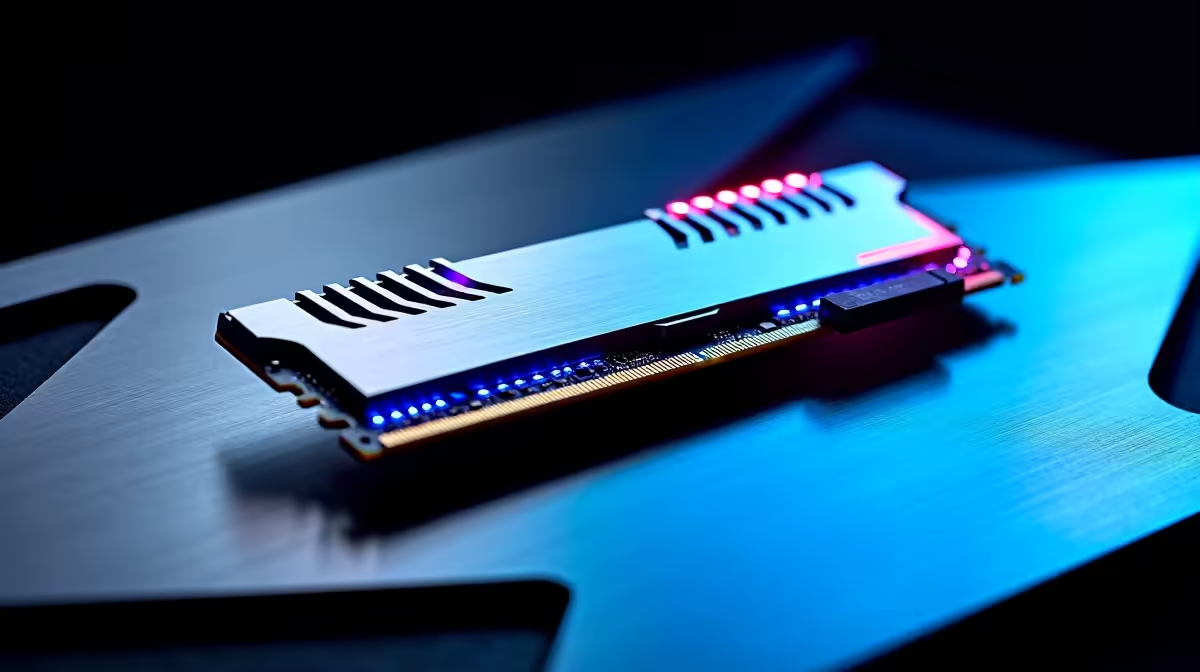
Summer in South Africa is brutal on your PC. When ambient temperatures soar, so do your component thermals. If you are pushing high frame rates or rendering video, managing heat is critical. This practical guide to cooling DDR5 memory and M.2 drives for stable heavy workloads will help prevent thermal throttling. Whether you are a hardcore gamer or a professional creative, heat is your biggest enemy. Let us keep your rig running ice-cold... even when the African sun is baking your gaming room.
The latest hardware brings incredible speed. However, it comes at a steep thermal cost. DDR5 modules feature onboard power management ICs. This means they generate more localised heat than older memory generations.
Similarly, PCIe Gen 4 and Gen 5 NVMe SSDs push massive amounts of data. This extreme transfer rate creates serious heat. If your storage overheats, it slows down to protect itself. This ruins your workflow and extends load times. Upgrading your foundation is key. Modern high-performance motherboards include integrated heatsinks. These are specifically designed to absorb excess thermal output.
You cannot just slap fast RAM into a slot and forget it. High-frequency DDR5 is incredibly sensitive to temperature fluctuations. When rendering large projects, memory temperatures can easily creep past 50 degrees Celsius. At that point, system stability becomes a massive issue.
The easiest fix is ensuring your case has excellent front-to-back airflow. Building a new rig? Look for modules with robust aluminium heat spreaders straight out of the box. You can browse premium DDR5 memory kits featuring aggressive cooling designs. These keep your clock speeds perfectly stable.
Always ensure your front intake fans are pushing fresh air directly over your memory slots and M.2 areas. A slight positive pressure setup stops dust buildup. It also feeds your components the cool air they desperately need during marathon gaming sessions.
Your blazing-fast SSD is useless if it slows down to hard drive speeds. A bare M.2 drive under heavy load will throttle in minutes. Always use a dedicated heatsink to prevent this. Many premium motherboards include massive metal shields, but you can also buy aftermarket coolers.
Ensure the thermal pad makes firm contact with the controller chip... that is the exact part that gets the hottest. Prefer a system perfectly balanced and cooled by experts? Checking out our best gaming PC deals is a smart move. We stress-test every build to ensure thermals stay well below dangerous limits.
PC hardware is a serious financial investment. Replacing a fried SSD or unstable RAM kit costs thousands of Rands. Spending time optimising your cooling setup saves you money.
Proper heatsinks ensure this practical guide to cooling DDR5 memory and M.2 drives for stable heavy workloads works perfectly. Do not wait for a system crash to take thermals seriously. Need to upgrade your cooling hardware or grab an airflow chassis? Keep an eye on our weekly tech specials. It is the best way to save hard-earned ZAR.
Ready to Freeze Out Thermal Throttling? Managing heat is the secret to unlocking maximum performance and longevity for your PC. Whether you need a motherboard with massive M.2 heatsinks or a fully built rig that runs ice-cold, we have you covered. Upgrade your setup with Evetech today and leave thermal throttling in the dust.
The memory kits, tools and accessories referenced in this article are stocked at Evetech.co.za with local SA warranty, ZAR pricing and nationwide delivery.
The article breaks down the real-world impact on gaming FPS, creator workflows and everyday responsiveness — not just raw spec numbers.
Only a handful of specs meaningfully change your experience. The guide ranks them by real impact so you spend on what counts.
We cover upgrade headroom, platform longevity and the specific features worth paying extra for if you plan to keep this build for several years.
The article includes a clear generational uplift summary so you can judge whether upgrading from your current hardware is worthwhile.
GTA 6 Max Settings on RTX 5070. Tested & verified settings for best FPS and visual quality on SA hardware budgets.
Read more
Cyberpunk 2077 Max Settings on RTX 5080. Tested & verified settings for best FPS and visual quality on SA hardware budgets.
Read more
Starfield Max Settings on RTX 5070 Ti. Tested & verified settings for best FPS and visual quality on SA hardware budgets.
Read more
Can RTX 4080 Super Run AI Workloads for SA Developers Detailed answer with SA data, expert analysis & practical recommendations for local buyers.

Can RTX 4090 Run AI Workloads for SA Developers Detailed answer with SA data, expert analysis & practical recommendations for local buyers.

Top Settings for Intel Arc B580 at Ultrawide 1440p picks evaluated on performance, value & SA availability with current Rand pricing from Evetech.

RX 7600 Overclocking Guide: Safe OC Settings for. Real-world benchmark data, FPS numbers & performance analysis. What SA gamers can actually expect.

RTX 4060 CS2 Low Settings at 1080p: FPS Results. Real-world benchmark data, FPS numbers & performance analysis. What SA gamers can actually expect.

Visual Artifacts: Possible GPU Issue Issue #1. Diagnosis steps, proven fixes & when to seek professional help. SA-specific support info included.

Can the RTX 4090 Handle 1440p 144Hz Gaming. Performance testing verdict with real data & practical recommendations for SA buyers.

Top ASUS GPU Under R15000 picks evaluated on performance, value & SA availability with current Rand pricing from Evetech.

RTX 4060 Ti Throttling Under Load: Temperature. Everything you need to know with SA pricing, step-by-step instructions & expert recommendations.

Apex Legends Max Settings on RTX 4080. Tested & verified settings for best FPS and visual quality on SA hardware budgets.

GPU Buying Guide. Everything you need to know with SA pricing, step-by-step instructions & expert recommendations.

GPU Terms Guide. Everything you need to know with SA pricing, step-by-step instructions & expert recommendations.