Quick Answer
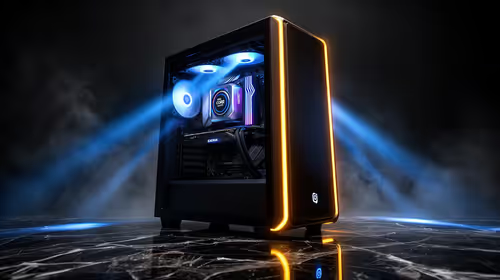
For video editors in SA, the practical AI PC spec is a Ryzen 7 7700 or Core i7, 32GB RAM, an RTX 4070 (12GB, around R11,000-R13,000) for 4K, and a fast 2TB NVMe plus a second drive. That handles Premiere and DaVinci Resolve at 4K for roughly R28,000-R40,000 at Evetech. Editing is CPU-, VRAM- and RAM-led, so spend on cores, GPU memory and storage, not NPU specs.
What video editing needs
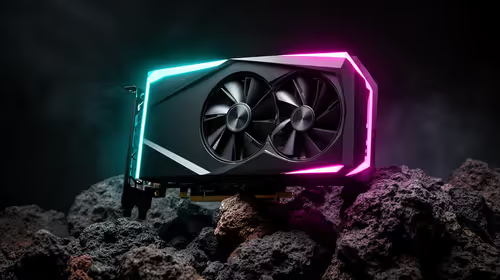
Editing rewards a strong multi-core CPU for rendering, encoding and effects (Ryzen 7 7700 or Core i7, 8 cores minimum), a 12GB+ GPU for GPU-accelerated effects and 4K playback (DaVinci especially leans on VRAM), and 32GB RAM (64GB for heavy multicam). Storage matters too: a fast 2TB Gen4 NVMe for media plus a separate export drive prevents timeline stutter. The RTX 40-series adds AV1 NVENC for faster, higher-quality exports.
SA buying notes
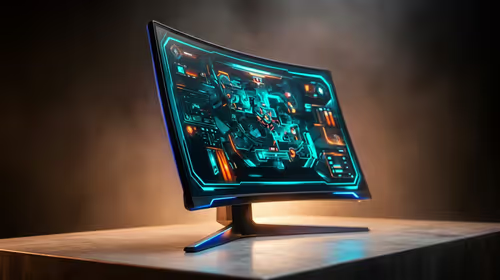
A 4K editing build runs around R28,000-R40,000 depending on tier. Edit 4K from a dedicated 2TB NVMe and export to a second drive to avoid stutter. A colour-accurate monitor helps grading, and a backup drive protects projects. For students or 1080p editing, a Ryzen 5 7600 with 32GB and an RTX 4060 is a capable lower-cost floor. Buy on a current socket so you can add RAM or a stronger GPU as your projects grow. Cores, VRAM and storage come first.
FAQ
What PC specs do video editors need?
A Ryzen 7 7700 or Core i7, 32GB RAM, a 12GB+ GPU like the RTX 4070, and a fast 2TB NVMe plus a second drive. Editing is CPU-, VRAM- and RAM-led, not NPU-led, so spend there.
How much RAM does 4K video editing need?
32GB is the comfortable floor for 4K, with 64GB for heavy multicam or motion graphics. 16GB causes timeline stutter and disk swapping on demanding 4K projects, so size generously.
Does video editing need a lot of VRAM?
Yes, especially in DaVinci Resolve. 12GB (RTX 4070) handles 4K timelines and GPU effects smoothly, and the RTX 40-series adds AV1 NVENC for faster exports. 8GB cards struggle at 4K.
from a dedicated 2TB NVMe and export to a second drive; splitting read and write across drives stops the timeline stutter single-drive setups cause.