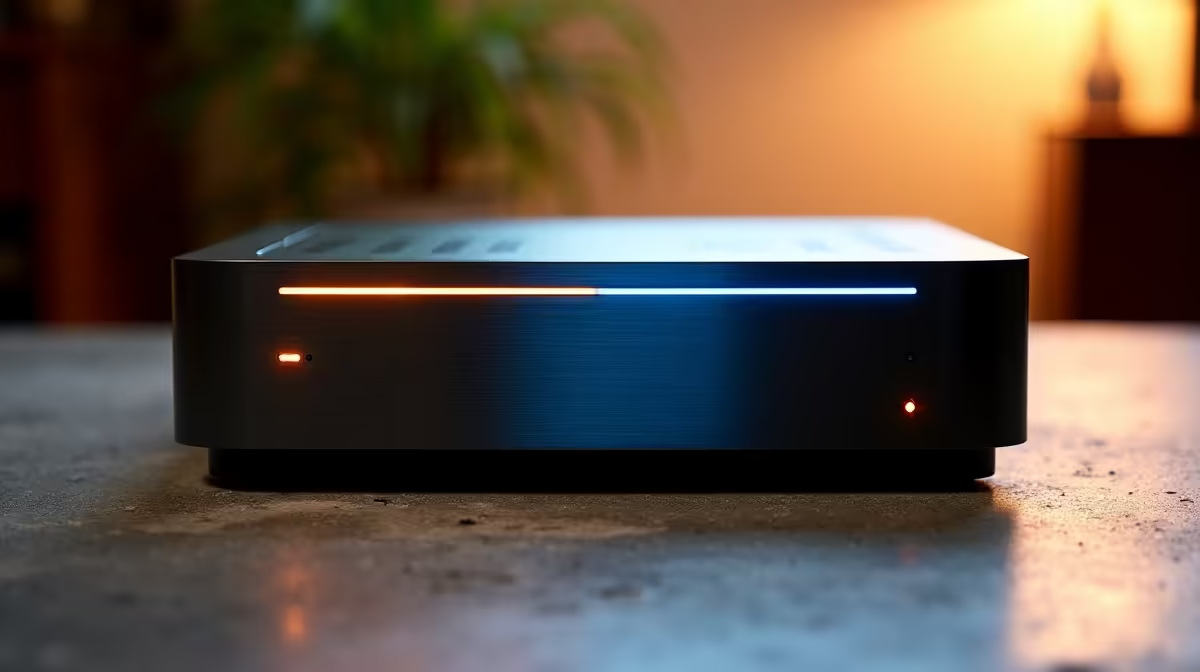
A home media server needs AI upscaling hardware only when the owner processes old footage or runs a supported enhancement pipeline. Normal file serving and direct playback depend on storage, networking and codec support. Spend on reliable capacity before specialised graphics that may sit idle.
Define the media job
List simultaneous streams, source codecs, target devices and whether the server must transcode. For offline upscaling, record the software, model and graphics requirements. A server that direct-plays files can use far less compute than one enhancing video in real time.
For compact processing, the verified R12,900 GEEKOM A8 Max includes Ryzen 9 8945HS, 32GB memory and 1TB storage. Confirm operating-system, network ports and upscaling acceleration. It may need external storage for a large library.
The Seagate Expansion 4TB external hard drive costs a verified R2,057 for archive capacity, while the 8TB version is verified at R3,723. Check sustained access, backups and drive placement. One media disk is not the only copy of irreplaceable family footage.
Test one complete conversion
Upscale a representative clip, inspect artefacts and measure processing time. Test direct playback during the same period. Buy AI capability only when the visible result and repeated workload justify it. Record the accepted quality settings. Archive the test conversion logs.
Planning a home media server? > Ask Evetech to match compute, storage and network ports to the playback and upscaling jobs.