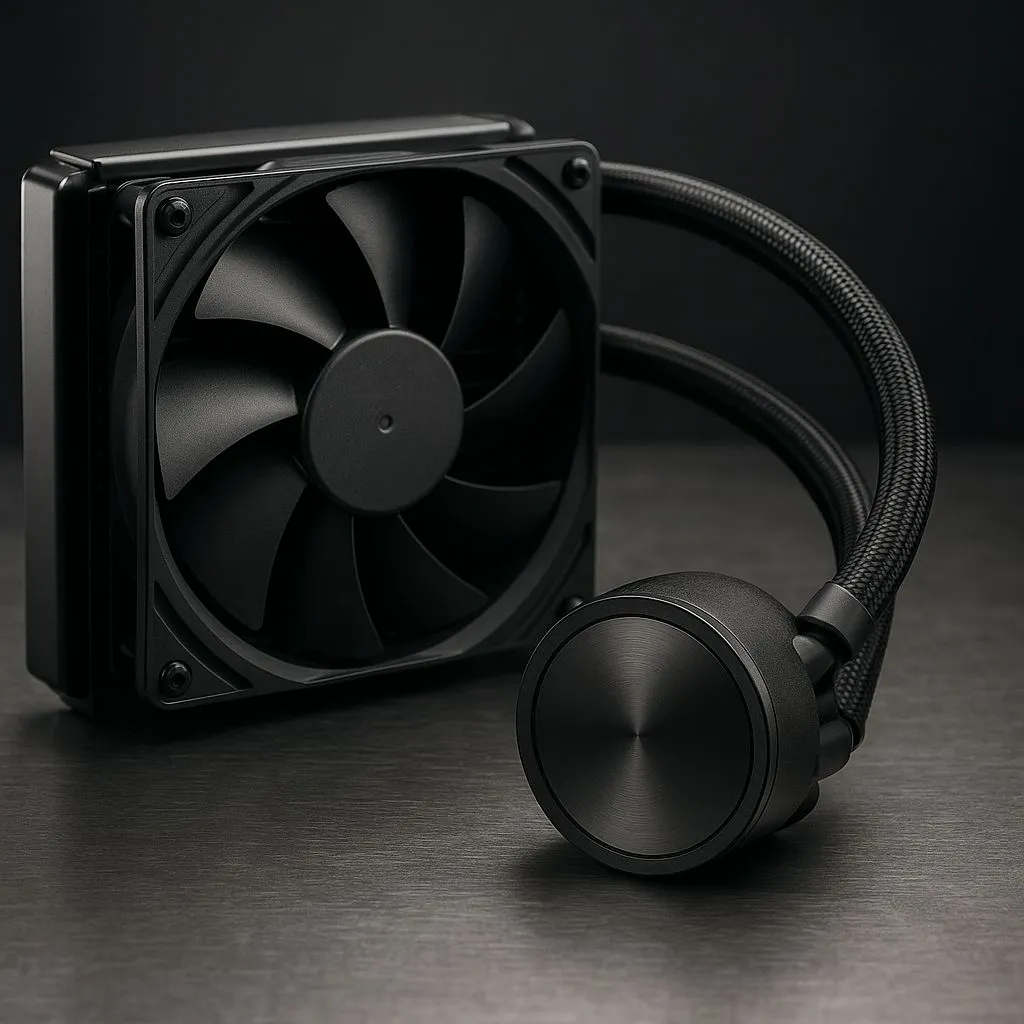
That quiet hum from your PC is the sound of victory... until it isn’t. Is your All-In-One (AIO) liquid cooler making strange gurgling noises? Are your CPU temps slowly creeping up? You’re not just imagining it. Your cooler's silent enemy, permeation, might be signalling the end of its life. Understanding the typical AIO cooler lifespan is crucial for protecting your precious CPU from a thermal meltdown, especially as we head into 2025.
Understanding the AIO Cooler Lifespan Killer: Permeation
So, what exactly is this performance-sapping culprit? Permeation is the natural process where a tiny amount of the liquid coolant inside your AIO's tubes slowly escapes through the microscopic pores of the tubing material itself. It's not a leak you can see or patch. Think of it as slow-motion evaporation. ⏳
Over several years, this gradual fluid loss introduces air into the sealed loop. That air is what causes the dreaded gurgling sounds and, more importantly, reduces the cooler's ability to transfer heat efficiently. This is the primary factor that limits the effective lifespan of an AIO cooler, even if the pump and fans are still mechanically sound. It's an unavoidable aspect of owning most all-in-one liquid coolers.
The Realistic Lifespan of an AIO Cooler in 2025
While many manufacturers offer warranties of five or even six years, this warranty typically covers catastrophic failure, like a dead pump or a faulty fan. The gradual performance decline from permeation isn't usually covered.
So, how long do they really last?
- Peak Performance: 3–4 years. In this window, your AIO should perform close to how it did out of the box.
- Performance Decline: 4–6 years. You'll likely notice higher temperatures and more noise as air enters the loop. The cooler still works, but not as well.
- End of Life: 6+ years. At this point, the coolant level may be low enough to risk pump damage or cause significant thermal throttling on your CPU.
Of course, build quality matters. Premium brands like Corsair AIO coolers often use higher-density tubing and superior seals, which can slow the permeation process and extend the unit's effective lifespan.
Check Your Pump Speed! 🔧
Unsure if your pump is working? Most motherboards let you monitor pump RPM in the BIOS under "CPU_FAN" or "AIO_PUMP" headers. In Windows, free tools like HWiNFO64 can show you the live speed. A healthy pump usually runs at a constant high RPM (e.g., 2000-3000 RPM). If it shows 0 RPM or the speed is erratic, it's a major red flag.
Telltale Signs Your AIO Pump is Dying
Your PC will give you warnings before your cooler gives up completely. Keep an ear and an eye out for these symptoms that indicate your AIO cooler lifespan is nearing its end:
- Rising Temperatures: The most obvious sign. If your CPU is idling 10-15°C hotter than it used to, it's time to investigate.
- Gurgling or Sloshing Sounds: This is the sound of air bubbles moving through the loop and hitting the pump impeller.
- Pump Whine or Grinding: Any new, high-pitched or mechanical grinding noises from the CPU block itself point to a struggling pump motor.
- Vibration: Placing a finger gently on the CPU block might reveal excessive vibration if the pump bearing is failing.
Extending AIO Lifespan vs. The Air Cooler Alternative
While you can't stop permeation, proper installation helps. Mounting your radiator higher than the pump block encourages air bubbles to collect in the radiator instead of the pump, prolonging its mechanical life.
However, every AIO is ultimately a consumable. For gamers and creators pushing high-end CPUs, the superior cooling from a large 360mm radiator AIO is worth the eventual replacement cost. They simply move heat away from the CPU socket more effectively than other solutions. ❄️
But if you prioritise longevity and set-it-and-forget-it reliability over peak aesthetics and performance, the classic air cooler remains an unbeatable option. With only a fan as a moving part, a high-quality air cooler can easily outlive the rest of your PC components.
Feeling the Heat? Upgrade Your Cooling.
Whether you're replacing a dying AIO or building a new rig from scratch, a reliable CPU cooler is non-negotiable for performance and peace of mind. Explore our huge range of CPU coolers and find the perfect solution to keep your temps in check.