Quick Answer
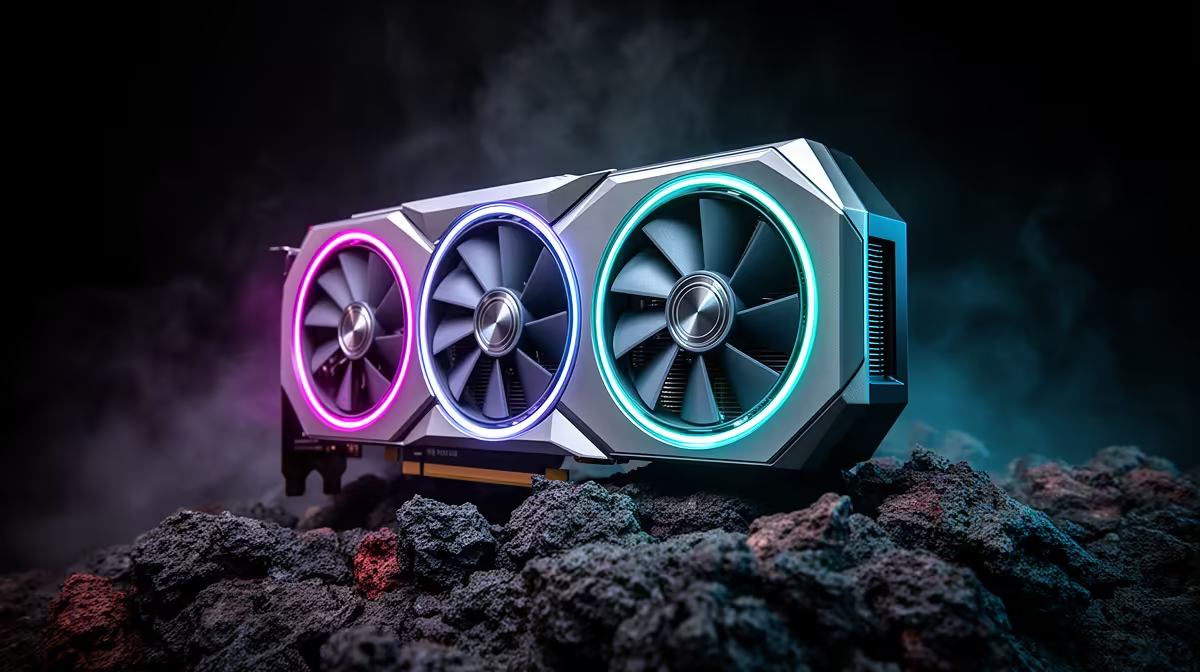
The best alternative is RTX 5080 if it fits your budget and software needs; RTX 4090 24GB when available and Radeon RX 7900 XTX 24GB are the next cards to compare. For AAA single-player gaming, do not buy only by model number - compare VRAM, power draw, cooler size and the monitor you actually use. A cautious SA price band for this decision is R22,000-R55,000, with exact Evetech pricing checked at checkout.
Best Cards To Shortlist
Start with RTX 5080, then compare RTX 4090 24GB when available and Radeon RX 7900 XTX 24GB. Expect the buying decision to revolve around 4K 60-100 fps targets, 16GB or 24GB VRAM, and whether ray tracing matters more than raw raster speed.
For SA buyers, shortlist cards with local warranty support. Use the R22,000-R55,000 band as a planning guide, then check the final basket because GPU pricing moves quickly.
Match The GPU To Aaa Single-Player Gaming
For cinematic games, VRAM and quiet cooling matter. Choose the card that keeps 4K textures stable and lets you reduce one heavy setting instead of dropping the whole preset. For 4K TV use, check memory bandwidth, HDMI 2.1 and cooler noise.
What Not To Overpay For
Do not pay extra just because the card name sits one tier higher. Check PSU fit too: mid-range cards often suit quality 650W to 750W units, while high-end cards can need 850W or more.
FAQ
Which alternative should I compare first?
Compare RTX 5080 first because it is the closest practical fit for AAA single-player gaming. Then use RTX 4090 24GB when available and Radeon RX 7900 XTX 24GB as the price and VRAM checks before committing.
Is more VRAM worth it for SA buyers?
Yes when the workload uses it. For 1440p gaming, creator apps, VR and local AI, 16GB or 24GB can age better than a faster 8GB or 12GB card.
Should I wait for a different GPU tier?
Wait only if your current PC still meets your monitor target. If you are below 60 fps, short on VRAM, or building a new machine now, choose the best stocked card in your realistic price band.
Buyer check
Before ordering, write down your monitor resolution, refresh rate, PSU wattage and case GPU clearance. If it clears those four checks, it is practical.