Analog vs Digital Keyboard Switches: What PC Gamers Need
Whether you're fragging in Kyalami or grinding MMR in Cape Town, choosing between analog vs digital keyboard switches can make or break your play. This guide cuts through marketing noise with real-world tips, quick tests you can do at home, and what to look for when buying locally. Ready to feel the difference in every keystroke? 🔧⚡
Analog vs Digital Keyboard Switches: How they differ
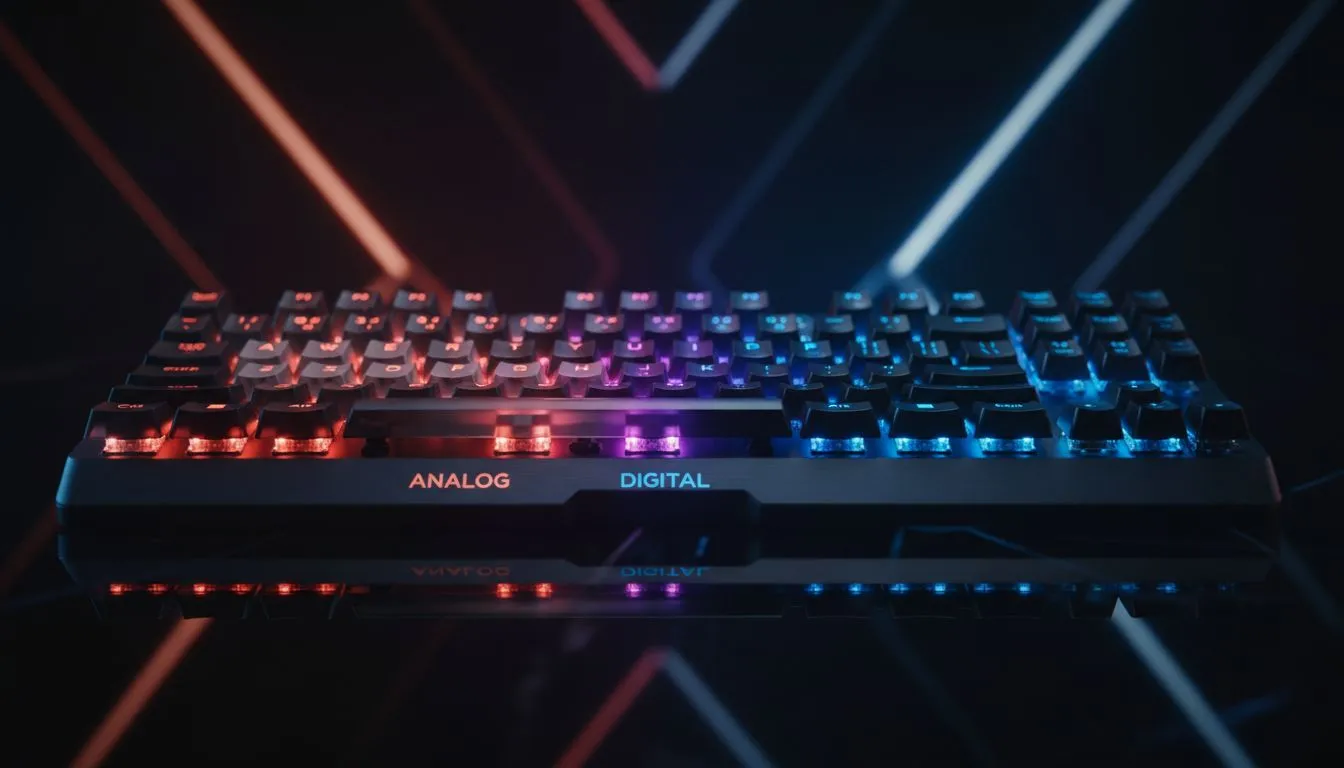
Analog switches report a range of travel and pressure, letting games read partial keystrokes for smooth throttle control or variable movement. Digital switches are binary: on or off, fast and predictable for precise inputs. Want a deep dive on models and deals? Check current curated options in our roundup of best gaming keyboard deals for local availability and specs.
Why it matters for PC gamers in South Africa
If you play flight sims, racing, or RPGs with analog movement, analog switches can feel more natural. For FPS and esports, many pros prefer the instant feedback of digital switches. Both types come in wired and wireless forms; compare your latency and convenience needs against battery life and price.
Analog vs Digital Keyboard Switches: Buying tips and build choices
Start by identifying your dominant genres, then shortlist keyboards that match that input profile. Try actuation tests in Windows or a simple text editor to judge travel and reset. If you're shopping value-first, our list of cheapest gaming keyboard options in South Africa is a practical place to begin. Prefer a combo? See curated keyboard and mouse combos for matched feel and warranty simplicity.
Productivity Pro Tip ⚡
On Windows, use the PowerToys Keyboard Manager to remap keys and simulate analog behaviour with macros. It’s perfect for testing whether analog-style inputs improve your in-game control without buying new hardware.
Wired or wireless: the latency question for analog vs digital keyboard switches
Wired keyboards still offer the lowest latency and consistent power for analog sensing. But modern wireless options have closed the gap. If you value cable-free setups, compare models in our wired and wireless filters — start here for wired keyboards and here for wireless options. ⚡
Quick in-shop test (30 seconds)
- Open a text editor.
- Slowly press a key and note if the cursor moves progressively (analog) or only at the click (digital).
- Try rapid taps to test reset speed and feel. This simple check helps avoid buyer's remorse.
Analog vs Digital Keyboard Switches: Final thoughts
There's no one-size-fits-all. Your preferred genres, local stock, and whether you want customisation will decide. Try before you buy when possible, and weight warranty and support — Evetech stock and policies can help if you need swaps or local repairs.