Get the buying order right and the budget stretches much further. AR display glasses shine as a portable, cable-light second screen, not as a desktop monitor stand-in. For a first-year setting up a room for the first time, get the essentials right before the extras and lean on the NSFAS R5,200 allowance toward a laptop, not gadgets.
Quick Answer
AR glasses are best as a portable virtual monitor for travel and tidy desks, not a gaming-monitor replacement. A pair of display glasses (around 1080p per eye, 120Hz, ~80g) runs roughly R6,000-R12,000 at Evetech and pairs to a handheld, phone or laptop over USB-C DisplayPort.
What AR glasses are good for
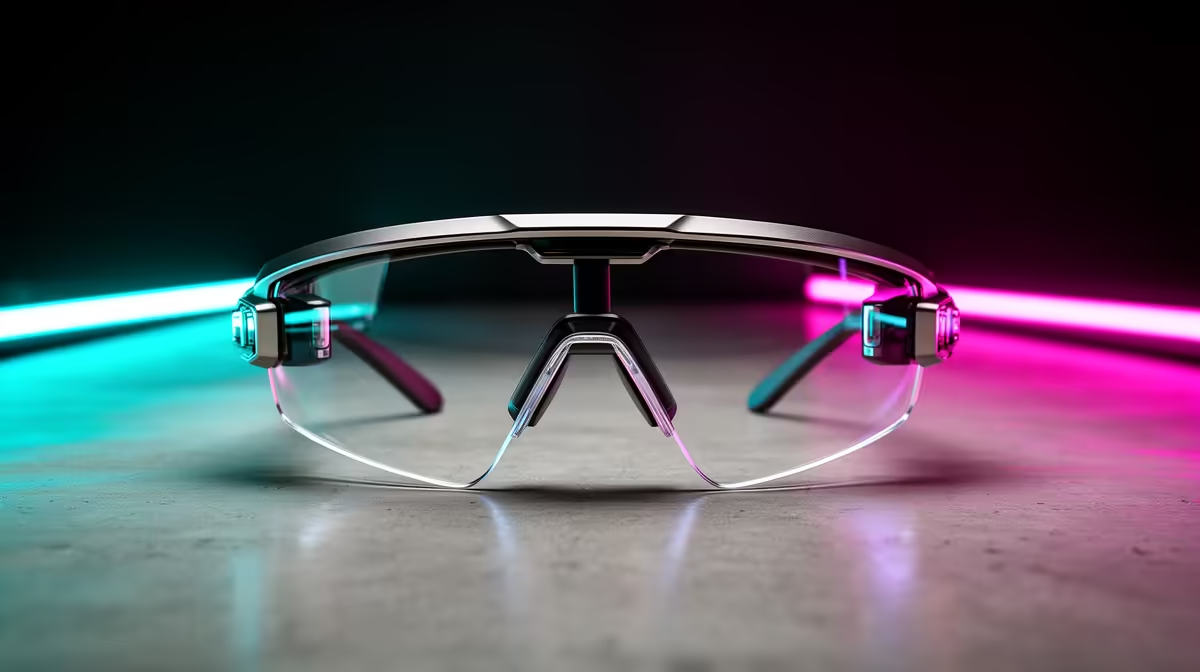
Display glasses give a large floating screen, typically a 1080p-per-eye Micro-OLED panel at up to 120Hz, weighing 75-85g. That suits a clean desk (no monitor stand) and travel, turning a handheld or phone into a big private screen. They are not a true AR overlay or an esports display.
Connectivity and what drives them
Most glasses use one USB-C cable carrying DisplayPort video; confirm your device supports USB-C video out, or use a small dongle. For gaming, pair them with a Steam Deck OLED or ROG Ally X. Entry glasses near R6,000 give a sharp 1080p image; premium models at R10,000-R12,000 add brightness (nits) and field of view.
The right buying order
Buy in order of impact, not price. Get the core piece of AR glasses working first, add the accessory that removes your biggest friction next, and treat the nice-to-haves as later purchases. Spending in the wrong order is how budgets get wasted on extras before the basics are right.
A sensible first-year buying order
First-years over-buy gadgets and under-buy the basics. Get the desk, chair and a reliable laptop sorted first, then add this once the core setup works. The NSFAS R5,200 allowance does not cover even the cheapest R8,000 laptop, so plan a combined budget and treat extras as a later upgrade.
FAQ
Should a first-year buy this before a laptop?
No. The NSFAS R5,200 allowance does not cover even an R8,000 laptop, so sort the laptop, desk and chair first and add AR glasses once the core setup works.
Can AR glasses replace a gaming monitor?
For travel and tidy desks, yes as a 1080p 120Hz virtual screen; for competitive gaming, no. A 165Hz desktop monitor still wins on refresh rate and latency.
What do I need to connect AR glasses?
A device with USB-C DisplayPort video out: most modern laptops, many phones, and handhelds like the Steam Deck OLED. Some need a small adapter, so confirm USB-C video support first.
phone, laptop or handheld supports USB-C DisplayPort video before buying, and treat AR glasses as a portable second screen.