

Will A Pcie 5.0 Gpu Work With A Pcie 4.0 Motherboard? Compatibility Guide
Will A Pcie 5.0 Gpu Work With A Pcie 4.0. Hand-picked gift ideas at every budget tier. SA pricing & Evetech availability included.
Read moreOptimize your gaming experience with our bandwidth-boosting extenders. 🔥 Low latency, high performance, and seamless connectivity designed specifically for gamers. Elevate your gameplay today!
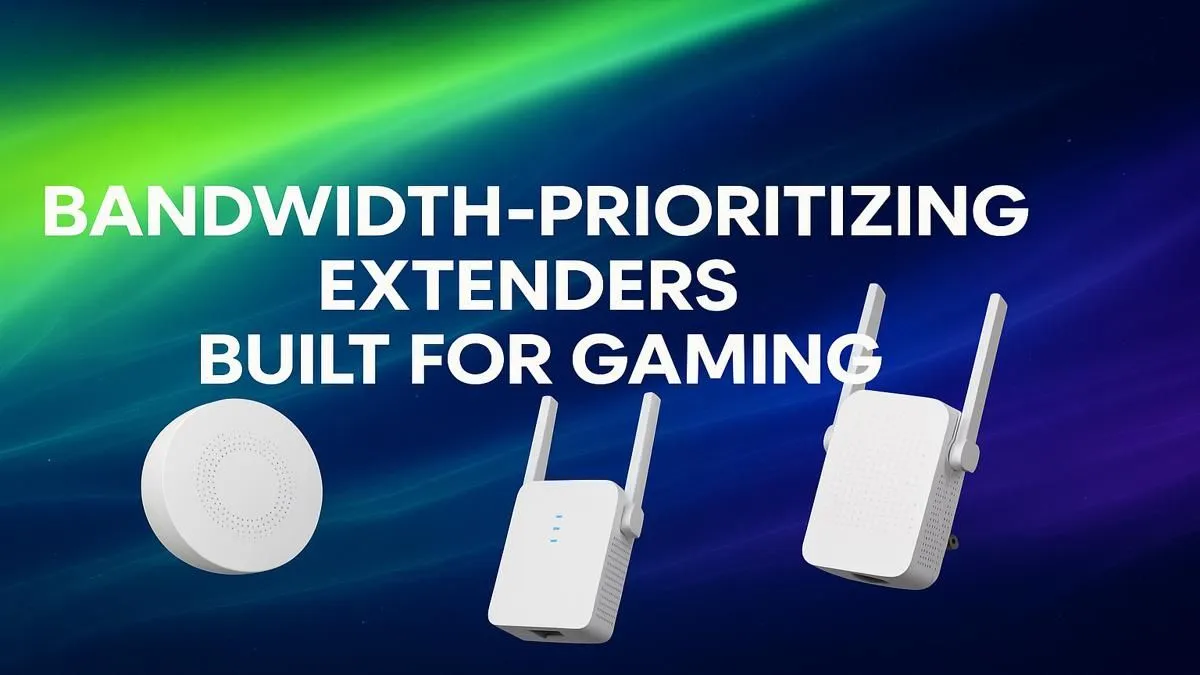
You’re one-on-one, the final circle is closing in, and… boom. Your connection stutters. Someone in the house just fired up Showmax, and now your ping is through the roof. It's a uniquely South African frustration. But what if you could tell your Wi-Fi to put your game first? That’s exactly what bandwidth-prioritizing extenders for gaming are designed to do, ensuring your connection stays as sharp as your aim. 🚀
In most homes, your Wi-Fi network is a free-for-all. Every device—from your gaming PC to your smart TV and your flatmate's phone—is shouting for attention at the same time. A standard range extender just amplifies this chaos over a wider area. It doesn’t solve the core problem: network congestion. For competitive gaming, you need a smarter solution that doesn't just boost the signal, but also manages the traffic. Understanding the fundamentals of wireless networking is the first step to diagnosing your lag.
This is where the magic happens. A quality bandwidth-prioritizing extender for gaming uses a feature called Quality of Service, or QoS. Think of QoS as a dedicated VIP lane on the internet highway, reserved specifically for your game's data packets.
Here’s how it works in simple terms:
These extenders ensure that even when your network is busy, your gaming performance remains smooth and responsive. While these features are key in extenders, many modern wireless routers also include powerful QoS engines, making them the heart of a stable gaming network.
For the best results, place your Wi-Fi extender roughly halfway between your router and your gaming setup. Avoid tucking it away behind a TV or inside a cabinet. A clear line of sight, or at least minimal obstruction, is key to a strong, stable signal.
Before you upgrade, ask yourself a few questions:
If you answered "yes" to any of these, an extender that prioritises gaming is likely the fix you need. Sometimes, the bottleneck isn't the signal distance but the hardware in your PC itself. Upgrading to a modern Wi-Fi 6 card can make a massive difference, so it’s always worth checking your PC’s specs and considering dedicated wireless adapters for a direct performance boost. ✨
Ultimately, creating a lag-free environment means tackling the weakest link in your network. For many South African gamers stuck far from the router, a smart extender is the most effective and affordable solution.
Stop Sharing Bandwidth, Start Winning Games Don't let a slow network be your biggest opponent. Explore our curated selection of powerful wireless range extenders and find the perfect fit to finally stabilise your connection.
Bandwidth-prioritizing extenders offer low latency, QoS settings, and stable connections to enhance gaming performance.
Advanced QoS features allocate more bandwidth to gaming traffic, reducing lag and ensuring smoother gameplay.
Yes, using an optimized WiFi extender with gaming-focused features can significantly reduce latency and ping times.
Choose extenders with QoS, dual-band support, Ethernet ports, and prioritization settings for low ping gaming.
Yes, some extenders are designed specifically for gaming, featuring bandwidth prioritization and latency-reducing technology.
QoS settings in extenders prioritize gaming traffic to ensure low latency, reducing lag during online play.
While possible, gaming-specific extenders with optimized features deliver better performance for low ping gaming sessions.
Will A Pcie 5.0 Gpu Work With A Pcie 4.0. Hand-picked gift ideas at every budget tier. SA pricing & Evetech availability included.
Read more
Streamelements Setup with GPU: Streamer Guide. Clear setup instructions with SA-specific considerations, troubleshooting tips & recommended components.
Read more
Intel Arc B580 Throttling Under Load: Temperature. Everything you need to know with SA pricing, step-by-step instructions & expert recommendations.
Read more
Complete ATX Case Size Guide: Interior Dimensions. Best deals curated with real SA discounts, price history & tips on getting genuine value.

What GPU Do You Need for AI & Machine Learning. Hardware requirements breakdown with recommended specs & SA pricing for each tier.

Top Settings for RTX 4060 at Ultrawide 1440p picks evaluated on performance, value & SA availability with current Rand pricing from Evetech.

Head-to-head comparison of FreeSync vs G-Sync Explained: Which Should Gamers for SA gamers. Performance benchmarks, Rand pricing & which delivers better value.

Every spec on PCIe 5.0 explained in plain English. What matters for gaming and creator work in 2026, what's marketing fluff, and how each number translates to real-world performance.

Every spec on bios explained in plain English. What matters for gaming and creator work in 2026, what's marketing fluff, and how each number translates to real-world performance.

Every spec on gaming setups explained in plain English. What matters for gaming and creator work in 2026, what's marketing fluff, and how each number translates to real-world performance.

Every spec on cooling systems explained in plain English. What matters for gaming and creator work in 2026, what's marketing fluff, and how each number translates to real-world performance.

Every spec on understanding how much vram is needed explained in plain English. What matters for gaming and creator work in 2026, what's marketing fluff, and how each number translates to real-world.

How to pick the right PCIe 5.0 for your build in 2026: the features worth paying for, ZAR value tiers, and the trade-offs between budget, mid-range and flagship picks.

Every spec on gpu explained in plain English. What matters for gaming and creator work in 2026, what's marketing fluff, and how each number translates to real-world performance.

Every spec on gpu explained in plain English. What matters for gaming and creator work in 2026, what's marketing fluff, and how each number translates to real-world performance for SA buyers.