Want to build a massive Twitch or YouTube audience from South Africa? You are not alone. With fibre speeds rising across the country, local content creation is booming. But nothing kills a broadcast faster than stuttering gameplay and dropped frames. If you want silky-smooth 1080p output without melting your processor, you need a proper StreamElements setup with GPU encoding. Let us get your SA streamer guide underway.
Why Hardware Encoding Matters for Local Broadcasters
Software encoding relies heavily on your CPU. That is fine for basic chatting... but try running a modern AAA title alongside StreamElements OBS Live. Your frame rate will immediately tank. Moving the heavy lifting to your graphics processor solves this instantly.
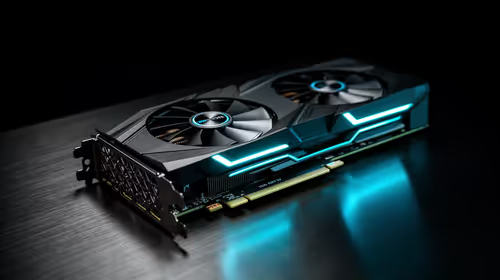
Modern Nvidia and AMD cards feature dedicated hardware encoders like NVENC. These chips handle the video compression independently. Your game performance remains virtually untouched. If you are looking to upgrade your rig for content creation, browsing the latest graphics cards for sale is your smartest first step.
Building the Ultimate StreamElements Setup
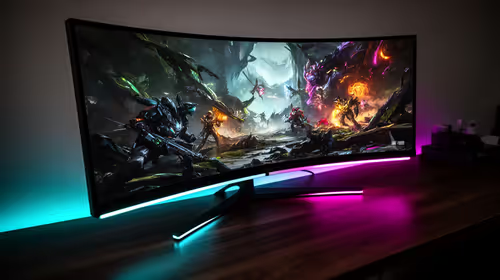
To optimise your broadcast, you need a machine that balances gaming performance with encoding power. Many local creators start with a single-PC setup. This requires serious muscle to handle complex rendering and streaming simultaneously. Finding the best gaming PC deals ensures you get a system robust enough to push high frame rates. It also keeps your demanding StreamElements overlays running flawlessly in the background.
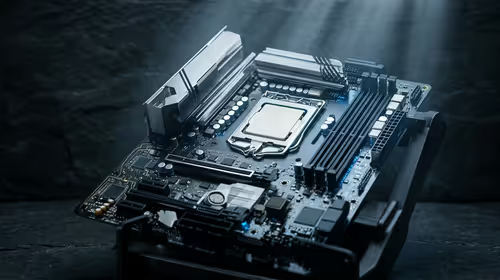
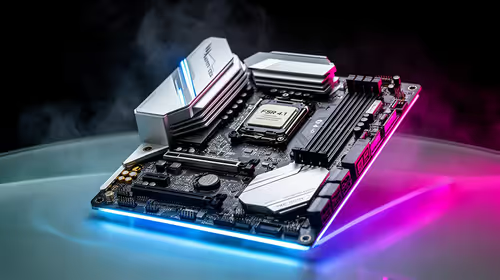
Not keen on building a complex rig from scratch? We completely understand. Sourcing individual parts can be daunting when you just want to hit the go-live button. Grabbing one of our pre-built PC deals gives you a plug-and-play solution. You get perfectly matched components tested for maximum stability. This reliability is absolutely crucial when you have hundreds of local viewers watching your every move.
Managing Overlays and Browser Sources
StreamElements relies heavily on browser sources to display your alerts, chat boxes, and custom widgets. These dynamic elements are surprisingly resource-intensive. Fortunately, OBS allows you to enable hardware acceleration for browser sources. This forces your graphics card to render the animations instead of your processor. When you configure your StreamElements setup with GPU acceleration, your alerts pop up instantly without causing micro-stutters in your game. ✨
Streaming Pro Tip ⚡
In StreamElements OBS Live, navigate to Settings > Output. Change the Output Mode to Advanced and select NVENC (Nvidia) or AMF (AMD) as your encoder. Set your bitrate to 6000 Kbps for crisp 1080p 60fps streaming on SA fibre connections.
Mobile Streaming and Budget Upgrades
What if you travel often or lack the desk space for a massive desktop tower? Portable power has come a long way recently. A modern gaming notebook equipped with a dedicated RTX graphics chip handles StreamElements overlays effortlessly. Explore our massive range of laptops and notebooks in South Africa to find a mobile broadcasting station that fits your fast-paced lifestyle.
Getting your SA streamer guide basics right does not mean emptying your bank account. Every Rand counts when you are investing in microphones, lighting, and webcams. Keep a close eye on our daily hardware specials to score premium streaming gear at unbeatable ZAR prices. Building your dream channel is entirely possible on a sensible budget. 🚀
Ready to Launch Your Streaming Career?
Your audience is waiting. Stop battling with dropped frames and start broadcasting in crystal-clear quality. Explore Evetech's massive range of gaming PCs and find the perfect hardware to power your creator journey today.