Quick Answer
For competitive esports, PCIe 5.0 versus 4.0 makes no measurable difference: the input-to-display latency is identical, since esports titles are small and GPU-light. A B650 or B760 board on PCIe 4.0 (from around R2,500) games the same as a pricier Z890 or X870 on PCIe 5.0. Spend the difference on a 240Hz+ monitor instead.
Why PCIe doesn't affect esports latency
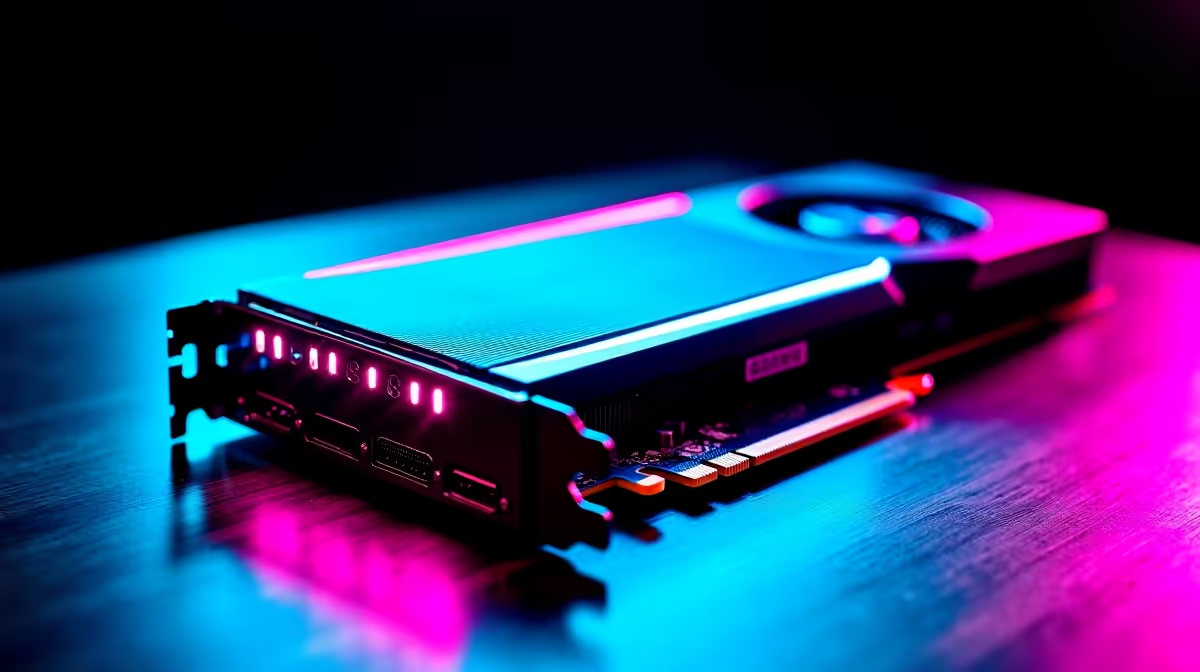
In CS2, Valorant, and Apex, the GPU is barely stressed and the game largely sits in RAM during play, so the PCIe generation has no effect on frame timing or input lag. Both PCIe 4.0 and 5.0 deliver the same fps and the same sub-millisecond response. What you feel comes from your monitor, mouse, and frame rate, not the slot.
Naming boards per generation
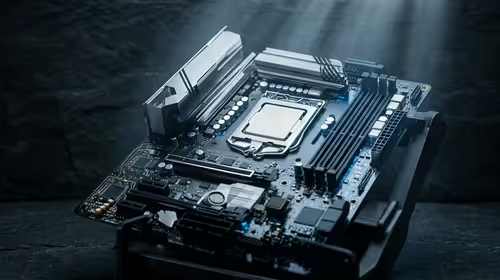
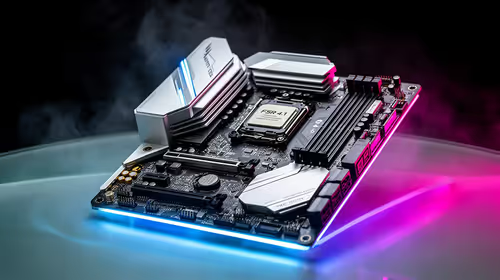
For PCIe 4.0, a B650 (AM5) or B760 (Intel) board pairs well with esports CPUs. For PCIe 5.0, a Z890 or X870 board adds the newer slot, but at a higher price with no esports gain. The price delta between generations, often R2,000 to R3,000, is better spent elsewhere in a competitive build.
Where to spend for esports
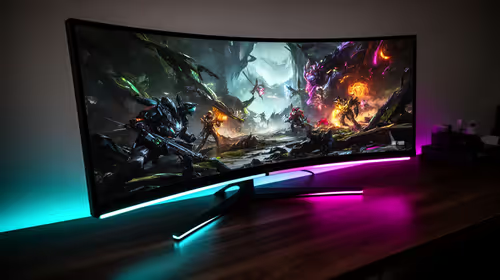
The real latency wins come from a 240Hz to 480Hz monitor, a light mouse with a 2.4GHz dongle (~15ms), and a CPU that holds high fps. A B650 or B760 board feeds an RTX 5060 Ti or RTX 5070 to 300+ fps in esports titles, which matters far more than the PCIe version.
FAQ
Does PCIe 5.0 lower esports latency?
No. Esports titles are GPU-light and sit in RAM during play, so the PCIe generation has no effect on frame timing or input lag. Both 4.0 and 5.0 deliver identical response.
Which boards should I compare per generation?
For PCIe 4.0, a B650 or B760 board suits esports. For PCIe 5.0, a Z890 or X870 adds the slot at a higher price, but with no competitive gain, so 4.0 is the value pick.
Where should I spend for esports instead?
Put the money into a 240Hz to 480Hz monitor, a light 2.4GHz mouse (~15ms), and a CPU that holds high fps. These deliver real latency wins that the PCIe version cannot.
For an esports build at Evetech, choose a B650 or B760 board on PCIe 4.0 and put the saved R2,000+ into a 240Hz+ monitor, which actually lowers your real-world latency.