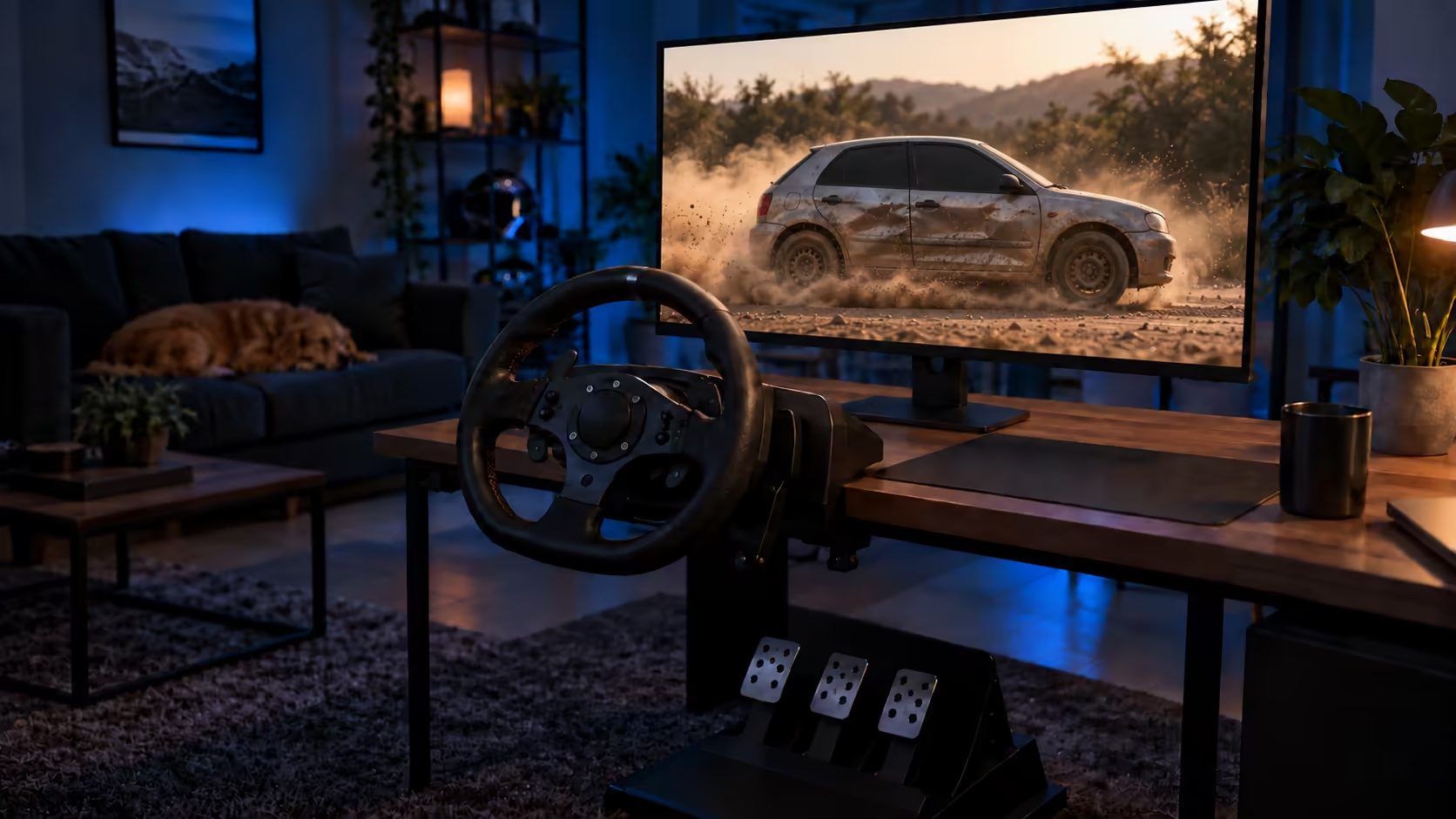
If you searched for beamng drive pc requirements, you are probably asking one question: will my machine keep up with the physics? Many players assume a strong graphics card is the answer, and that assumption is where a lot of frustration starts. BeamNG.drive leans hard on the processor, so a fast card paired with an older CPU will still stutter once the traffic builds.
The good news is that you can work out what your PC needs before spending a rand on hardware. The game's soft-body physics, the number of AI cars on the road and the size of your mods each push a different part of the machine. Once you know which one is your limit, the choice between a new processor, more memory or a racing wheel becomes much clearer.
Quick Answer
BeamNG.drive leans on the processor, with cores and clock speed mattering as much as the graphics card, because its soft-body physics simulate every car part in real time. Plan for 16GB of RAM so modded maps and heavy traffic run smoothly. A first wheel can be the R749 Marvo GT-903, or a force-feedback Logitech G29 at R4,999 if you want to feel grip loss through the rim.
🧠 Processor first, graphics card second
BeamNG.drive models each vehicle as a mesh of nodes and beams, and that physics model is recalculated about 2,000 times a second. All of that work sits on the processor, so cores and clock speed matter as much as the graphics card. Every extra AI car adds more CPU load, which is why a busy road can slow the game down even when your GPU has plenty of headroom.
A faster graphics card still has a role. It raises resolution and detail, and the scenery looks better for it, but it does not fix slowdowns caused by traffic or big crashes. The quickest way to tell which part is holding you back is to measure it. Press Ctrl+Shift+Esc to open Task Manager, switch to the Performance tab, and drive into a busy stretch of road. BeamNG leans hardest on a few cores, so overall CPU use can look modest while one core is maxed out. Right-click the CPU graph, choose Change graph to, then Logical processors: if one or two threads sit near 100 percent while the GPU graph stays low, the processor is your limit, and a new card will not change that.
💾 RAM: 16GB is the comfortable target
Sixteen gigabytes is the comfortable target for modded maps and heavy traffic. With 8GB the game still starts, but it begins to struggle once several AI cars share the road, and that is when stutters become obvious. To check your own amount, open Settings, then System, then About, where Windows lists the installed RAM.
If you are not sure which side of that line you are on, leave a traffic-heavy session running and watch the Memory tab in Task Manager. Memory use that sits close to your total while the game stutters means RAM is the limit. In that case a memory upgrade is a better first spend than a new graphics card, because the card cannot free up space for the physics to run.
🎮 Choosing your first wheel
Wheels cover a wide price range, and the right one depends on how much feedback you want through the rim. Here is how the three tiers compare, from the cheapest up.
Budget: Marvo GT-903 at R749
The Marvo GT-903 costs R749 and uses vibration motors rather than force feedback. You feel rumble through the wheel, but it does not push back against your hands, so it will not show you when the tyres are losing grip. It is a low-risk way to learn steering and pedal timing before you commit to more money.
Force feedback: G29 or G920 at R4,999
The Logitech G29 Driving Force has force feedback and is made for PlayStation and PC. The Logitech G920 Driving Force has force feedback and is made for Xbox and PC. Both cost R4,999. Force feedback is what lets you feel grip loss and bumps, and that is the main reason to step up from the Marvo. Pick the G29 if you also play on PlayStation, or the G920 if you also play on Xbox.
Direct drive: Turtle Beach VelocityOne Race KD3 at R8,299
The Turtle Beach VelocityOne Race KD3 is a direct-drive wheel and pedal set made for Xbox and PC, priced at R8,299. It sits at the top of this range and suits a player who has already decided a wheel is the next step, rather than a curious first try.
Compare the full set in the racing simulation components category, or scroll through the grid below.
🚗 Who a wheel suits, and where to start
A wheel is not for everyone on day one. If you are a keyboard player who is curious about wheels, a gamepad is the gentler step. Its analogue sticks and triggers give finer control than keyboard keys, so you can learn throttle and steering in the game before spending on hardware. Teens who play on a keyboard and get curious about a wheel can start that way, then move to the R749 Marvo when they want something in their hands.
Most of us do not have a dedicated sim room. A wheel clamped to an ordinary desk in a flat works well for casual sessions. Clamp it firmly, then give the wheel a hard turn before you start a race to check the desk does not shift. If it moves, tighten the clamp first.
Practising gravel and dirt-road driving, like the Karoo back roads, is where a force-feedback wheel earns its place. Loose surfaces let go of grip suddenly, and a G29 or G920 at R4,999 lets you feel that through the rim rather than discovering it when the car is already sideways. When you are ready to compare options, start with the sim racing range at Evetech.
Frequently Asked Questions
Can I play BeamNG.drive with a controller instead of a wheel?
Yes. A gamepad's analogue sticks and triggers give finer control than keyboard keys, so it is a solid start before you spend on a wheel. Force feedback is the thing a wheel adds, letting you feel grip loss and bumps.
Is 8GB of RAM enough for BeamNG.drive?
It is enough to start the game, but 8GB struggles once several AI cars are on the road. Aim for 16GB if you run modded maps or heavy traffic.
Will a better graphics card stop traffic stutter?
Not on its own. A faster card raises resolution and detail, but it does not fix slowdowns caused by traffic or big crashes, so check CPU use in Task Manager first.
Does the Marvo GT-903 have force feedback?
No. It uses vibration motors, so you feel rumble, but it does not push back against your hands the way a force-feedback wheel does. It costs R749.
Which Logitech wheel should I buy for PC?
The G29 and the G920 both have force feedback and both cost R4,999. The G29 is made for PlayStation and PC, and the G920 is made for Xbox and PC, so choose based on the other console you own.
Ready to build a proper sim racing setup?
Browse Evetech's racing wheels and sim racing range, from a R749 starter wheel up to a direct-drive kit, and pick the one that fits your budget and your PC.