


Black Myth: Wukong 2 Ultrawide Support: 21:9 and 32:9 Setup Guide
Black Myth: Wukong 2 Ultrawide Support: 21:9 and. Clear setup instructions with SA-specific considerations, troubleshooting tips & recommended components.
Read moreYour gaming rig might be holding you back 🔥 Discover how identifying and upgrading the weakest parts can supercharge your PC's performance 🚀
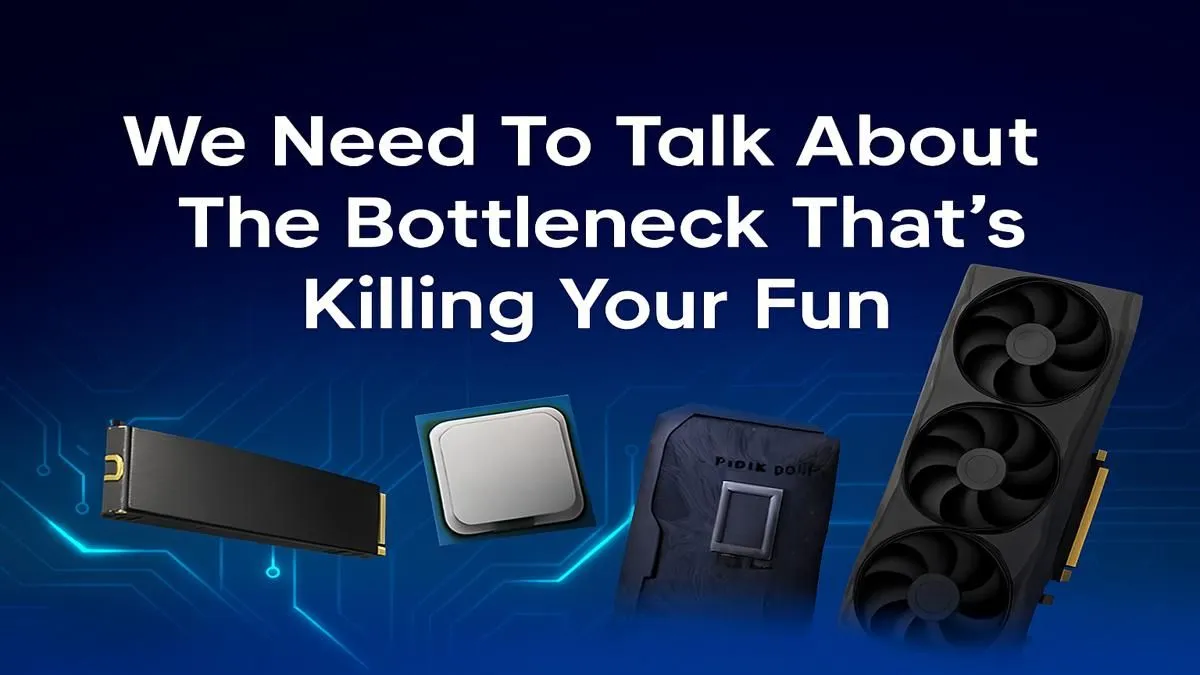
You’re in the final circle, the tension is thick... and your frames suddenly tank. Stutter. Lag. You're out. Sound familiar, South Africa? It’s not always your internet. More often than not, the culprit is a hidden performance thief inside your rig: a PC bottleneck. It’s when one component holds back your entire system. It's time to find that weakest link and finally beat the bottleneck for good. ⚡
Think of it like trying to drain a swimming pool through a garden hose. Your powerful graphics card (the pool) has massive potential, but if your CPU (the hose) can't process data fast enough, your whole system slows to a trickle. This performance choke point is a bottleneck.
The most common culprits are the CPU and GPU. An older processor just can't keep up with the demands of a brand-new graphics card, leading to wasted potential and frustrating in-game stutters. To beat the bottleneck, you need to identify and upgrade your PC's weakest link.
Diagnosing a bottleneck is easier than you think. The goal is to see which component is maxing out while the other is coasting. If your CPU is consistently hitting 95-100% usage during gaming while your GPU is sitting at a relaxed 60-70%, you've found your problem.
This is a classic sign that your processor can't feed your graphics card data quickly enough. For example, if your trusty Intel CPU is pinned to the max while your new RTX card is barely breaking a sweat, it's time for an upgrade. The same applies to Team Red; a monster graphics card deserves a modern AMD Ryzen CPU to match its pace, especially if you're streaming your gameplay.
Press Ctrl+Shift+Esc to open Task Manager and click the 'Performance' tab. Run your game and watch the CPU and GPU graphs. A CPU at 100% while the GPU is low is the clearest sign you need to upgrade your processor to fix the bottleneck.
Upgrading your CPU is about more than just raw FPS. A modern processor delivers a smoother, more responsive experience across the board—from faster game-loading times to seamless multitasking while Discord and your game are running. It's the key to a balanced and future-proof rig.
Before you buy, remember to check your motherboard's socket compatibility (e.g., AM4 vs AM5 for AMD, or LGA1200 vs LGA1700 for Intel). A quick check ensures your new investment pops right in without any extra hassle. By choosing the right CPU, you don't just upgrade a part; you unlock the true power of your entire system.
Ready to Beat the Bottleneck for Good? Stop letting one component dictate your PC's potential. A strategic CPU upgrade is the fastest way to unlock the smooth, high-FPS gaming experience you paid for. Explore our full range of CPUs at Evetech and find the perfect heart for your rig today.
A PC bottleneck occurs when one component limits overall performance, reducing gaming FPS and productivity tasks.
Use hardware monitoring tools and benchmarks to assess CPU, GPU, RAM, and storage performance to find the weak link.
Common bottlenecks occur in older CPUs, entry-level GPUs, insufficient RAM, and slow HDD storage solutions.
If you're experiencing memory bottlenecks, upgrading to faster or additional RAM improves multitasking and gaming performance.
Hardware bottlenecks limit frame rates and cause stuttering in games even with powerful system components.
Addressing a CPU bottleneck first maximizes the benefits of a new GPU upgrade for consistent gaming performance.
Use benchmark tools like CPU-Z, GPU-Z, and MSI Afterburner to identify performance bottlenecks accurately.
Black Myth: Wukong 2 Ultrawide Support: 21:9 and. Clear setup instructions with SA-specific considerations, troubleshooting tips & recommended components.
Read more
Setting Up HDMI 2.1 Cable. Tested & verified settings for best FPS and visual quality on SA hardware budgets.
Read more
Every spec on PCIe 5.0 explained in plain English. What matters for gaming and creator work in 2026, what's marketing fluff, and how each number translates to real-world performance.

A head-to-head look at WiFi 7: real-world performance, ZAR pricing and which option delivers better value for SA builders. The clear answer — no fluff.

Everything you need to set up and tune PCIe 5.0 properly: the prep work, the settings that actually matter, and the mistakes to skip. Written for SA builders in 2026.

Everything you need to set up and tune X870E Motherboard properly: the prep work, the settings that actually matter, and the mistakes to skip. Written for SA builders in 2026.

Wondering what a 512GB SSD capacity really holds? This guide breaks down how many games, photos, and documents fit on 512GB, with real-world ranges 📦💾

Every spec on vrm explained in plain English. What matters for gaming and creator work in 2026, what's marketing fluff, and how each number translates to real-world performance.

Every spec on motherboard explained in plain English. What matters for gaming and creator work in 2026, what's marketing fluff, and how each number translates to real-world performance.

Premium vs Midrange Motherboards in South Africa: real-world performance, SA pricing, power draw and which one delivers better value for your build for SA buyers. The clear answer — without the fluff.
Wondering what a 512GB SSD capacity really holds? This guide breaks down how many games, photos, and documents fit on 512GB, with real-world ranges 📦💾
Every spec on PCIe 5.0 explained in plain English. What matters for gaming and creator work in 2026, what's marketing fluff, and how each number translates to real-world performance.
A head-to-head look at WiFi 7: real-world performance, ZAR pricing and which option delivers better value for SA builders. The clear answer — no fluff.

Every spec on USB4 explained in plain English. What matters for gaming and creator work in 2026, what's marketing fluff, and how each number translates to real-world performance.