


Black Myth: Wukong 2 Ultrawide Support: 21:9 and 32:9 Setup Guide
Black Myth: Wukong 2 Ultrawide Support: 21:9 and. Clear setup instructions with SA-specific considerations, troubleshooting tips & recommended components.
Read more• BenQ Zowie DyAc+ guide: explain how DyAc+ cuts recoil blur • Tune settings for pro aim • Compare DyAc+ vs alternatives • Quick setup and troubleshooting ✅ See clearer recoil and sharpen aim with practical settings 🎯
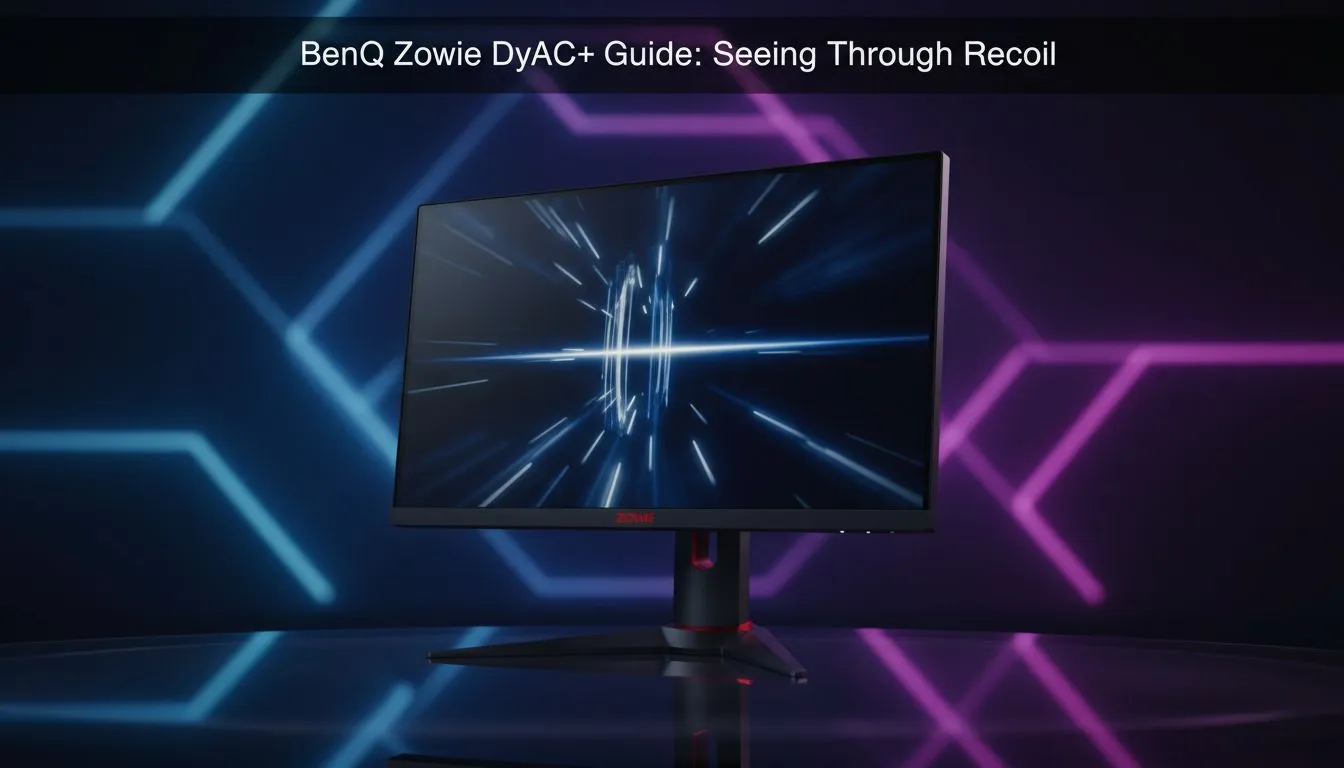
Ever felt like your crosshair is dancing a solo while you are trying to hold a site in CS2? For South African competitive players, every frame matters. BenQ Zowie’s DyAc+ technology is designed for one thing... keeping your vision clear during heavy spray patterns. It is the secret weapon for those who take their rank seriously. This BenQ Zowie DyAc+ Guide: Seeing Through Recoil will show you why. 🔧
Dynamic Accuracy Plus (DyAc+) is a proprietary technology from Zowie. It reduces motion blur caused by the rapid movement of the screen. When you fire a weapon in a tactical shooter, the screen shakes to simulate recoil. On a standard screen, this shake creates a "ghosting" effect.
By using custom backlight strobing, DyAc+ ensures that each frame remains crisp. This allows you to focus on the position of your crosshair even during intense firing. If you are looking for the best PC monitor deals in SA, you will find that Zowie stands out for pure performance.
To truly feel the DyAc+ advantage, jump into a practice map in CS2 or Valorant. Spray your weapon against a wall with DyAc+ turned off, then turn it on. You will notice the crosshair and background stay significantly sharper. This clarity helps your brain track the movement and adjust your mouse more naturally.
Choosing the right screen is the first step toward better performance. Many local gamers browse through various PC monitors without knowing which features actually impact their aim. DyAc+ is specifically tuned for TN panels to provide the fastest response times possible.
While some players prefer all gaming monitors for their vibrant colours, Zowie focuses on clarity and speed. If you are a competitive enthusiast, you might be tempted by curved monitors for immersion. However, for "seeing through recoil" in a high-stakes match, a flat Zowie panel is often the professional choice. 🚀
The technology works by turning the backlight on and off at specific points. This prevents the previous frame's image from lingering on your retina. The result is a much smoother visual experience. You won't find this level of motion clarity on standard portable monitors or entry-level screens. ⚡
Even when compared to high-resolution 5K and 4K monitors, the Zowie series maintains its edge in motion handling. It is not about the pixel count... it is about how those pixels behave when you are flicking your mouse. To get the most out of your display, don't forget to look at monitor accessories like monitor arms to ensure your eye level is perfect. ✨
In the local scene, ping is often a challenge. You cannot control the cables under the ocean, but you can control your hardware. Using this BenQ Zowie DyAc+ Guide: Seeing Through Recoil helps you understand that hardware is an investment in your skill.
Zowie monitors are built for the grind. They do not have flashy RGB lights... they have features that help you win. When you can see the enemy clearly through the muzzle flash and the screen shake, your confidence grows. That confidence is what wins rounds.
Ready to Find Your Perfect Match? The BenQ Zowie DyAc+ Guide shows that the right hardware gives you a massive edge. For maximum power, choice, and value in South Africa, our monitor range is hard to beat. Explore our massive range of monitor specials and find the perfect machine to conquer your world.
DyAc+ is BenQ's motion clarity tech that reduces perceived recoil blur by improving frame-to-frame clarity and backlight control, ideal for fast FPS play.
DyAc+ adds minimal input lag on modern Zowie panels; real-world competitive players typically report no practical lag. Test with DyAc+ input lag impact in your setup.
Open the OSD, go to Picture or Advanced settings, find DyAc+ and toggle it on. For best results, match refresh rate and use recommended DyAc+ monitor settings.
Fast-twitch shooters like CS2, Valorant, Apex and Call of Duty benefit most—DyAc+ competitive gaming settings improve recoil readability and target tracking.
DyAc+ refines motion clarity further than DyAc with updated luminance and processing tweaks for clearer recoil visibility and reduced blur in high-FPS titles.
Start with DyAc+ enabled, use your panel's native refresh rate, disable unnecessary post processing, and tune contrast/black level for clear muzzle rise sight lines.
Flicker can come from incompatible refresh rates or HDMI bandwidth limits. Try a DisplayPort cable, update firmware, and follow DyAc+ troubleshooting tips.
Black Myth: Wukong 2 Ultrawide Support: 21:9 and. Clear setup instructions with SA-specific considerations, troubleshooting tips & recommended components.
Read more
Setting Up HDMI 2.1 Cable. Tested & verified settings for best FPS and visual quality on SA hardware budgets.
Read more
Every spec on PCIe 5.0 explained in plain English. What matters for gaming and creator work in 2026, what's marketing fluff, and how each number translates to real-world performance.

A head-to-head look at WiFi 7: real-world performance, ZAR pricing and which option delivers better value for SA builders. The clear answer — no fluff.

Everything you need to set up and tune PCIe 5.0 properly: the prep work, the settings that actually matter, and the mistakes to skip. Written for SA builders in 2026.

Everything you need to set up and tune X870E Motherboard properly: the prep work, the settings that actually matter, and the mistakes to skip. Written for SA builders in 2026.

Wondering what a 512GB SSD capacity really holds? This guide breaks down how many games, photos, and documents fit on 512GB, with real-world ranges 📦💾

Every spec on vrm explained in plain English. What matters for gaming and creator work in 2026, what's marketing fluff, and how each number translates to real-world performance.

Every spec on motherboard explained in plain English. What matters for gaming and creator work in 2026, what's marketing fluff, and how each number translates to real-world performance.

Premium vs Midrange Motherboards in South Africa: real-world performance, SA pricing, power draw and which one delivers better value for your build for SA buyers. The clear answer — without the fluff.
Wondering what a 512GB SSD capacity really holds? This guide breaks down how many games, photos, and documents fit on 512GB, with real-world ranges 📦💾
Every spec on PCIe 5.0 explained in plain English. What matters for gaming and creator work in 2026, what's marketing fluff, and how each number translates to real-world performance.
A head-to-head look at WiFi 7: real-world performance, ZAR pricing and which option delivers better value for SA builders. The clear answer — no fluff.

Every spec on USB4 explained in plain English. What matters for gaming and creator work in 2026, what's marketing fluff, and how each number translates to real-world performance.