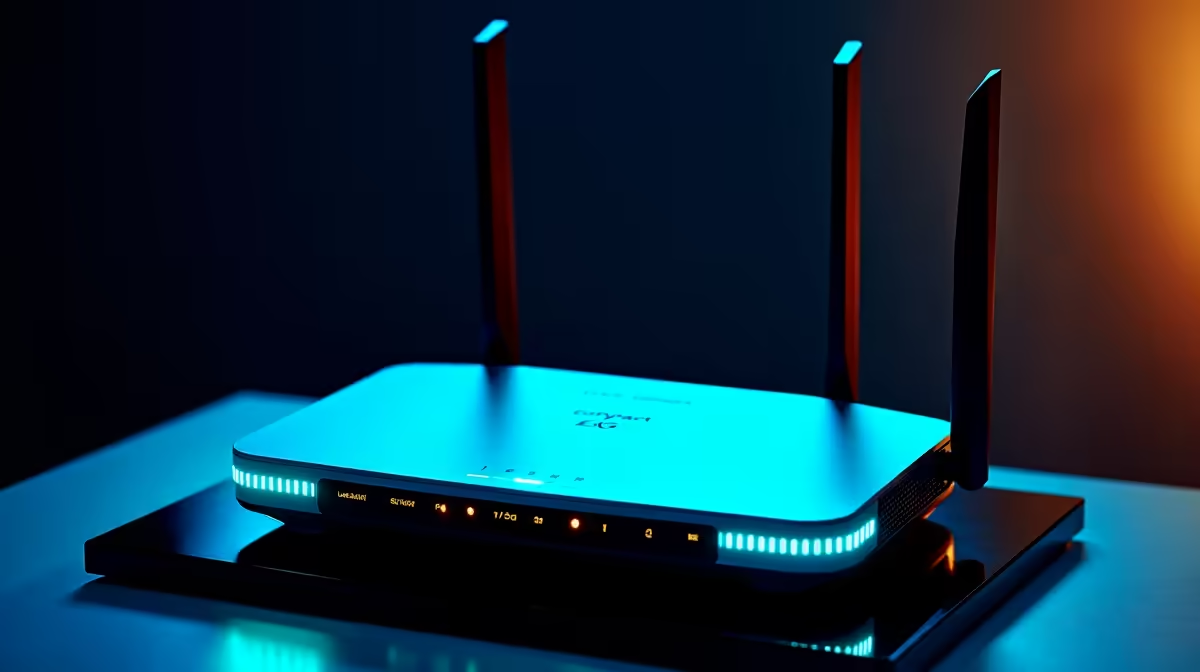
A fibre line is wonderful right up until a contractor's spade finds the cable down the road, and then your whole household or office is dark with no second option. The fix is not a faster fibre plan, it is a connection that fails in a completely different way. A 5G router as a backup line delivers exactly that, because mobile data shares none of the physical infrastructure your fibre depends on. When the fibre is cut, the 5G keeps working.
Quick Answer
A 5G router on a separate mobile network is the ideal failover line because it shares zero physical infrastructure with fibre. A cable cut, a street-level fault, or a provider outage that kills your fibre leaves the 5G connection entirely unaffected. Paired with a dual-WAN router, SA homes and small offices stay online through fibre problems with an automatic switchover in roughly 15 to 30 seconds.
Why true redundancy needs different infrastructure
The whole point of a backup line is that it must not fail for the same reason as your primary. A second fibre line into the same building, running through the same trench and the same local exchange, is not real redundancy: one spade or one exchange fault takes both down together. That is the trap people fall into when they buy a backup that shares a single point of failure with the thing it is supposed to protect.
5G breaks that dependency completely. It arrives over the air from cell towers on a mobile network, sharing no cables, no trenches, and no exchange with your wired fibre. A fault that severs your fibre, whether a cut cable, a damaged junction, or a fibre-provider outage, simply does not touch the 5G path. That independence is what makes it the right backup, not just any second connection.
How dual-WAN failover actually works
The mechanism is a dual-WAN router, a router that accepts two internet sources at once. Your fibre plugs into the primary WAN and carries all traffic under normal conditions. The 5G connection sits on the second WAN as standby. The router constantly health-checks the primary, typically by pinging external addresses every several seconds, and after a few consecutive failed probes it declares the fibre dead and routes everything through the 5G line instead.
The total switchover usually completes in around 15 to 30 seconds. Video calls may blink, but they reconnect, and most of the household never notices more than a brief hiccup. When the fibre comes back and passes its health checks again, the router fails back to the primary automatically. You set it up once and it manages the handover without you touching anything.
Two ways to build it
There are two common shapes. The first is an all-in-one 5G failover router with a built-in modem and dual-WAN logic, where you slot a data SIM in and connect the fibre, and the single box handles both links. The second keeps your existing router and adds a separate 5G router feeding into a dual-WAN device. The integrated approach is tidier; the separate approach lets you keep gear you already trust. Either delivers the same redundancy.
Choosing the backup network and SIM
The most important rule: put the 5G backup on a different mobile network than any other connection you rely on, and ideally a network whose coverage is strong at your address. The backup is only as good as the signal it gets, so check that 5G or at least strong LTE reaches your building before committing. An external antenna can lift a marginal signal into a dependable one where reception is weak.
You will need a data SIM on an active plan sized to how much you expect to use during outages. Failover usage is usually bursty rather than constant, so a moderate data allowance often suffices, but a household that streams heavily through a long outage will want more headroom. The current networking range at Evetech covers 5G routers and dual-WAN devices suited to a failover role, so you can match the hardware to whether you want an integrated box or a separate backup unit.
To finish the install cleanly, the antennas, mounts, and cabling that tidy a setup are easy to add, and the accessories Evetech buyers pick up most cover most of those supporting pieces.
Failover, load balancing, or both
Once you have two connections feeding a dual-WAN router, you can use them in more than one way, and it is worth knowing the options. Pure failover keeps the 5G line idle until the fibre drops, which is the simplest model and the one most people want: the backup costs little data when it is not in use, and it stands ready for the moment fibre fails. This suits households where fibre is normally fast and the 5G is genuinely just insurance.
Load balancing is the alternative, where the router spreads traffic across both links at once for more combined throughput. It sounds appealing, but for a true backup setup it muddies the picture, because both connections are now in active use and the redundancy benefit blurs. For most home and small-office redundancy goals, straightforward failover is the cleaner choice. Keep the 5G as standby, let the fibre do the everyday work, and let the router quietly handle the handover when something breaks. Configure the health checks sensibly, frequent enough to switch fast but not so twitchy it flaps on a momentary blip, and the system runs itself.
Who needs a failover line
This is for anyone whose work or household genuinely cannot tolerate being offline: people who work from home, small offices running point-of-sale or cloud tools, and households where a dropped connection means a missed meeting or a stalled day. If an occasional outage is merely annoying rather than costly, you may not need it. But if downtime translates to lost work or lost income, a 5G failover line is inexpensive insurance against a fault you cannot otherwise predict or prevent.
Frequently Asked Questions
Why use 5G instead of a second fibre line for backup?
Because a second fibre line often shares the same trench, cable route, or exchange as your primary, so one fault can take both down together. 5G arrives wirelessly over a mobile network, sharing none of that infrastructure, which is what makes it true redundancy rather than a duplicated weak point.
How fast does the switchover happen?
Typically around 15 to 30 seconds. The dual-WAN router health-checks the primary link every few seconds and switches to 5G after a few consecutive failures. Active calls may blink briefly, but most of the household barely notices, and the router fails back automatically when fibre returns.
Do I need a special router for failover?
You need dual-WAN capability, either an all-in-one 5G router with a built-in modem and dual-WAN logic, or a separate 5G router feeding a dual-WAN device alongside your existing setup. Both manage automatic switching; the integrated option is simply tidier.
Which network should the 5G SIM be on?
A different mobile network from any other connection you depend on, and one with strong coverage at your address. The backup is only as reliable as its signal, so verify reception before committing, and consider an external antenna where the signal is marginal.
How much data will failover use?
It depends entirely on how often and how long your fibre is down and what you do during outages. Usage tends to be bursty rather than constant, so a moderate plan often suffices, though heavy streaming through long outages calls for more headroom. Size the SIM plan to your realistic worst case.
Cannot afford to be offline when the fibre goes down? Build true redundancy with a 5G failover setup from the networking range at Evetech and keep your home or office connected through any cable fault.