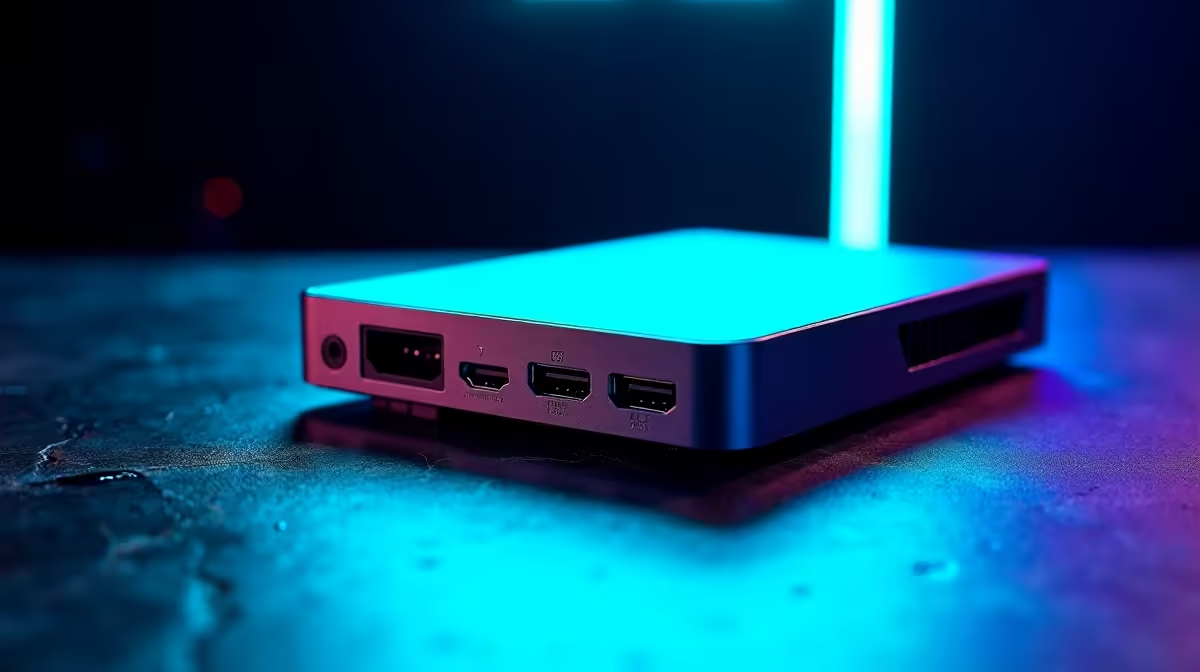
Want to share your epic Warzone wins or Apex clutches with the world, but your stream looks like a slideshow? You're not alone. Many aspiring South African streamers hit a wall: buttery-smooth gameplay on their screen, but a laggy, pixelated mess for their viewers. The secret isn't always a beastly PC... it's often a smart, affordable capture card. Let's find the best budget capture card to get your channel looking professional. 🚀
Why a Capture Card is Your Secret Weapon for Smooth Streams
You might be thinking, "Can't my PC handle gaming and streaming at the same time?" Maybe. But at what cost? When your graphics card (GPU) and processor (CPU) are trying to run a demanding game and encode a high-quality video stream simultaneously, something has to give. Usually, it's your in-game frames or your stream quality.
A capture card is a small device that takes on the heavy lifting of recording your gameplay. It captures the video feed from your gaming PC or console and sends it to your streaming software (like OBS or Streamlabs) for encoding. This frees up your PC's resources to do what it does best: run your games flawlessly. The result? Smooth stream quality for your audience and zero performance drops for you. It’s the single biggest upgrade you can make for a professional-looking broadcast.
Finding the Best Budget Capture Cards in South Africa
Getting a great capture card in SA doesn't mean you have to empty your wallet. You just need to know what to look for. The key is finding the sweet spot between price and performance to ensure you get the best value for your hard-earned Rands.
Resolution & Framerate: 1080p60 is the Gold Standard
While 4K gaming is amazing, streaming in 4K is incredibly demanding on your internet connection and your viewers' bandwidth. For anyone starting out, 1080p at 60 frames per second (1080p60) is the perfect target. It looks crisp, fluid, and is the standard for platforms like Twitch and YouTube. Almost any affordable capture card worth its salt today will support 1080p60, giving your stream that polished, professional look without needing a supercomputer.
Internal vs. External: What's the Difference?
- External Capture Cards (USB): These are the most popular choice for a reason. They're plug-and-play, connecting to your PC via a USB cable. This makes them incredibly versatile, perfect for both desktop and laptop streamers, or for taking your setup on the go.
- Internal Capture Cards (PCIe): These cards slot directly into your desktop PC's motherboard. They offer a super-clean setup with no extra cables on your desk and can sometimes provide even lower latency. If you have a desktop PC with a spare PCIe slot, this is a fantastic option.
For most people starting out, an external USB card offers the best mix of convenience and performance. When you're looking for an affordable capture card, you'll find excellent options in both categories. Many top-tier brands offer fantastic performance that impresses viewers. For instance, industry leaders like Corsair's Elgato lineup are renowned for their user-friendly software and rock-solid reliability, making them a benchmark for quality.
🎙️ Pro Tip: Fix Your Audio Sync
If your game audio and mic are out of sync with your video, don't panic! In OBS, right-click your capture card source, go to 'Filters,' and add a 'Render Delay' filter. Start with a value around 200ms and adjust it until everything lines up perfectly. It's a small tweak for a massive quality boost.
Top Picks for Your Streaming Journey
You'd be surprised at the quality you can get without breaking the bank. The market for the best budget capture cards is more competitive than ever, which is great news for creators. You no longer need to spend a fortune to achieve excellent results.
A quick search shows that there are powerful options available right here in South Africa. Checking out the best streaming gear under R6000 reveals cards that deliver 1080p60 capture, low-latency passthrough, and seamless software integration. This price point is the sweet spot for serious beginners who want hardware that won't need an upgrade for a long time.
Beyond the Card: Completing Your Setup ✨
A capture card is the heart of your stream's video quality, but don't forget the other elements that create a great viewer experience. Crisp audio and good lighting are just as important. A decent USB microphone will make you sound clear and professional, separating your voice from keyboard clicks and background noise.
And lighting? It’s a game-changer. Good lighting makes even a standard webcam look incredible. You don't need a full Hollywood set... something as simple as customisable Cololight panels can transform your background from a boring wall into a dynamic, professional-looking space that reflects your brand's colour and style.
Ready to Go Live?
Stop letting a choppy stream hold you back from building your community. Find the perfect capture card and all the other gear you need to create content you're proud of. Explore our full range of streaming essentials and start your creator journey today.