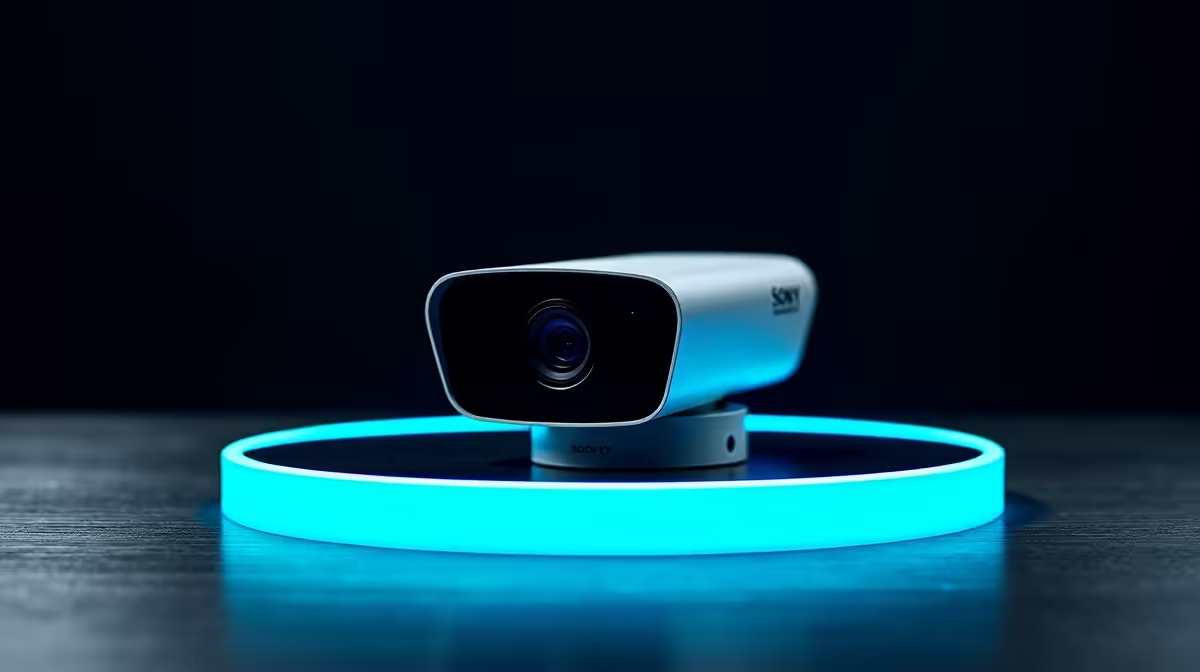
A holiday house, a second property, a flat you rent out, a family home you only visit on weekends: the common thread is that you are not there when something happens, and that is exactly when you most want to know. The best cameras for watching a property you are often away from are app-connected IP cameras that stream live video and push intelligent alerts straight to your phone, so an empty building is never truly out of sight, wherever in the world you happen to be.
Quick Answer
For a property you are rarely at, choose app-connected IP cameras that stream live and send AI-classified alerts to your phone. The combination matters: live view lets you check in any time, while smart alerts tell you the instant a person appears, so you are not glued to a feed. A stable fibre connection at the property is the non-negotiable foundation.
Why remote viewing changes the requirements
When you are on-site, a camera that just records is fine; you review footage if something goes wrong. When you are away, recording after the fact is too late. You need to see what is happening now and be told the moment it matters. That shifts the priority from passive storage to two active capabilities: real-time streaming and proactive push notifications.
This is the heart of an app-connected IP camera. It pushes its feed to a cloud service you reach through a phone app, so you can open a live view from anywhere with an internet connection. Pair that with motion or person detection and the camera does the watching for you, alerting your phone only when there is genuinely something to see.
Connectivity is the make-or-break
None of this works without a reliable internet line at the property. A remote camera that loses connection is a blind camera, and you will not be there to reboot the router. A stable fibre connection, a quality router, and ideally a backup such as a mobile data failover are what separate a camera you can trust from one that goes dark at the worst moment. If you are assembling a setup, the smart home and IP camera range at Evetech covers the cameras built for exactly this remote-monitoring role.
The features that matter for an absent owner
Not every camera spec earns its keep when you are watching from afar. These are the ones that do.
AI-classified alerts
The single most useful feature is smart detection that distinguishes a person from a cat, a tree branch or a passing car. Without it, you drown in false alerts and start ignoring them, which defeats the point. With it, a notification genuinely means a person is on your property, and you act on it.
Reliable live streaming
You want to open the app and see a smooth, current feed on demand, day or night. Good low-light or infrared night vision matters, because an unoccupied property is most vulnerable after dark. Test the live view from outside the property's network before you rely on it.
Local and cloud recording together
- Cloud storage keeps footage safe even if the camera is stolen or damaged, which is the realistic threat at an empty property.
- Local storage, such as a microSD card or a small recorder, keeps capturing if the connection briefly drops and avoids leaning entirely on a subscription.
Running both gives you a record that survives both a theft and an outage.
Two-way audio and deterrence
Two-way audio lets you speak through the camera, useful for telling a caretaker where to find something or warning off someone who should not be there. Some cameras add a siren or spotlight you can trigger remotely, turning a passive watcher into an active deterrent.
Weatherproofing and durability for unmanned installations
A camera at an occupied home can be checked weekly. One at a property you rarely visit has to survive months unsupervised. Look for an IP66 or better weatherproof rating for any outdoor camera, which confirms dust and rain resistance suitable for SA conditions. Avoid positioning outdoor cameras where sun exposure will degrade the housing or cable over time, and use tamper-resistant mounts at height to reduce the risk of theft or vandalism.
Power: mains versus battery for remote sites
Mains-powered cameras are almost always the right answer for a property you are rarely at. You will not be there to recharge batteries, and a camera that runs flat while you are away is no camera at all. Where a power point is not practical, a solar-assist panel can keep a battery camera topped up indefinitely in SA's climate, provided the panel sits in direct sun. Solar-battery combinations are increasingly common and practical for exposed positions like gates and outbuildings.
What to check before you leave
Before leaving a property unattended for an extended period, run through a short checklist. Open the app and verify the live view works over mobile data, not just on the property's own Wi-Fi. Confirm push alerts are arriving by triggering a test walk in front of the camera. Check that cloud or local recording is active and storage is not full. Confirm the router has a static IP or DDNS configured so the camera address does not change and drop the connection. These few checks prevent the most common reasons a camera goes silent while you are away.
Setting it up for the long absence
A camera for an occupied home can be fiddly; a camera for a property you rarely visit needs to be set-and-forget. Wire the cameras to mains power where you can, so you are not driving out to recharge batteries. Mount them out of easy reach to resist tampering. And confirm the alerts and live view work from your phone over mobile data, not just on the property's Wi-Fi, before you leave. To round out a remote setup with mounts, cards and power gear, the accessories most buyers pair with cameras at Evetech are a practical starting point.
Frequently Asked Questions
What kind of camera is best for a property I am rarely at?
An app-connected IP camera that streams live and sends AI-classified alerts to your phone. The live view lets you check in any time, while smart detection notifies you the moment a person appears, so an empty property stays monitored from anywhere.
Do I need internet at the property for remote cameras?
Yes, it is essential. Remote viewing and push alerts depend on a stable connection, ideally fibre with a quality router. A camera that loses internet goes blind, and you will not be there to fix it, so reliable connectivity is the foundation of the whole setup.
How do AI alerts help compared to basic motion detection?
Basic motion alerts on everything, branches, animals, headlights, so you quickly start ignoring them. AI classification distinguishes people from harmless movement, so a notification genuinely means something worth checking. That keeps alerts trustworthy when you are watching from a distance.
Should I use cloud or local storage for a remote property?
Use both. Cloud storage protects footage if the camera is stolen or damaged, the realistic risk at an empty property, while local storage keeps recording if the connection drops. Together they give you a record that survives both theft and outages.
Can I check the cameras from another country?
Yes. App-connected IP cameras stream over the internet, so you can open a live view from anywhere with a connection. Just confirm the app works over mobile data before you travel, so you are not relying on being on the property's own network.
What weatherproof rating should I look for in an outdoor camera?
IP66 or higher is the baseline for outdoor cameras at an unattended property. This rating confirms resistance to dust ingress and to direct rain, which covers the conditions SA outdoor cameras typically face. Check the spec before buying for any external mounting position.
Want to keep an eye on a property even when you are nowhere near it? Explore the app-connected options in the smart home and IP camera range at Evetech and set up live monitoring you can check from anywhere.