Quick Answer
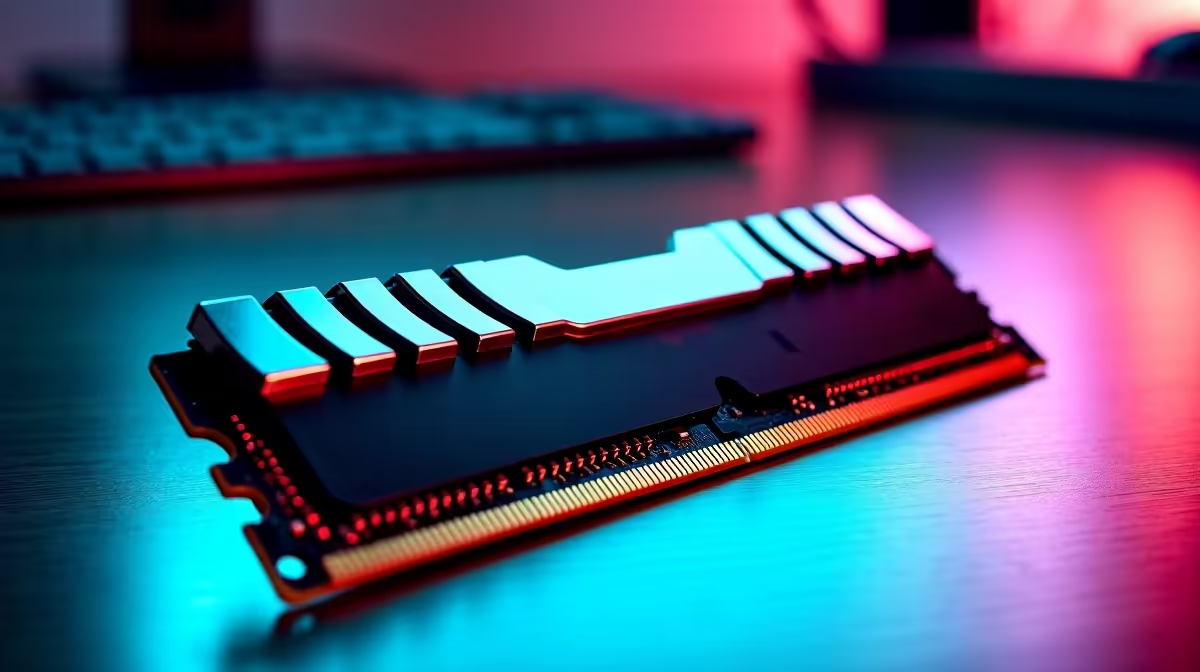
For Bryanston buyers, the right DDR5 RAM kit is the one that matches the core spec, local stock status, and the way you use the setup every day. Expect about R1,500 to R4,500 for common 32 GB kits, with RGB and high-speed bins costing more; shortlist named options such as Corsair Vengeance DDR5-6000, Kingston Fury Beast DDR5-5600, G.Skill Trident Z5 Neo, and Crucial Pro DDR5 before comparing styling or extras. For a new gaming or remote-work PC, 32 GB of DDR5 is the practical sweet spot; 16 GB is now entry-level and 64 GB is mainly for heavier creative work.
Shortlist The Right Tier
For remote work, give extra weight to comfort, low noise, desk ergonomics, and reliability during long calls or spreadsheet-heavy days. For this category, compare 32 GB capacity, 5600 MT/s to 6400 MT/s speeds, EXPO for Ryzen, XMP for Intel, and two-stick kits for dual-channel stability.
Local Fit For Bryanston
Bryanston remote workers should consider desk depth, office noise, and estate or office-park delivery notes before choosing a part that looks good only on paper.
Specs That Decide The Buy
Match the kit to the platform: DDR5-6000 EXPO is a common target for Ryzen AM5, while Intel systems can use a wider range of XMP kits. Avoid mixing old and new sticks because stability matters more than a headline speed number.
Choose the model with the clearest compatibility notes and the least friction for your daily setup.
FAQ
Is 32 GB DDR5 enough?
Yes, 32 GB is enough for gaming, browser-heavy work, coding, and office multitasking. Choose 64 GB for large media projects, virtual machines, or workstation workloads.
Should I buy one stick or two?
Buy a matched two-stick kit such as 2x16 GB for better compatibility and dual-channel performance. A single stick is easier to upgrade later but gives up performance now.
Does RAM speed affect FPS?
It can, especially in CPU-limited esports games and Ryzen systems. The difference is usually smaller than a GPU upgrade, but a stable 6000 MT/s kit is a strong target.
Buying check
Enable XMP or EXPO in the BIOS after installation; otherwise fast DDR5 may run at a basic default speed.