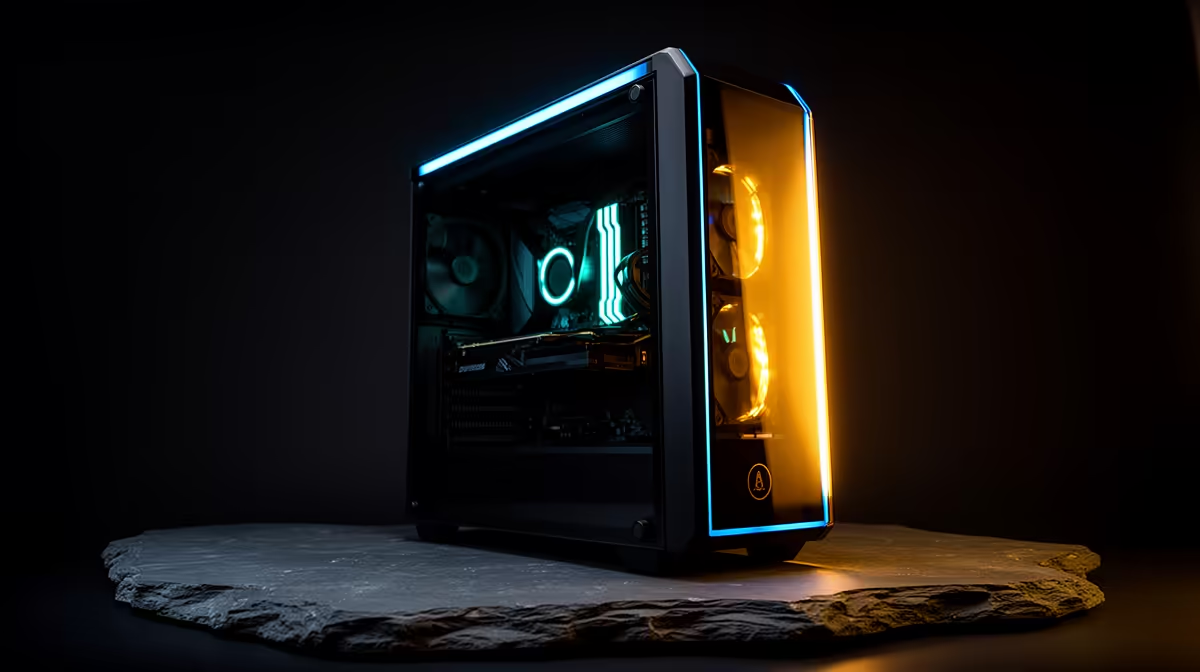
AI coding has split into two very different hardware problems, and most South African buyers overspend by solving the wrong one. If your day is spent driving cloud agents like Claude or Copilot, you barely need a graphics card at all. If you want a 32-billion-parameter model running locally with no monthly bill and no data leaving your desk, you need serious VRAM. The best desktop for AI coding is whichever one matches your actual workflow, and the gap between the two tiers is enormous in both spec and price.
Quick Answer
A cloud-agent coding desktop needs 32GB of RAM, a fast CPU and a modest GPU, landing roughly in the R20,000 to R30,000 band. A local-inference rig that runs 32B models comfortably wants an RTX 5090 with 32GB of VRAM, since a quantised 32B model occupies around 20GB once loaded. Pick the tier that fits how you code, not the most expensive option on the shelf.
Tier One: The Cloud-Agent Desktop
The reality of agentic coding in 2026 is that the heavy lifting happens on someone else's GPUs. When you prompt a cloud model to refactor a module or scaffold a service, your machine is sending text and receiving text. What it needs to do well is run your editor, a stack of browser tabs, Docker containers, a local dev server and the model's tool calls hitting your filesystem, all at once.
That makes RAM and single-thread CPU performance the priorities. 32GB of RAM keeps containers and language servers happy. A current mid-to-high CPU keeps your editor and build tools responsive while an agent edits dozens of files. The GPU here only needs to drive your monitors, so an entry discrete card or strong integrated graphics is plenty.
The trap is buying a flagship GPU you will never load. Spending an extra R25,000 on a top card to run cloud agents is money that should have gone into RAM, a faster NVMe drive, or a second monitor.
Tier Two: The Local-Inference Rig
Running models on your own hardware changes everything. The instant a model has to fit in VRAM, the graphics card becomes the entire budget conversation. VRAM is the hard ceiling: if a model does not fit, it overflows into system RAM and the inference speed collapses, making interactive coding painful.
How VRAM maps to model size
A 7B model at 4-bit quantisation occupies roughly 5GB to 6GB of VRAM, which clears most mid-range cards. A 14B model takes around 10GB. A 32B model at a workable quantisation level lands close to 20GB once context is included. That is why a 24GB or 32GB card matters: it gives you headroom for the model plus a long context window, which is exactly what coding workloads demand when you feed in whole files.
An RTX 5090 with 32GB of VRAM runs a 32B model with room to spare, leaving space for a generous context. A 24GB card handles 32B models but leaves less margin for large contexts, so you trade off how much code you can paste in at once.
CPU, RAM and storage around the GPU
Local inference still leans on the rest of the system. Keep system RAM at or above the VRAM figure so model loading and OS caching stay smooth, which means 64GB pairs sensibly with a 32GB card. A fast NVMe drive matters because model files are large and you will reload them often. The CPU handles tokenisation and orchestration, so a strong multi-core chip avoids bottlenecks when the GPU is fully fed.
Matching the Tier to Your Work
Be honest about your workflow before you spend. If you live inside a cloud agent and your code never touches a local model, tier one is the correct build and the cheaper one. If privacy, offline capability or eliminating per-token costs drives you toward local models, tier two earns its premium, but only if you genuinely run models large enough to need it.
A middle path exists. A 16GB card runs 7B and 14B models well, which covers autocomplete, quick refactors and smaller agents locally while you offload the truly heavy reasoning to the cloud. For many South African developers that hybrid is the sweet spot, since it avoids both the rand cost of a flagship and the latency of routing everything offsite.
When you are sizing a machine, the purpose-built AI desktop range at Evetech lays out how VRAM tiers map to real configurations, saving you the guesswork of building from a parts list. If you would rather start from proven configurations that other buyers are already running hard, scanning which complete desktops are moving fastest right now gives you a grounded baseline before you commit.
Future-Proofing Without Overspending
Models keep shrinking for a given capability while quantisation keeps improving, so the VRAM you buy today stretches further over time. Still, the safest hedge is buying one tier of VRAM above your current need rather than two. A 24GB card gives breathing room for tomorrow's 32B models without the cost of a 32GB flagship you only half-use. Pair that with upgradeable RAM slots and a power supply with headroom, and the machine grows with your workflow instead of forcing a full rebuild.
Frequently Asked Questions
How much VRAM do I need to run a 32B model locally?
Around 20GB once the model is quantised and loaded with a working context window. A 24GB card handles it, but a 32GB card like the RTX 5090 gives you the headroom for longer contexts, which coding workloads benefit from heavily.
Do I need a powerful GPU if I only use cloud coding agents?
No. Cloud agents do their computation remotely, so your desktop just needs enough RAM, CPU and storage to run your editor, containers and tooling. A modest GPU that drives your displays is sufficient, and the budget is better spent on RAM and a fast drive.
Is 32GB of system RAM enough for AI coding?
For cloud-agent work, yes, 32GB comfortably handles editors, containers and local dev servers. For local inference of large models, lift system RAM to 64GB so model loading and OS caching keep pace with the GPU.
Can a mid-range 16GB card do useful local AI coding?
Yes. A 16GB card runs 7B and 14B models well, covering local autocomplete and smaller agents. Many developers run a hybrid setup, handling lighter tasks locally and routing heavy reasoning to the cloud, which keeps costs down.
What slows local inference the most?
Running out of VRAM. Once a model spills from VRAM into system RAM, inference speed collapses to a level that makes interactive coding frustrating. Sizing the card to the model is the single most important decision.