


Complete Guide: Setting Up AIO Liquid 420mm
Setting Up AIO Liquid 420mm. Tested & verified settings for best FPS and visual quality on SA hardware budgets.
Read moreLooking for the best gaming mouse features under R800 in South Africa? Focus on sensor accuracy, low-latency switches, and solid glide—save smart without losing aim 🔥🎯
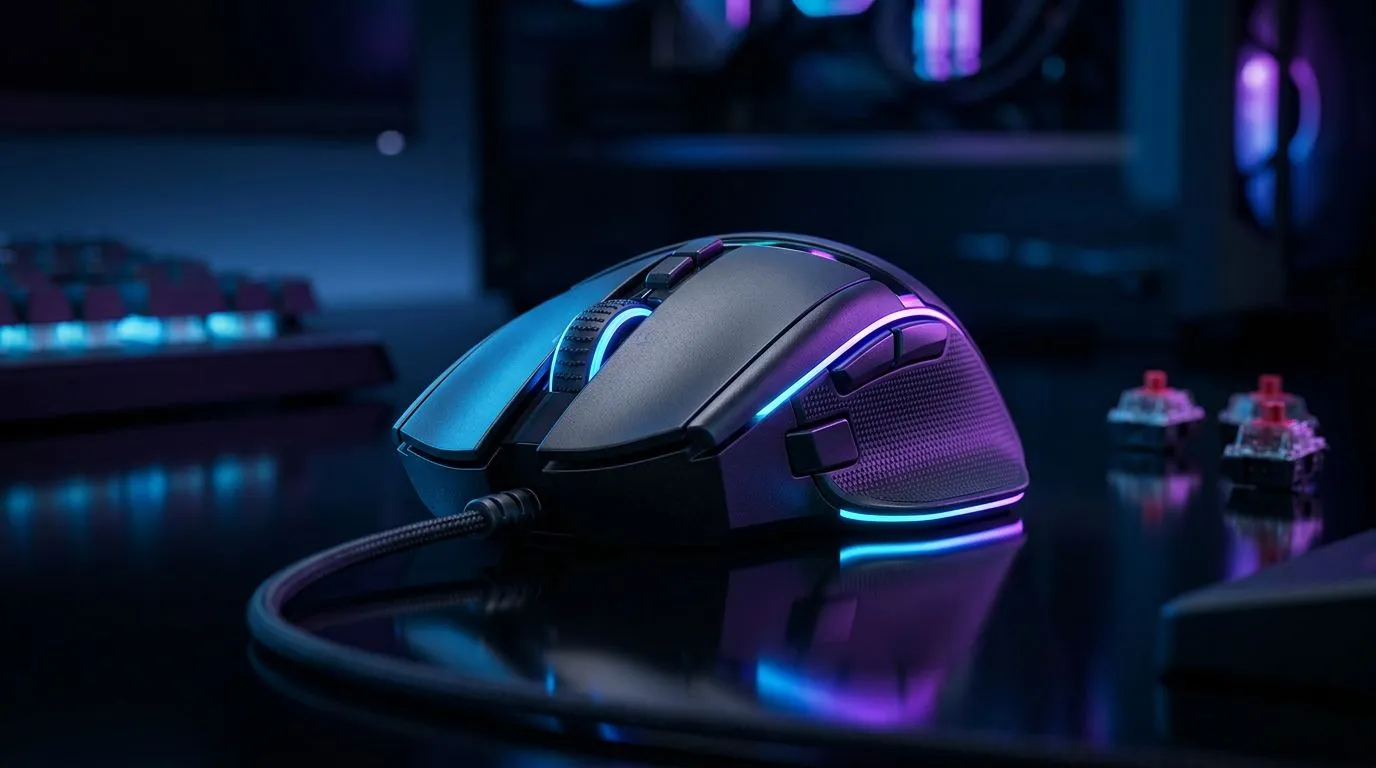
South African esports players know the pain of a bad mouse. One awkward sensor skip in a clutch round, and your night is done. The good news? You do not need to spend R2 000 to get something reliable. Under R800, there are still solid options with the right shape, tracking, and responsiveness for competitive play.
If you are shopping smart, the trick is not chasing hype. It is knowing which features matter most in local conditions, from budget limits to long gaming sessions and the occasional power cut. That is where a carefully chosen mouse can punch above its price tag ⚡
For esports, the sensor matters more than flashy lighting. A good sensor should track cleanly at your preferred sensitivity and avoid acceleration or random jumps. That is especially important in fast titles like Valorant, CS2, and Apex Legends. If a mouse feels inconsistent, it will hurt aim faster than you think.
When browsing options, start with Evetech’s mouse accessories range to compare the basics, then narrow down by use case. The right mouse feet, grips, and related accessories can also help you dial in comfort and control.
At this price, wired mice often deliver the best value. No charging. No battery anxiety. No latency worries. That matters when every millisecond counts in ranked matches. A wired mouse also tends to be lighter, which many competitive players prefer for quick flicks and micro-adjustments.
If you want to keep things simple, Evetech’s wired mouse selection is a practical place to compare budget-friendly picks. In South Africa, wired still often wins on reliability per rand spent.
Wireless is not automatically “better”, but modern budget wireless mice can be very usable for casual competitive play. The key is battery life, stable connection, and comfort. If you hate cable drag, wireless may be worth the trade-off… especially for longer sessions.
Take a look at Evetech’s wireless mouse range if you want cleaner desk setup and fewer cable hassles. Just make sure the mouse fits your grip style before buying.
When you are choosing a mouse under R800, test the grip before the specs. A sensor can be excellent, but if the shape forces your hand into an awkward position, your aim will suffer in real matches.
A mouse can have all the RGB in the world, but if it does not suit your hand, it will feel wrong within minutes. Palm, claw, and fingertip grips all suit different shapes. Lighter mice usually help with faster movement, while fuller shapes can feel more stable for larger hands.
If you are unsure, browse Evetech’s gaming mouse category and compare shapes side by side. Also, remember that comfort often matters more than raw spec sheets for long grind sessions.
Under R800, small details can make a real difference:
These features help more than vague claims. DPI range is useful, but only if it changes smoothly and predictably. Side buttons are great for push-to-talk, melee, or utility binds. And a durable cable saves frustration later.
For players hunting real value, Evetech’s best gaming mouse deals is worth checking regularly. Deals change, and a good discount can move a better mouse into your budget.
In SA, value matters. So does warranty support, local stock, and price stability. A mouse that looks cheap on paper is not a bargain if it fails fast or feels uncomfortable after two sessions. Think long-term. The best budget esports buy is the one you can play confidently with every night.
If your current mouse is holding you back, do not wait for a perfect future upgrade. Start with the basics. Find a shape that fits your hand. Choose a sensor you can trust. Keep the extras sensible. That is how you stretch R800 further.
Ready to Find Your Perfect Match? The Mac vs Windows debate is complex, but for maximum power, choice, and value in South Africa, Windows is hard to beat. Explore our massive range of laptop specials and find the perfect machine to conquer your world.
Prioritise a reliable sensor, smooth glides with good mouse feet, responsive switches, and proper weight for control. These are the most noticeable budget upgrades.
Yes—aim for at least 1000Hz polling and stable wired performance for lower input delay. For budget picks, polling consistency beats marketing numbers.
Look for a modern optical sensor with consistent tracking and adjustable DPI. Also check reviews for accuracy on cloth and desk surfaces.
If you play fast FPS titles, lighter mice (around 70–90g) can improve flicks. Choose a weight that matches your grip and comfort.
They matter. Responsive, durable switches help with fast clicks and consistency. Budget mice with proven switch ratings usually feel better in-game.
Wired often wins on latency and value at this price. Wireless can work if it offers low-latency mode, good battery life, and stable connection.
Get smooth PTFE-style feet or similar for reliable glide and tracking. If you play on cloth, ensure feet perform well without snagging.
Setting Up AIO Liquid 420mm. Tested & verified settings for best FPS and visual quality on SA hardware budgets.
Read more
Intel XTU Download & Setup Guide: Intel CPU. Clear setup instructions with SA-specific considerations, troubleshooting tips & recommended components.
Read more
Cyberpunk 2077 Max Settings on RTX 4090. Tested & verified settings for best FPS and visual quality on SA hardware budgets.
Read more
The Complete Guide to GPU. Everything you need to know with SA pricing, step-by-step instructions & expert recommendations.
Read more
NVCleanstall Download & Setup Guide: NVIDIA. Clear setup instructions with SA-specific considerations, troubleshooting tips & recommended components.
Read more
to Driver Installation for Beginners. Everything you need to know with SA pricing, step-by-step instructions & expert recommendations.
Read more
AMD RX 9050 XT: Rumoured Specs, Price & Release. SA-focused analysis with local pricing data, real-world insights & actionable buying advice.

Can RTX 4080 Super Run AI Workloads for SA Developers Detailed answer with SA data, expert analysis & practical recommendations for local buyers.

Can RTX 4090 Run AI Workloads for SA Developers Detailed answer with SA data, expert analysis & practical recommendations for local buyers.

Top Settings for Intel Arc B580 at Ultrawide 1440p picks evaluated on performance, value & SA availability with current Rand pricing from Evetech.

RTX 4060 CS2 Low Settings at 1080p: FPS Results. Real-world benchmark data, FPS numbers & performance analysis. What SA gamers can actually expect.

Visual Artifacts: Possible GPU Issue Issue #1. Diagnosis steps, proven fixes & when to seek professional help. SA-specific support info included.

Can the RTX 4090 Handle 1440p 144Hz Gaming. Performance testing verdict with real data & practical recommendations for SA buyers.

Top ASUS GPU Under R15000 picks evaluated on performance, value & SA availability with current Rand pricing from Evetech.

GTA 6 Max Settings on RTX 5070. Tested & verified settings for best FPS and visual quality on SA hardware budgets.

Cyberpunk 2077 Max Settings on RTX 5080. Tested & verified settings for best FPS and visual quality on SA hardware budgets.

Starfield Max Settings on RTX 5070 Ti. Tested & verified settings for best FPS and visual quality on SA hardware budgets.

Top RTX 5090 Under R5000 picks evaluated on performance, value & SA availability with current Rand pricing from Evetech.