


AIO Liquid 240mm Setup and Configuration: Complete Tutorial
AIO Liquid 240mm Setup and Configuration. Clear setup instructions with SA-specific considerations, troubleshooting tips & recommended components.
Read moreDiscover the top laptops for SA students based on multitasking benchmarks! 💻⚡️ Find reliable, high-performance devices that handle study demands effortlessly.
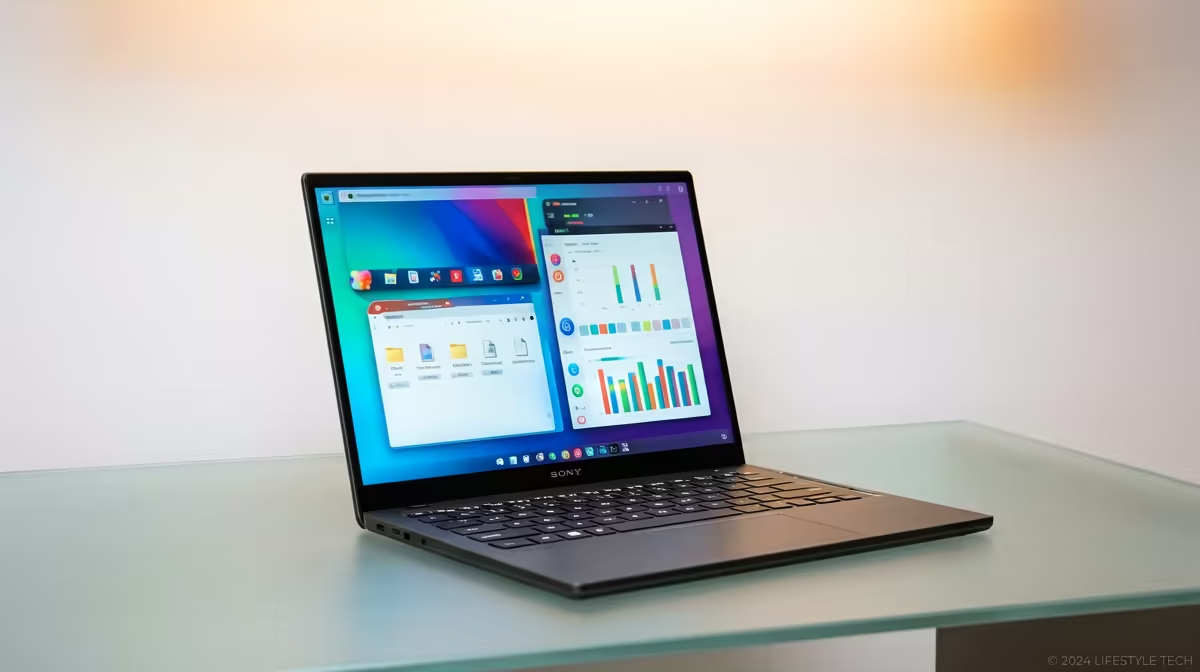
Juggling assignments, online lectures, and a sneaky round of Apex Legends is the modern South African student reality. But when your laptop groans under the pressure of three Chrome tabs and a Word doc, that reality bites. Finding the best laptops for SA students isn't just about price; it's about surviving the ultimate multitasking test without your machine freezing mid-submission. Let's dive into what specs truly matter for a lag-free campus life. 🚀
Before you even look at a brand, you need to understand the engine inside. A laptop's ability to handle multiple tasks at once comes down to three core components: the CPU, RAM, and storage. Getting this combination right is the secret to finding a powerful laptop for university students that won't let you down.
Think of RAM (Random Access Memory) as your desk space. The more you have, the more apps and documents you can have open simultaneously without things getting cluttered and slow.
The Central Processing Unit (CPU) is what does the actual thinking. For multitasking, the number of "cores" is crucial. More cores mean the laptop can handle more tasks in parallel. Whether you're looking at the latest Intel laptops on special with their mix of performance and efficiency cores or the multi-threaded powerhouses from Team Red, a modern processor is non-negotiable.
Is your current laptop slow? Press Ctrl+Shift+Esc on Windows to open Task Manager. Click the "Performance" tab. If your CPU or Memory is constantly hitting 100%, you've found your bottleneck! This is the component you need to prioritise in your next upgrade.
Choosing between the two biggest names in processors can be tough. Both offer fantastic options, but they excel in slightly different areas. AMD Ryzen processors are often praised for their excellent multi-core performance, making them ideal for students who run heavy software simulations or video editing. You can find some incredible value in the current range of AMD laptops on special.
Intel, on the other hand, often leads in single-core speeds, which can make general tasks feel incredibly responsive. Their latest chips intelligently assign tasks to either Performance-cores or Efficient-cores, optimising for power and battery life—a huge plus for long days on campus.
Let's be honest, your student laptop will also be your entertainment hub. If you plan on gaming after class, a dedicated graphics card (GPU) is a must. While integrated graphics are fine for Netflix and older titles, a laptop with an NVIDIA GeForce RTX or AMD Radeon RX series GPU will let you play the latest games smoothly. These machines often represent the perfect blend of work and play, and you can find killer options in Evetech's best gaming laptop deals.
Ultimately, the best laptop for any SA student is one that matches their specific workload and budget. By focusing on at least 16GB of RAM, a modern multi-core CPU, and a fast SSD, you'll be equipped for whatever varsity throws at you... and then some.
Find Your Perfect Student Laptop Today Stop letting a slow machine dictate your productivity. Explore our curated selection of laptop specials for sale in South Africa and find the perfect multitasking partner for your studies and beyond.
Prioritize at least 8GB RAM and an i5 processor for smooth multitasking. 📚
Great for basic tasks but limited for resource-heavy software. 📝
Aim for 4+ hours battery life with normal usage. ⏳
Yes, with SSD storage and efficient processors. 💡
Windows for software flexibility, macOS for stability. macOS preferred by design students. 🎨
Focus on RM4000–RM7000 for the best balance. 💰
Only if pursuing graphic design or engineering. Otherwise, integrated is fine. 🖥️
Crucial – aim for under 2kg for daily commute ease. 🧳
AIO Liquid 240mm Setup and Configuration. Clear setup instructions with SA-specific considerations, troubleshooting tips & recommended components.
Read more
Setting Up DDR5 64GB Kit. Tested & verified settings for best FPS and visual quality on SA hardware budgets.
Read more
Overwatch 2 Setup Guide Gamers. Clear setup instructions with SA-specific considerations, troubleshooting tips & recommended components.
Read more
R and RStudio on Mac: Data Science Setup Guide. Clear setup instructions with SA-specific considerations, troubleshooting tips & recommended components.
Read more
NVIDIA Broadcast Setup with GPU: Streamer Guide. Clear setup instructions with SA-specific considerations, troubleshooting tips & recommended components.
Read more
Core Ultra 7 265K Temperature Guide: Normal Range. Complete product range with SA pricing, key specs & recommendations for different budgets.
Read more
AMD RX 9050 XT: Rumoured Specs, Price & Release. SA-focused analysis with local pricing data, real-world insights & actionable buying advice.

Can RTX 4080 Super Run AI Workloads for SA Developers Detailed answer with SA data, expert analysis & practical recommendations for local buyers.

Can RTX 4090 Run AI Workloads for SA Developers Detailed answer with SA data, expert analysis & practical recommendations for local buyers.

Top Settings for Intel Arc B580 at Ultrawide 1440p picks evaluated on performance, value & SA availability with current Rand pricing from Evetech.

RTX 4060 CS2 Low Settings at 1080p: FPS Results. Real-world benchmark data, FPS numbers & performance analysis. What SA gamers can actually expect.

Visual Artifacts: Possible GPU Issue Issue #1. Diagnosis steps, proven fixes & when to seek professional help. SA-specific support info included.

Can the RTX 4090 Handle 1440p 144Hz Gaming. Performance testing verdict with real data & practical recommendations for SA buyers.

Top ASUS GPU Under R15000 picks evaluated on performance, value & SA availability with current Rand pricing from Evetech.

GTA 6 Max Settings on RTX 5070. Tested & verified settings for best FPS and visual quality on SA hardware budgets.

Cyberpunk 2077 Max Settings on RTX 5080. Tested & verified settings for best FPS and visual quality on SA hardware budgets.

Starfield Max Settings on RTX 5070 Ti. Tested & verified settings for best FPS and visual quality on SA hardware budgets.

Top RTX 5090 Under R5000 picks evaluated on performance, value & SA availability with current Rand pricing from Evetech.