


Complete Guide: Setting Up AIO Liquid 420mm
Setting Up AIO Liquid 420mm. Tested & verified settings for best FPS and visual quality on SA hardware budgets.
Read more🎨 Find the best laptops for graphic design students in South Africa! 🎓 Top picks for performance, portability, and budget-friendly power. Compare Adobe Creative Suite compatibility and specs.
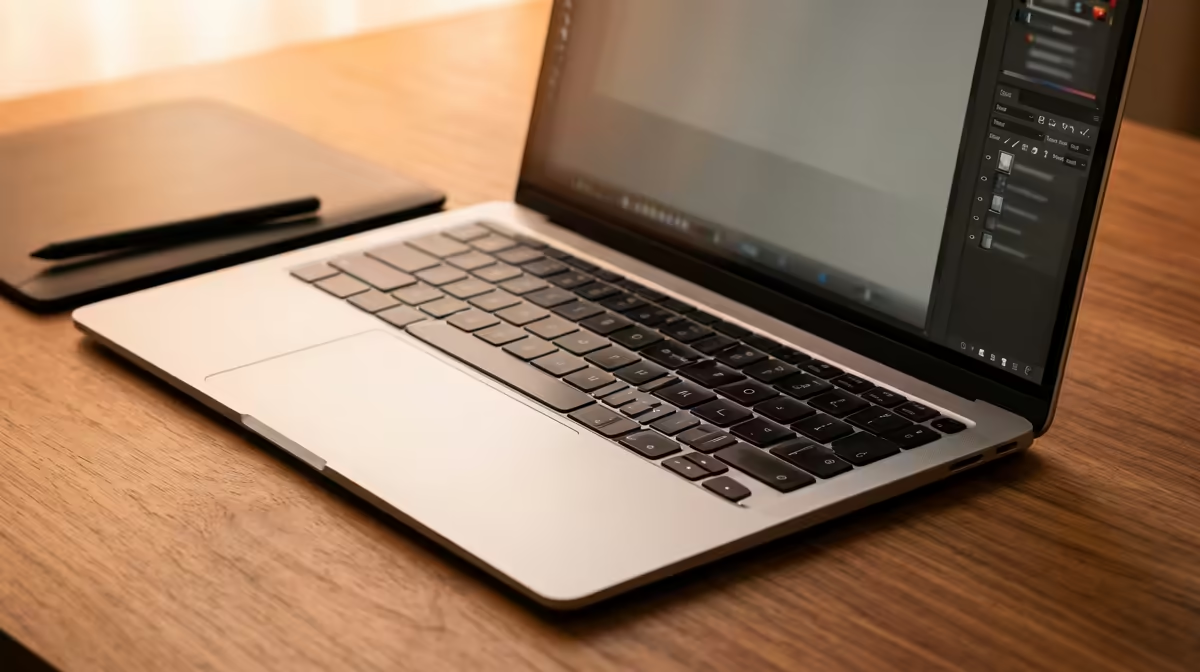
So, you're a graphic design student in South Africa? Welcome to the hustle. You're juggling Adobe Creative Suite, tight deadlines, and maybe even loadshedding during a crucial render. Your laptop isn't just a tool; it's your entire studio. Finding the right machine on a student budget can feel overwhelming, but don't stress. We're here to help you find the best laptop for your creative journey without breaking the bank. Let's get you powered up. 🎨
Before you even look at a brand, you need to understand the engine under the hood. For graphic design students in South Africa, three components are non-negotiable: the processor (CPU), the graphics card (GPU), and memory (RAM). Getting this combo right means the difference between seamless creating and watching the dreaded rainbow wheel spin.
A powerful CPU, like a modern Intel Core i5/i7 or AMD Ryzen 5/7, is the brain of your operation, handling complex tasks in Illustrator and Photoshop. But the real hero for visual work is the dedicated GPU. It accelerates everything from video editing in Premiere Pro to 3D modelling. That's why many of the best gaming laptop deals are also fantastic choices for design students, offering serious graphics power for your money.
For years, the choice of processor felt simple. But now, it's a proper showdown. So, which team should you be on?
Intel CPUs often excel at single-core performance. This translates to a snappier, more responsive experience when you're working on complex vector files in Adobe Illustrator or applying filters in Photoshop. If your workflow is mostly 2D and you value immediate responsiveness, browsing the latest Intel laptops on special is a brilliant place to start.
On the other hand, AMD's Ryzen processors have become famous for their incredible multi-core performance. This is a massive advantage when you're rendering video, working with 3D assets, or multitasking with multiple creative apps open at once. For students who dabble in motion graphics or 3D, exploring powerful AMD laptops can provide a significant performance boost for those heavy-duty tasks. 🚀
Ultimately, there's no single "best" choice—it depends entirely on your specific focus within graphic design.
No matter which CPU you choose, aim for at least 16GB of RAM. Adobe apps are memory-hungry, and 8GB just doesn't cut it anymore. With 16GB, you can have Photoshop, Illustrator, and a dozen browser tabs open without your machine grinding to a halt. It's the single most effective upgrade for a smooth creative workflow.
Finding the best laptop for a South Africa graphic design student goes beyond just the core specs. Here are a few other critical features to keep on your radar.
Considering these factors will ensure you get a well-rounded machine that's a pleasure to use every day, making it one of the best student laptops for any creative field.
Ready to Create Your Masterpiece? Finding the perfect laptop is the first step to bringing your vision to life. Browse our latest laptop specials at Evetech to find a machine that matches your ambition and your budget.
Prioritize Adobe Creative Suite compatibility with at least 16GB RAM and 512GB SSD for smooth performance.
Yes! Convertibles like Surface Book offer touchscreen flexibility for digital sketching and presentations.
Aim for R20,000-R35,000 for reliable performance with Adobe tools and portable design laptops.
Yes for advanced 3D modeling – look for Nvidia RTX 3050 or better in design laptops.
Top choices include Dell XPS, Surface Pro, and Apple MacBook Pro for color accuracy and performance.
13-15" laptops under 1.5kg with 8+hr battery life work best for on-the-go design students.
Both work – macOS offers seamless Creative Cloud integration while Windows provides broader hardware choices.
Setting Up AIO Liquid 420mm. Tested & verified settings for best FPS and visual quality on SA hardware budgets.
Read more
Intel XTU Download & Setup Guide: Intel CPU. Clear setup instructions with SA-specific considerations, troubleshooting tips & recommended components.
Read more
Cyberpunk 2077 Max Settings on RTX 4090. Tested & verified settings for best FPS and visual quality on SA hardware budgets.
Read more
The Complete Guide to GPU. Everything you need to know with SA pricing, step-by-step instructions & expert recommendations.
Read more
NVCleanstall Download & Setup Guide: NVIDIA. Clear setup instructions with SA-specific considerations, troubleshooting tips & recommended components.
Read more
to Driver Installation for Beginners. Everything you need to know with SA pricing, step-by-step instructions & expert recommendations.
Read more
AMD RX 9050 XT: Rumoured Specs, Price & Release. SA-focused analysis with local pricing data, real-world insights & actionable buying advice.

Can RTX 4080 Super Run AI Workloads for SA Developers Detailed answer with SA data, expert analysis & practical recommendations for local buyers.

Can RTX 4090 Run AI Workloads for SA Developers Detailed answer with SA data, expert analysis & practical recommendations for local buyers.

Top Settings for Intel Arc B580 at Ultrawide 1440p picks evaluated on performance, value & SA availability with current Rand pricing from Evetech.

RTX 4060 CS2 Low Settings at 1080p: FPS Results. Real-world benchmark data, FPS numbers & performance analysis. What SA gamers can actually expect.

Visual Artifacts: Possible GPU Issue Issue #1. Diagnosis steps, proven fixes & when to seek professional help. SA-specific support info included.

Can the RTX 4090 Handle 1440p 144Hz Gaming. Performance testing verdict with real data & practical recommendations for SA buyers.

Top ASUS GPU Under R15000 picks evaluated on performance, value & SA availability with current Rand pricing from Evetech.

GTA 6 Max Settings on RTX 5070. Tested & verified settings for best FPS and visual quality on SA hardware budgets.

Cyberpunk 2077 Max Settings on RTX 5080. Tested & verified settings for best FPS and visual quality on SA hardware budgets.

Starfield Max Settings on RTX 5070 Ti. Tested & verified settings for best FPS and visual quality on SA hardware budgets.

Top RTX 5090 Under R5000 picks evaluated on performance, value & SA availability with current Rand pricing from Evetech.