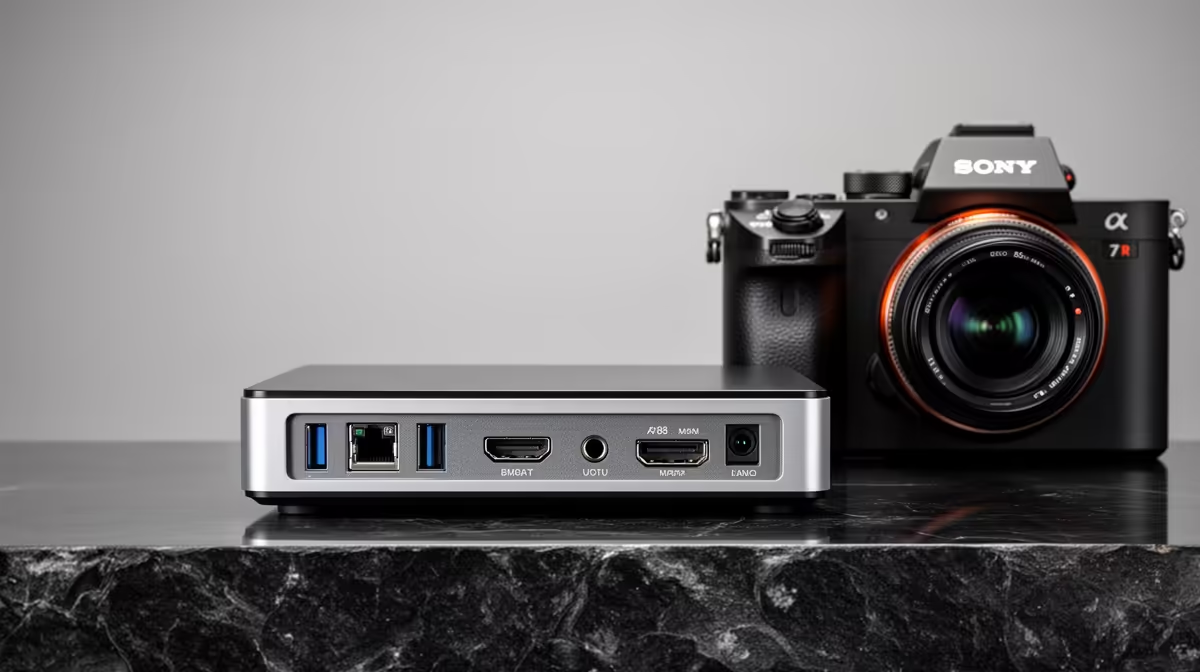
A home server runs around the clock, which means the spec that matters most is not raw speed but how little power it sips while idle. At South African electricity tariffs, a machine left on 24/7 quietly racks up a bill, so the best mini PC for a home server is the one that idles at single-digit watts and still keeps your files, media and automations rock-solid reliable. For most people that points squarely at an N100-class mini PC with NVMe storage.
Quick Answer
The best mini PC for a home server in SA idles at roughly 6 to 8 watts and peaks under 15, with an NVMe boot drive for the reliability a 24/7 server needs. At local electricity prices, the N100's tiny draw makes a real financial difference versus leaving a full desktop tower running continuously.
Why Power Draw Beats Raw Performance Here
A desktop tower idling at 50 to 80 watts, multiplied by every hour of every day for a year, becomes a meaningful line on your municipal bill. A mini PC idling at 6 to 8 watts does the same jobs for a fraction of that. Over the lifespan of the machine, the running-cost saving can rival or exceed the purchase price, which flips the usual "buy the cheapest box" logic on its head.
Home server work, file sharing, a media library, backups, a few containers, home automation, is not demanding most of the time. It spends the vast majority of its life idle, waiting for a request. That is exactly why idle power is the number to optimise. A processor that sips power at rest and only briefly ramps up when needed is ideal for this duty cycle.
The N100 and Its Class
The Intel N100 has become the default home-server chip for good reason. It is efficient enough to idle in the single-digit watts, fast enough for media serving, file duties and light containers, and cheap enough that the whole mini PC stays affordable. It transcodes media comfortably, handles a network file share without breaking a sweat, and runs a handful of services at once.
When to Step Up From an N100
If you plan to run many containers, virtual machines, or a demanding application stack, the N100 will feel tight. Stepping up to a higher-core mini PC with more memory headroom makes sense, accepting a modestly higher idle draw in exchange. Be honest about the workload: most home servers never outgrow an N100, and over-buying just burns more watts for capability you never use.
Memory and Expansion
Look for a unit that takes at least 16GB of RAM if you intend to run containers, since each service wants its slice. Check whether memory is a SODIMM you can upgrade or soldered, and whether there is a spare M.2 slot or a SATA bay for adding storage later. A second drive slot is the difference between a tidy upgrade path and a forced rebuild.
Storage: Where Reliability Lives
A server that runs constantly cannot afford a flaky boot drive. NVMe SSDs give you fast, reliable boot and system storage with no moving parts to wear out, which is exactly what 24/7 uptime demands. Run the operating system and your containers on NVMe so the machine boots fast and stays responsive.
For bulk storage, media, backups, large archives, you have choices. Some mini PCs include a 2.5 inch SATA bay for a high-capacity drive, while others rely on external USB storage or network-attached storage for the heavy capacity. Decide your storage layout before you buy, because a mini PC with only one M.2 slot and no expansion limits how far you can grow. To compare the form factors and what each model can hold, the mini PC range at Evetech lays out the options, and if you would rather see how a small server fits a broader setup, the most popular systems on the shelf give useful context.
Building It Out for SA Conditions
A few SA-specific touches make a difference. Keep the unit cool and dust-free, since mini PCs run in tight enclosures, and put it somewhere ventilated rather than boxed into a cupboard. Pair it with a small UPS so brief power dips do not corrupt a write mid-operation; even a modest UPS gives the server time to ride out a flicker or shut down cleanly. And because the whole point is low draw, that low wattage also means a small UPS lasts far longer on the same battery than it would protecting a power-hungry tower.
For the operating system, lightweight options keep the footprint small and the idle draw low, leaving headroom for your actual services. The combination of an efficient chip, NVMe reliability and a small UPS is what turns a mini PC into a dependable always-on server rather than a science project.
Frequently Asked Questions
How much power does a mini PC home server actually use?
An N100-class mini PC typically idles around 6 to 8 watts and peaks under 15. Over a year of continuous running, that is a fraction of what a desktop tower idling at 50 watts or more would consume, which matters at SA tariffs.
Is an N100 powerful enough for a home server?
For file sharing, media serving, backups and a handful of containers, yes. If you plan many virtual machines or a heavy application stack, step up to a higher-core mini PC with more memory, accepting a slightly higher idle draw.
Why use NVMe instead of a hard drive for a 24/7 server?
NVMe SSDs are fast and have no moving parts to wear out, giving the reliability constant uptime needs. Run the OS and services on NVMe, and use a separate SATA or external drive for bulk media and backup capacity.
Should I add a UPS to a mini PC server?
Yes. A small UPS protects against brief power dips that could corrupt data mid-write and lets the server shut down cleanly. Because a mini PC draws so little, a modest UPS protects it for much longer than it would a power-hungry desktop.
How much memory does a home server mini PC need?
For light duties 8GB can do, but 16GB is the comfortable target if you intend to run several containers or services, since each one claims its share of memory. Check whether the unit's memory is upgradeable before buying.