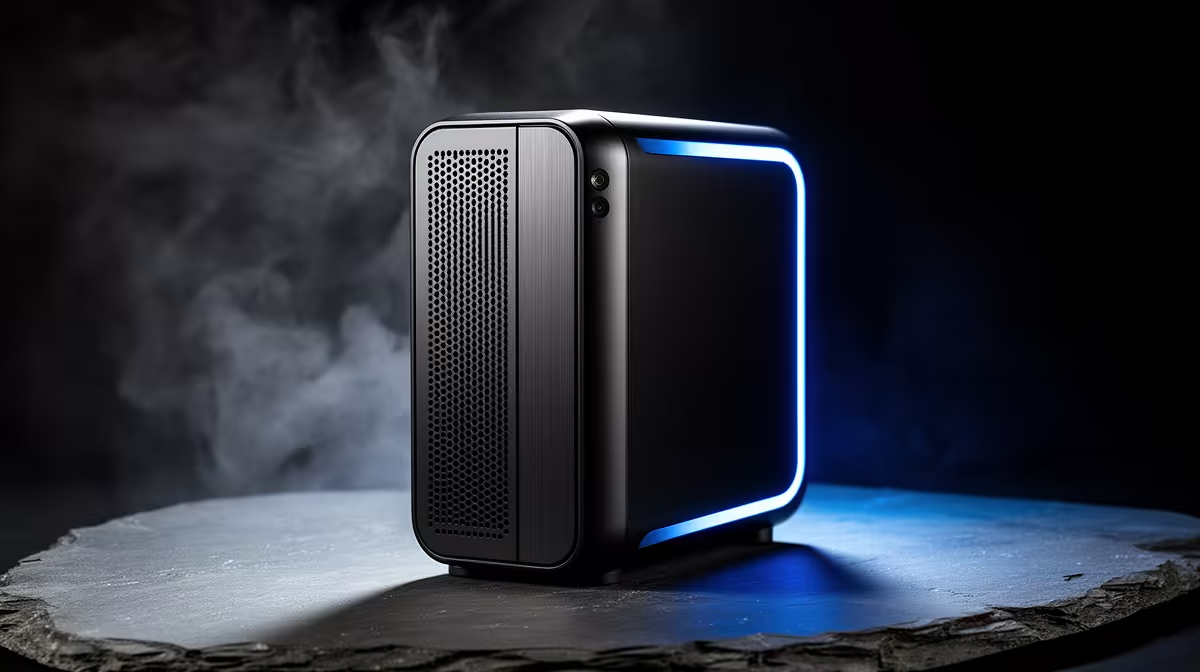
That beige tower humming away under the desk still works, but it draws power like a heater and crawls every time Windows updates. Swapping it for a modern compact machine is one of the most satisfying upgrades a South African home user can make, and the best mini PC for the job runs faster, cooler and quieter while sipping a fraction of the electricity your old desktop burns.
Quick Answer
The best mini PC to retire an ageing SA desktop is a Ryzen 7 unit that idles at roughly 10W against a typical old tower's 70W, around 85% less idle draw. You gain fast NVMe storage, more memory bandwidth and a near-silent machine that fits in your palm, usually for a sensible mid-range price.
Why An Old Tower Is Worth Replacing
A desktop from several years ago carries three quiet penalties. It idles high, often pulling 60 to 80W just sitting there, which adds up over a full working day. It runs a mechanical hard drive or an early SSD, so everything from boot to file opening feels sluggish. And its older platform offers less memory bandwidth, so even simple multitasking can stutter.
A modern mini PC fixes all three at once. The idle draw drops to around 10W, NVMe storage makes the whole system feel instant, and a current Ryzen platform handles browsing, office work, media and light creative tasks without breaking a sweat. You feel the speed difference within the first hour.
What Makes A Good Desktop Replacement
Not every tiny box is a true tower replacement, so a few specs decide it.
The Processor
A Ryzen 7 class chip is the sweet spot for replacing a general-purpose desktop. It has enough cores for comfortable multitasking and integrated graphics strong enough for everyday use, video and even casual gaming, without needing a separate card. For pure office and web duties a Ryzen 5 also does the job well and costs less.
Memory And Storage
Aim for at least 16GB of RAM so you can keep many browser tabs and apps open, with headroom to add more later in most units. Storage should be NVMe, not a mechanical drive; this single change is the biggest reason a mini PC feels so much snappier than the tower it replaces.
Ports And Expansion
Check that the unit has the ports you rely on: enough USB, HDMI or DisplayPort for your screens, and ideally an Ethernet jack for a stable wired connection. This is where mini PCs ask for compromise, since they cannot hold the internal expansion cards a full tower can. For most home users that trade is well worth the size and power savings.
The Power Saving Is Real
The headline is the efficiency. Dropping from roughly 70W to about 10W at idle is close to an 85% cut in standby draw, and since a home machine spends most of its life idling, that is where the real saving lives. Over a year of daily use the difference is meaningful on a household electricity bill, and the machine runs cool and quiet the whole time rather than spinning fans to clear heat.
You can compare the efficiency and specs across the mini PC range at Evetech to find the balance of performance and price that suits your home, whether that is a modest Ryzen 5 for admin or a Ryzen 7 for heavier days.
Making The Transition Practical
Moving from a tower to a mini PC is straightforward for most users, but a few steps make it smoother. Back up your files from the old machine first, then carry over any external peripherals, since your existing monitor, keyboard, and mouse plug straight in. Most mini PCs support dual-display output, so if you ran two screens off the tower you can keep that setup. The HDMI and DisplayPort outputs on current mini PCs handle up to 4K at 60Hz, matching what older towers with a dedicated card managed.
If you used the tower for storage, note that most mini PCs take a single NVMe drive internally. An external USB drive or a small NAS handles overflow well and keeps things tidy. The small footprint of a mini PC means you reclaim significant desk space in the process, which many buyers consider an underrated bonus.
Who Should And Should Not Switch
A mini PC suits the vast majority of home users: web, email, office work, media, video calls and light creative tasks all run beautifully. Students and home offices in particular benefit from the small footprint and low running cost.
The exception is anyone needing serious dedicated graphics, a gamer chasing high frame rates or a creator running demanding 3D and video rendering. Those workloads still favour a full tower with a discrete GPU. If that is you, the most popular full systems Evetech ships are the better starting point, since they leave room for the graphics card a mini PC simply cannot house.
Frequently Asked Questions
How much power does a mini PC save over an old desktop?
A modern mini PC can idle at around 10W versus roughly 70W for an older tower, close to an 85% reduction. Since home machines idle most of the time, that is where the bulk of the electricity saving comes from.
Is a mini PC powerful enough to replace my desktop?
For everyday use, yes. A Ryzen 7 class mini PC handles web, office, media and light creative work easily, and feels faster than an old tower thanks to NVMe storage. Only heavy gaming or 3D rendering still needs a full desktop.
Can I add a graphics card to a mini PC?
Generally no, since mini PCs lack the internal slots for a discrete card. They rely on integrated graphics, which suit everyday use. If you need a dedicated GPU, a full tower or an external GPU setup is the way to go.
How much RAM should a mini PC have for general use?
Aim for at least 16GB to keep multitasking smooth, with the option to expand later in most models. Lighter, single-task use can manage on less, but 16GB gives comfortable headroom for years.
Will a mini PC be quieter than my old tower?
Almost always. Lower power draw means less heat, so the fans run slower and quieter. Many mini PCs are near-silent during normal use, a clear improvement over an ageing, fan-heavy desktop.
Ready to retire that power-hungry tower? Compare specs and efficiency across the mini PC range at Evetech and pick a compact machine that is faster, quieter and far cheaper to run.