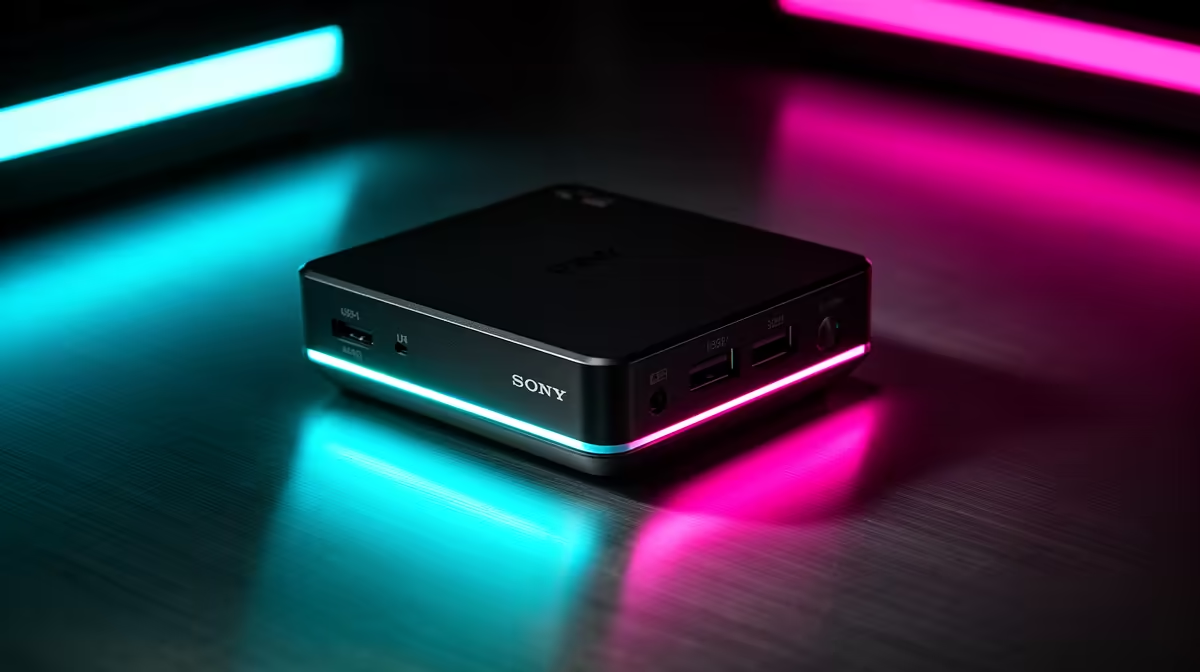
A mini PC under R5,000 in South Africa is the cheapest honest way onto a real desktop, and the trick is knowing exactly what that budget buys. At this tier you are looking at compact machines built around a low-power Intel chip, sipping somewhere between 6 and 15 watts, that cover everyday computing without the bulk or cost of a tower. For a lot of households, students, and first-time buyers, that is precisely enough.
Quick Answer
Mini PCs under R5,000 in SA run an Intel N100 or N150 system-on-chip at 6 to 15 watts, handling web browsing, video streaming, document work, and light multitasking. This is the lowest-cost desktop entry point, well suited to homes, students, and anyone who does not need heavy processing. It is not a gaming or editing machine.
What the N100 and N150 actually deliver
These chips are efficiency-first processors. The N100 and the slightly newer N150 pack several cores into a tiny power envelope, which is why mini PCs built on them stay cool, quiet, and cheap. Performance is comfortable for the tasks most people do all day: a stack of browser tabs, email, office documents, video calls, and streaming in the background.
Where they tap out is anything heavy. Demanding photo and video editing, modern gaming, and large software builds are outside this tier's comfort zone. Treat an N100 or N150 mini PC as a capable everyday computer rather than a do-everything workstation, and it rarely disappoints.
Who this tier is genuinely right for
Students
For lecture notes, research, assignments, and streaming between study sessions, an entry mini PC does the job at a price that suits a tight student budget. It pairs with an existing monitor and keyboard, which keeps the total spend low. In a res room or a shared flat, its small footprint and quiet running are real advantages.
Households and first-time buyers
As a family computer for browsing, homework, online banking, and watching content, this tier covers the common needs of a SA household without overspending. First-time desktop buyers get a tidy, low-power machine that does not dominate a desk or a power bill.
Light office and reception use
For point-of-sale-adjacent tasks, reception desks, or a back-office machine handling documents and email, a low-wattage mini PC is dependable and inexpensive to run. It stays on all day without generating heat or noise.
What to check before you buy
Memory and storage are where these machines differ most. Aim for enough RAM to keep several browser tabs and apps open without slowdown, and prefer a solid-state drive over older mechanical storage for snappier everyday feel. Check the ports too: confirm there are enough USB ports and the right video output for your monitor. The mini PC range stocked locally lists those specifications per model so you can match memory, storage, and ports to what you actually need.
What the N100 Actually Delivers at This Price
The Intel N100 is a quad-core chip running at up to 3.4 GHz, built on an efficient architecture that keeps heat and noise low without capping everyday responsiveness. In practice, it opens a browser with two dozen tabs, runs a video call alongside a document, streams 1080p or 4K content, and keeps the machine quiet enough for a bedroom desk or a small office without any fan hum.
The N100 also includes hardware decode for modern video codecs including AV1, which means streaming services that use efficient modern formats play back without stutter or elevated CPU load. That is a detail that matters less on paper than it does when a stream looks smooth versus when it drops frames on an older chip without that decode engine.
Where the N100 taps out is anything that asks the processor to sustain high computational load for a long time. Compiling large projects, rendering video, running demanding games. Those tasks are outside this chip's design intent, and forcing them produces slow results and a warm chassis. The N100 is honest about what it is: an efficient everyday chip, not a scaled-down workstation.
Buying Tips for the Sub-R5,000 Bracket
Entry-level mini PCs at this price often ship with minimal RAM or a slow storage drive to hit a low sticker price. Before buying, confirm the RAM is at least 8GB, preferably in dual-channel configuration which noticeably improves integrated graphics performance, and that the storage is a proper NVMe SSD rather than eMMC or a mechanical hard drive. Those two details determine whether the machine feels fast or frustrating day to day.
If the available models ship with only 4GB of RAM, check whether the memory is soldered or in a standard SO-DIMM slot. A slotted module can be upgraded later at modest cost; soldered memory locks you in permanently. For a first desktop purchase at this budget, checking that detail before buying saves a frustrating upgrade dead end.
Where the value sits
The honest pitch for this tier is value, not power. You are buying a genuine desktop experience for the least money, with low running costs as a bonus thanks to the tiny power draw. If your needs grow toward gaming, creative work, or heavy multitasking, you will want to step up to a more powerful build rather than push an N100 beyond its design. For a sense of how the next tiers compare, the pre-built desktops people are buying most show where the extra spend takes you.
Frequently Asked Questions
Can a mini PC under R5,000 handle everyday tasks?
Yes. Browsing, streaming, office documents, email, and video calls all run comfortably on an N100 or N150 mini PC. It is built exactly for this kind of everyday use.
Will it run modern games?
No, not modern titles. These chips prioritise efficiency over graphics power, so gaming is outside this tier. For gaming you would need to step up to a machine with a dedicated graphics card.
Is an N150 better than an N100?
The N150 is a slightly newer revision with modest gains, but both sit in the same efficiency class. For everyday tasks the difference is small, so availability and the rest of the spec usually matter more than the chip name alone.
How much power does a mini PC use?
These machines typically draw between 6 and 15 watts, far less than a full tower. That low consumption is part of why they suit always-on home and office use.
Should I add more RAM or storage?
Where possible, prioritise enough RAM for smooth multitasking and a solid-state drive for responsiveness. Those two upgrades make the biggest difference to day-to-day feel at this tier.