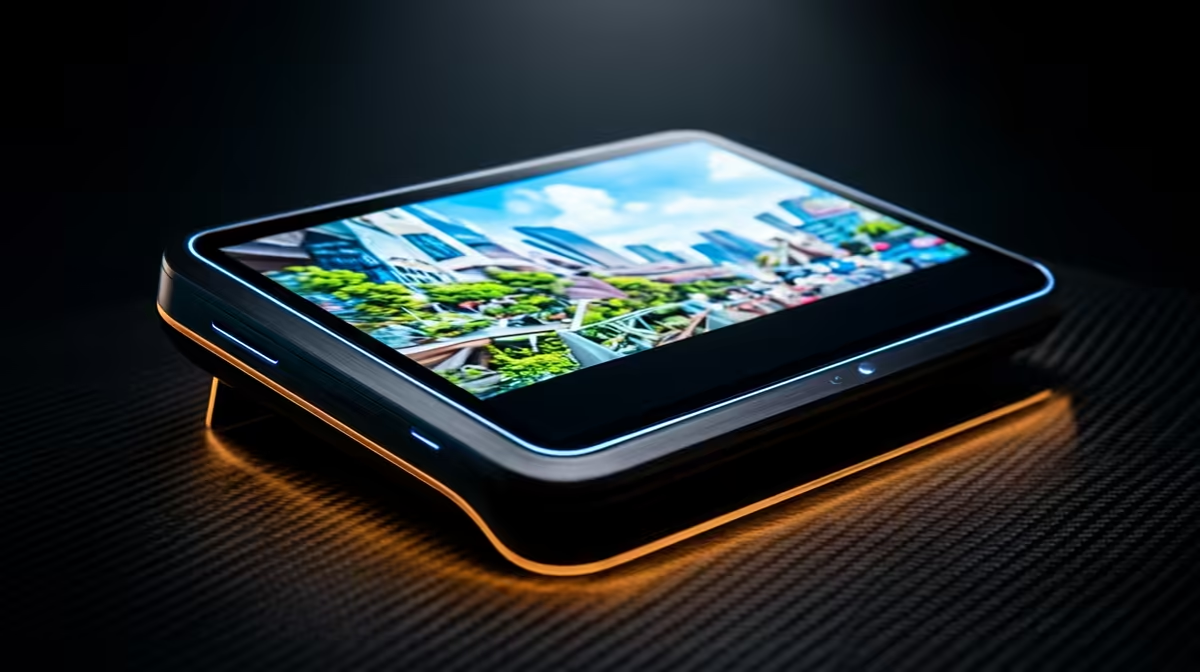
Travel-sized screens have quietly caught up to desktop quality, and the panel doing the heavy lifting is OLED. An OLED portable monitor lights each pixel individually, which is why blacks look genuinely black, colour saturates fully, and motion stays clean. For SA creatives grading on the move and gamers who want a second screen with real contrast, that per-pixel control is the whole reason to pay the premium.
Quick Answer
The best OLED portable monitors deliver true blacks, near-instant pixel response, and close to 100 percent DCI-P3 colour coverage, making them the top travel screen for colour-critical creative work and fast gaming. Expect to pay a clear premium over IPS portables, justified when contrast and motion clarity are non-negotiable.
Why OLED Beats IPS on a Portable
The core difference is how each panel makes black. An IPS portable uses a backlight that is always on, so dark scenes look grey because light leaks through. OLED switches off individual pixels entirely, producing true black and an effectively infinite contrast ratio. On a portable screen you often use in bright, uncontrolled rooms or on a plane, that contrast is what keeps the image looking deep rather than washed out.
You can see the current spread of travel screens on the portable monitor range to compare OLED panels against the IPS options directly.
Colour Accuracy for Creative Work
For photo and video editors, the headline figure is gamut coverage. Quality OLED portables reach close to 100 percent of the DCI-P3 colour space, the standard used in digital cinema. That means the reds, greens and skin tones you see on the road match what your desktop reference shows back at the studio.
Why DCI-P3 Matters for SA Creators
If you grade footage for streaming platforms or cinema delivery, working on a wide-gamut screen prevents nasty surprises when the project lands on a calibrated display. A portable that only covers a smaller sRGB gamut can make you over-saturate, only to find the colour collapses on a proper monitor later. Wide coverage on the go protects the work.
Motion Clarity for Gaming
OLED's response time is measured in fractions of a millisecond, far quicker than typical IPS. In fast games that means almost no smearing behind moving objects, so a flick shot or a fast pan stays sharp. Paired with a high refresh rate where the panel supports it, an OLED portable becomes a genuinely capable second gaming screen for a laptop, not just an email window.
The Burn-In Question
OLED can retain a static image over very long exposure, so a portable used for hours of fixed UI deserves sensible habits: hide static taskbars, use screen dimming, and vary content. For mixed creative and gaming use, modern panels with their protection features handle this well, and it should not put a careful user off.
Resolution, Size and Sharpness
Most portable OLEDs land around 15 to 16 inches, a size that balances screen real estate against bag space. At that diagonal a Full HD panel can start to show its pixels, so a higher resolution sharpens text and fine detail noticeably. For creative work where you scrutinise edges and small UI elements, the extra pixels are worth seeking out. For gaming, resolution trades against the frame rate your laptop can drive, so a sharper panel may mean dialling settings back a touch.
Brightness and HDR
OLED's contrast is unmatched, but its peak brightness is often more modest than a bright IPS panel. In a sunlit room or outdoors that matters, because even perfect blacks struggle against glare. Check the rated brightness if you work in bright spaces. HDR support is a useful bonus, though on a portable it is the per-pixel contrast, not the brightness, that delivers most of the visual impact.
Build, Stand and Portability
A travel screen lives in a bag, so build quality earns its keep. Look for a slim metal chassis, a protective cover that doubles as a stand, and a weight that does not undo the point of going portable. A flimsy kickstand that will not hold an angle becomes a daily annoyance. The best designs fold flat, survive being slid between a laptop and a notebook, and set up in seconds on a hotel desk.
Touch and Extras
Some OLED portables add touch input, which suits tablet-style note-taking and quick creative tweaks but adds weight and cost. Decide whether you will actually use it. Built-in speakers are usually an afterthought on portables, so plan to use headphones or the laptop's own audio for anything that matters.
Connectivity and Power on the Road
The best portables run from a single USB-C cable that carries video and power together, so a laptop or compatible phone drives the screen with no extra brick. Check that your source device supports video over USB-C, or that the monitor includes a way to power itself separately, before you rely on it. Some also include a mini-HDMI input for consoles and devices that do not output video over USB-C.
Calibration and Getting Accurate Colour
A wide-gamut panel is only useful if it is set up correctly. Out of the box, OLED portables often ship in a vivid mode that oversaturates everything, which looks punchy but lies about your colours. For creative work, switch to an accurate colour mode if the monitor offers one, and ideally profile the screen with a calibration tool. A calibrated OLED portable can serve as a genuine reference on the road, which is exactly what a colourist away from the studio needs. If you only game on it, the vivid mode is fine and arguably preferable.
Who Should Buy One, and Who Should Not
An OLED portable earns its price for colourists, video editors, photographers and gamers who need contrast and speed away from the desk. If you only need a spreadsheet companion for spreadsheets and browsing, a cheaper IPS portable saves you money with no real downside. Buy OLED for the work that genuinely benefits from its strengths. A practical middle path is to keep a sharp IPS portable for travel productivity and reserve the OLED spend for the screen that does your colour-critical work, rather than overpaying for a panel that only shows email.
To see which travel screens SA buyers favour overall, the monitor best sellers give a useful read across both OLED and IPS picks.
Frequently Asked Questions
Is an OLED portable monitor worth the extra cost?
For colour-critical editing and fast gaming, yes, because the true blacks, wide gamut and quick response are hard to match on IPS. For basic productivity, a cheaper IPS portable does the job without the premium.
Will OLED burn-in be a problem on a portable?
Static burn-in needs long, repeated exposure to fixed images. With sensible habits like dimming, hiding static bars and varying content, and modern panel protection, mixed-use owners rarely encounter it.
Can a single USB-C cable power an OLED portable monitor?
Many can run video and power from one USB-C cable, provided your laptop or phone outputs video over USB-C with enough power. Always confirm your source device supports this before relying on it.
What gamut coverage should I look for?
Aim for close to 100 percent DCI-P3 if you do colour-critical creative work. That wide coverage keeps your edits accurate against cinema and streaming standards rather than shifting when viewed on a calibrated display.
Are OLED portables good for gaming?
Yes, their sub-millisecond response and deep contrast make them excellent fast second screens for a gaming laptop. Look for a higher refresh rate model to get the smoothest motion.