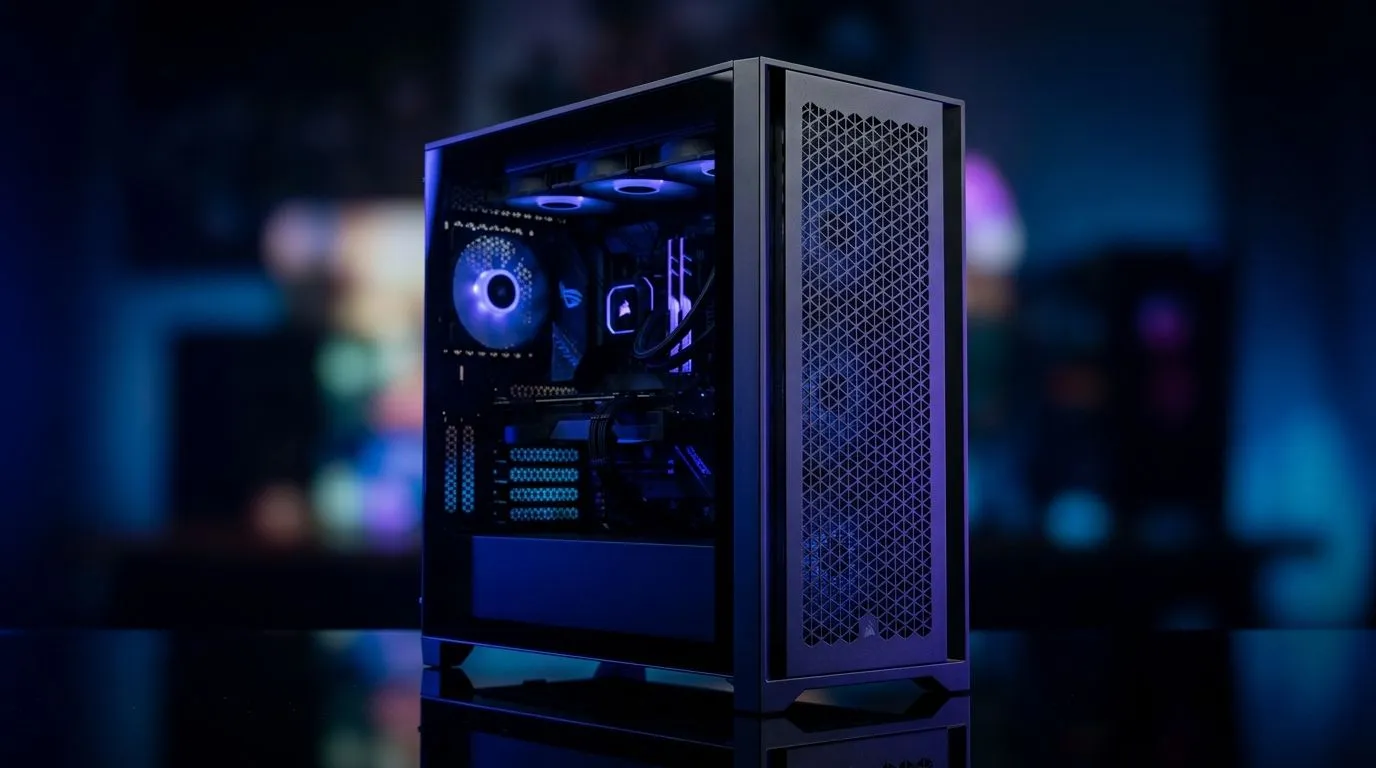
If your PC runs hot during a long load-shedding session, the case is often the silent culprit. South African gamers usually blame the GPU or the PSU first, but airflow, layout, and upgrade room decide whether a build feels slick for years or cramped from month one. A well-chosen case keeps temperatures lower, cables cleaner, and future upgrades far less painful ⚡
Best PC Case Features for Airflow and Upgrade Headroom
Airflow starts with the front panel
A strong case should breathe well. Look for mesh front intake, generous fan mounts, and a clear path for air to move from front to back. Solid-front designs can look sharp, but they often trade style for heat. If you’re running a hotter CPU or a graphics card that works hard at 1440p, airflow matters more than gloss.
Good cable routing also helps here. Messy cables block airflow and make maintenance harder. Clean routing behind the motherboard tray gives fans a better job to do, and your system usually stays quieter too.
Upgrade headroom saves money later
Many buyers focus only on today’s parts. That’s understandable, but a case should support tomorrow’s upgrades too. Check GPU clearance, CPU cooler height, radiator support, and the number of storage mounts. A roomy case can handle a bigger graphics card later without forcing a full rebuild.
If you want to browse a broad range of shapes, sizes, and styles, start with Evetech’s computer cases selection. It’s a practical place to compare airflow-focused towers, compact options, and more premium chassis styles in one place.
Think about panel access and dust control
Upgrading is easier when the case works with you. Tool-less side panels, removable dust filters, and front-access ports matter more than most spec sheets admit. In South African homes, dust builds up quickly, especially if your rig sits near a window or on the floor. Filters reduce cleaning time and help preserve performance over time.
For builders who want a more refined finish, Fractal Design PC cases are worth a look. Fractal is known for clean layouts and sensible interior design, which appeals to people who value quiet builds and simple upgrades.
Match the case to your real build
Not every rig needs a massive tower. A modest gaming PC can be perfectly happy in a mid-tower with decent airflow and smart mounting options. If you’re planning a future GPU upgrade, though, leave extra space now. That small decision can prevent awkward fitting problems later.
For buyers watching the budget, Gamdias gaming cases offer another route to compare style and practicality. And if you’re trying to keep the total close to a tighter bracket, the Gamdias gaming cases under R1500 page makes it easier to shortlist value-focused options.
Build Smart ⚡
When choosing a case, bring your next upgrade into the decision. If you plan to move from an entry-level GPU to a larger card later, check clearance first. A few extra millimetres today can save you from a frustrating rebuild tomorrow.
What to prioritise before you buy
Here’s the short version:
- Mesh front panel for better intake
- Space for at least one future GPU upgrade
- Easy-to-clean dust filters
- Support for the cooling you actually use
- Enough drive bays for your storage plans
- Cable management space behind the tray
A good case should feel invisible once the build is done. It should not fight your cooling, crowd your components, or limit your next upgrade. That’s the sweet spot… and it’s what makes a smart purchase feel worthwhile long after the first boot 🔧
Ready to Find Your Perfect Match?
The Mac vs Windows debate is complex, but for maximum power, choice, and value in South Africa, Windows is hard to beat. Explore our massive range of laptop specials and find the perfect machine to conquer your world.