

Repetitive Strain: Mouse Guide for SA Gamers
Repetitive Strain: Mouse Guide Gamers. Everything you need to know with SA pricing, step-by-step instructions & expert recommendations.
Read moreFind the best PC fan setup configurations for South African gaming PCs by case size and get steadier temps, quieter airflow, and safer thermals. Includes practical intake/exhaust guidance for every build. 🌀❄️
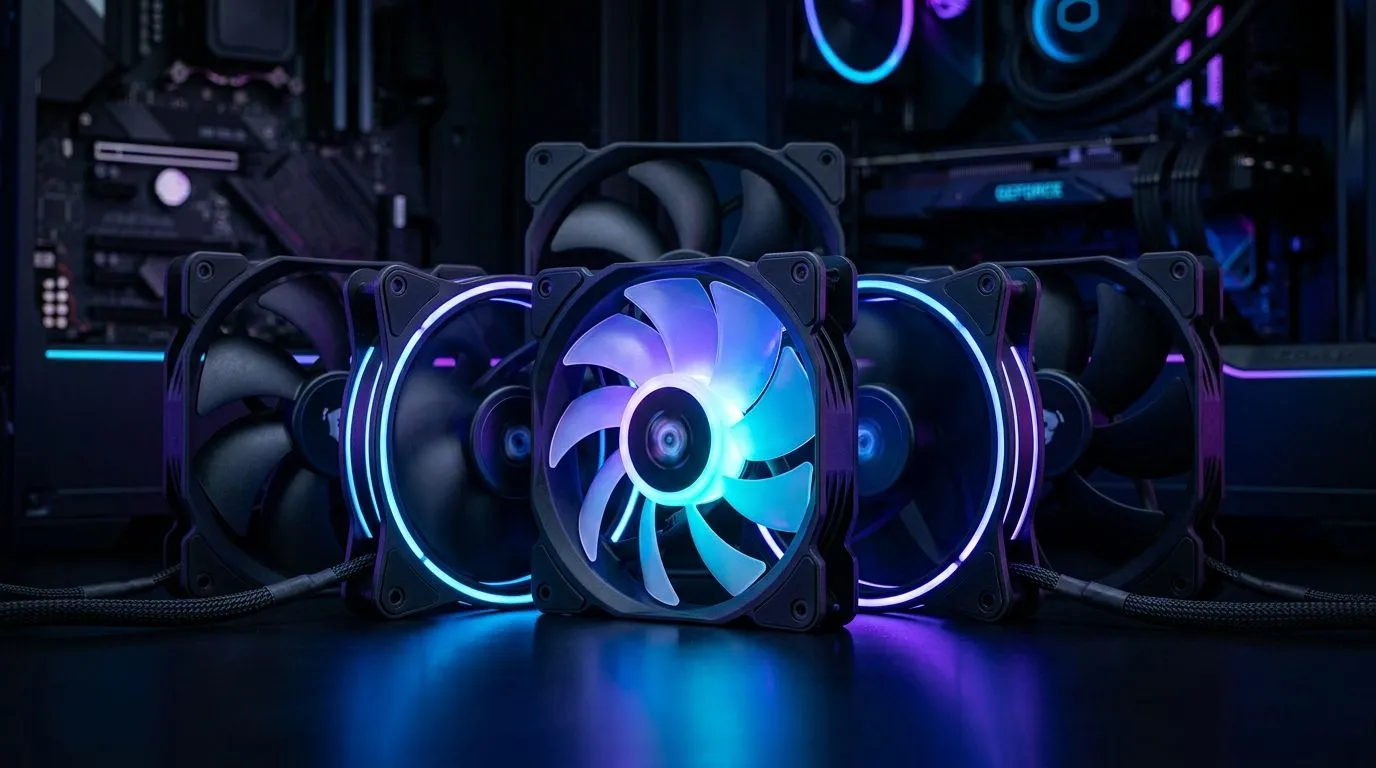
If your gaming PC sounds like a small jet taking off… it’s usually airflow, not “bad luck”. In South Africa, where summer heat and dusty environments are real, the right fan setup keeps your GPU cooler and your frame times steadier. 🎮
The goal is simple: move cool air in, push warm air out, and don’t create pointless turbulence. Let’s map out the best PC fan setup configurations for South African gaming PCs, so you can dial in performance without wasting money.
Most cases perform best with a clear pressure direction:
A common, reliable baseline for gaming builds is 2 intake fans in front and 1 exhaust in the rear, then add one top exhaust if your case supports it. This keeps airflow moving across the GPU and CPU cooler without overcomplicating things.
Why it matters: GPUs often run hottest near the top of the card, while CPU coolers expel heat upward. Top exhaust helps hot air leave the case before it recirculates. 🔧
Fan performance isn’t only about RGB or brand names. Size, static pressure, and blade design matter.
If you’re planning a balanced airflow build, check your case’s fan mounts first, then buy fans sized to those locations. For more options, browse Evetech’s fan selection here for 120mm fans and 140mm fans:
RGB is fun, but it should never be the deciding factor for cooling. If you do go RGB, aim for a setup with clean cable routing and consistent fan curves. For RGB-focused options, you can start here:
And if you want a stealth look that focuses on performance, consider non-RGB fans:
For broader browsing (including different brands and models), start with:
Use these as “good default” blueprints. Then tweak fan curves after you test temps.
This balances noise and cooling for typical gaming PCs.
If you like consistent performance across brands, it helps to look at options like Corsair:
More exhaust reduces hot air stagnation. This is where South African summers punish poor airflow.
If you want a deep dive into affordable, performance-friendly options, explore Deepcool fans:
Works best in cases that are already well ventilated. It’s also easier to keep cables tidy.
Even with the perfect layout, wrong curves can ruin results. Your fans should ramp based on CPU temp and, ideally, respond to GPU heat indirectly through case airflow.
Start here:
Then adjust one variable at a time. Small changes beat constant tweaking.
On Windows, use the PowerToys FancyZones utility to create custom snap layouts for your windows. It's a lifesaver for managing multiple apps on an ultrawide monitor, letting you organise your timeline, preview window, and asset folders perfectly for video editing.
Before you order fans, do a fast checklist:
If you nail the airflow direction first, your temperatures usually improve immediately, and your PC sounds better too. 🚀
Ready to Find Your Perfect Match? The Mac vs Windows debate is complex, but for maximum power, choice, and value in South Africa, Windows is hard to beat. Explore our massive range of laptop specials and find the perfect machine to conquer your world.
A balanced intake/exhaust layout works best: front and bottom intake, rear and top exhaust. This supports stable airflow for gaming PCs.
Use your case’s fan mounts: smaller cases prioritize essential intake/exhaust, while larger cases add more intake routes to improve airflow coverage.
Most users prefer slight positive pressure for better dust control. Keep intake airflow modestly higher than exhaust.
Many mid-towers run well with 3 to 5 case fans total. Match fan placement to your GPU and CPU cooler airflow path.
Common guidance: intake at the front/bottom to feed cool air, exhaust at the rear/top to remove heat. This improves gaming PC airflow.
Yes. Use a fan curve, choose appropriate fan RPM targets, and avoid over-restricting intake. Quiet fan setup still needs steady airflow.
Align case airflow to pull cool air toward the CPU cooler and GPU intake paths, then exhaust hot air away. This supports stable thermals.
Repetitive Strain: Mouse Guide Gamers. Everything you need to know with SA pricing, step-by-step instructions & expert recommendations.
Read more
Mouse Durability: Complete Guide. Everything you need to know with SA pricing, step-by-step instructions & expert recommendations.
Read more
FPS Mouse Installation Guide for Your PC. Real-world benchmark data, FPS numbers & performance analysis. What SA gamers can actually expect.
Read more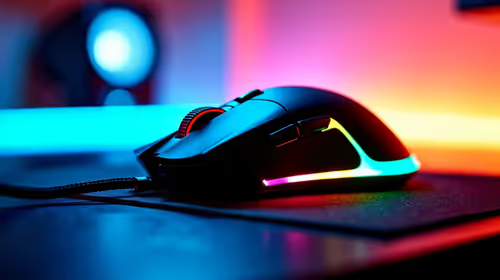
Gaming Endurance: Mouse Guide Gamers. Everything you need to know with SA pricing, step-by-step instructions & expert recommendations.
Read more
Wireless Mouse Configuration Guide: Complete. Clear setup instructions with SA-specific considerations, troubleshooting tips & recommended components.
Read more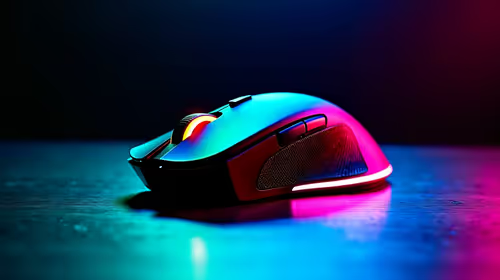
Mouse Specs Explained for Beginners. Plain-English explanation of what it means, why it matters & how it affects your buying decisions in SA.
Read more
CS2 Low FPS: Monitor Bottleneck. Real-world benchmark data, FPS numbers & performance analysis. What SA gamers can actually expect.

Is AOC a Good Monitor Brand for Gaming in South Africa Detailed answer with SA data, expert analysis & practical recommendations for local buyers.

What Gaming Monitor Can You Get for R20,000. Full parts list, Rand pricing & expected performance. Build confidently with SA-available components.

What Gamers Actually Bought: November Report. Real purchase data from SA retailers revealing what local buyers are actually choosing and why.

Can the RX 7700 XT Handle 1440p 144Hz Gaming. Performance testing verdict with real data & practical recommendations for SA buyers.

Top Laptop with Core i7 + RX 7700S: Picks picks evaluated on performance, value & SA availability with current Rand pricing from Evetech.

RX 7700 XT Black Myth Wukong 2 FPS: Performance. Real-world benchmark data, FPS numbers & performance analysis. What SA gamers can actually expect.

RTX 6080 Gran Turismo 7 PC Performance: FPS Test. Real-world benchmark data, FPS numbers & performance analysis. What SA gamers can actually expect.

MacBook Pro 16-Inch M5 Max: Complete Specs,. Everything you need to know with SA pricing, step-by-step instructions & expert recommendations.

Travelling With a MacBook: Travellers. Everything you need to know with SA pricing, step-by-step instructions & expert recommendations.

Back-to-School Parent Guide: Laptops. Everything you need to know with SA pricing, step-by-step instructions & expert recommendations.

MacBook Air 13-Inch M5: Complete Specs, Features. Everything you need to know with SA pricing, step-by-step instructions & expert recommendations.