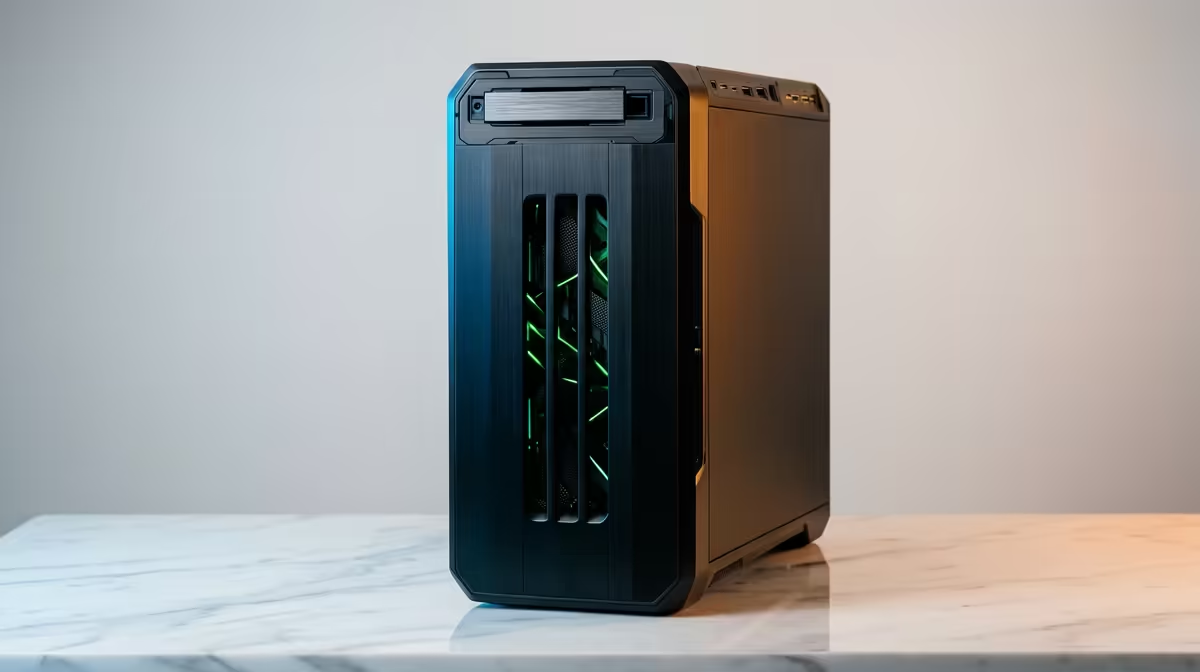
Spec a design machine like a gaming rig and you will overspend in exactly the wrong place. Illustrator, InDesign and Affinity Designer barely touch a high-end graphics card for everyday vector and layout work. The best PC for graphic design in South Africa puts its money into a high-clock CPU and generous RAM, which means a well-chosen mainstream desktop often beats a flashy render machine for a working studio.
Quick Answer
For Illustrator, InDesign and Affinity, prioritise a CPU with strong single-core speed and 32GB of RAM over an expensive GPU. These apps are largely CPU and memory bound, not GPU bound. A well-chosen mainstream desktop built around those two strengths handles SA studio work comfortably at a sensible Rand price.
Why Single-Core Speed Matters More Than Core Count
Vector rendering, screen redraws and most layout operations in Illustrator and InDesign run on one or a few threads. They reward a CPU that does each instruction quickly far more than one with a huge core count. A processor with high per-core performance will feel snappier dragging anchor points or scrolling a heavy InDesign document than a many-core chip that is slower per thread. When you compare CPUs for design, look at single-core benchmarks first.
Affinity Designer is a little more willing to use the GPU for canvas acceleration, but even there the bottleneck for most files is the CPU and memory, not raw graphics horsepower.
Where the GPU does and does not help
A basic dedicated card or capable integrated graphics is plenty for vector and layout. You only need a serious GPU if your workflow also includes heavy 3D, video, or large-scale image effects. For pure graphic design, money spent on a top render card is money that would do more in RAM or a faster CPU. For studios that genuinely cross into 3D or pro colour work, the workstation graphics cards at Evetech cover the professionally certified options worth considering, but most designers will not need them.
How Much RAM a Designer Actually Needs
RAM is where design work lives or chokes. 16GB is a workable floor, but it fills fast once you have Illustrator, InDesign, Photoshop and a browser full of references all open together. 32GB is the comfortable target for SA studios juggling multiple apps and large linked files. Going to 64GB only pays off for very heavy image-laden layouts or constant multi-app switching at scale.
The practical rule: spend on 32GB before you spend on a bigger GPU. The RAM upgrade removes the stutter you actually feel day to day.
Storage and the Rest of the Build
A fast NVMe SSD as the system and working drive transforms how quickly files open and how smoothly large InDesign documents scroll. Aim for an SSD large enough to hold active projects, with a second drive or network storage for archives. Round the build out with a colour-accurate monitor, since a great design PC paired with a poor screen undermines the whole point.
A sensible SA studio configuration
- CPU with strong single-core performance.
- 32GB RAM as the standard, 64GB only for heavy image work.
- Fast NVMe SSD for the OS and live projects.
- Modest dedicated or capable integrated graphics.
- A colour-accurate monitor sized for layout work.
Buying for a Studio Versus a Solo Designer
A solo freelancer can comfortably run a single 32GB mainstream desktop and add RAM later. A studio buying several machines benefits from standardising on one balanced configuration, since identical builds simplify support and file handoff. Either way, the spend should follow the same priority order: CPU single-core speed, then RAM, then storage, then a good monitor, with the GPU near the bottom of the list for pure design.
What Changes When You Add Photography
Many SA designers also handle photography, whether retouching client images in Photoshop or preparing print-ready files with large embedded assets. Photoshop does lean more on multi-core performance and VRAM than the vector and layout tools do, particularly for large files with many adjustment layers. If your workflow regularly crosses into heavy photo editing, stepping up to 64GB of RAM and a more capable GPU pays off in that part of the job, even if Illustrator and InDesign would never notice the difference. The key is not over-buying for a workflow you do a fraction of the time, but being honest about how much photography sits alongside the design work.
Displays Matter as Much as the Machine
A design workstation without a colour-accurate display is a missed opportunity. Designers working on print or photography need a monitor that covers a wide colour gamut and is properly calibrated, otherwise the effort put into colour choices in Illustrator or Affinity is undone by a screen that misrepresents them. An IPS or OLED panel covering sRGB fully and ideally a good portion of Adobe RGB, calibrated with a hardware colorimeter, gives you confidence that what you see is what a client or print shop will produce. SA studios on a budget can start with a well-regarded sRGB-wide IPS panel and calibrate it; premium colour coverage can come later. Pairing the right display investment with the machine investment is how a design workstation genuinely earns its cost.
To see complete machines that already balance these priorities, our best-selling desktops are a quick way to gauge current Rand pricing for capable design-ready PCs.
Frequently Asked Questions
Do I need a powerful graphics card for Illustrator and InDesign?
No. Both are mainly CPU and RAM bound, so a basic dedicated card or strong integrated graphics is enough. Spend the budget on a faster CPU and 32GB of RAM instead.
How much RAM is ideal for graphic design in 2026?
32GB is the comfortable target for running multiple Adobe or Affinity apps with large files open at once. 16GB works for lighter use, while 64GB only benefits very heavy, image-rich layouts.
Is single-core or multi-core CPU speed more important for design?
Single-core speed matters most, because vector rendering and layout operations largely run on one or a few threads. Check single-core benchmarks before core counts when comparing CPUs for design.
Will Affinity Designer use my GPU?
Affinity uses the GPU for some canvas acceleration, more than the Adobe vector tools do. Even so, the CPU and RAM remain the bigger factors for smooth work on complex files.
Can a gaming PC double as a graphic design machine?
Yes, as long as it has a fast CPU and at least 32GB of RAM. You simply will not use most of the gaming GPU's power for vector and layout work, so a balanced build is more cost-effective.