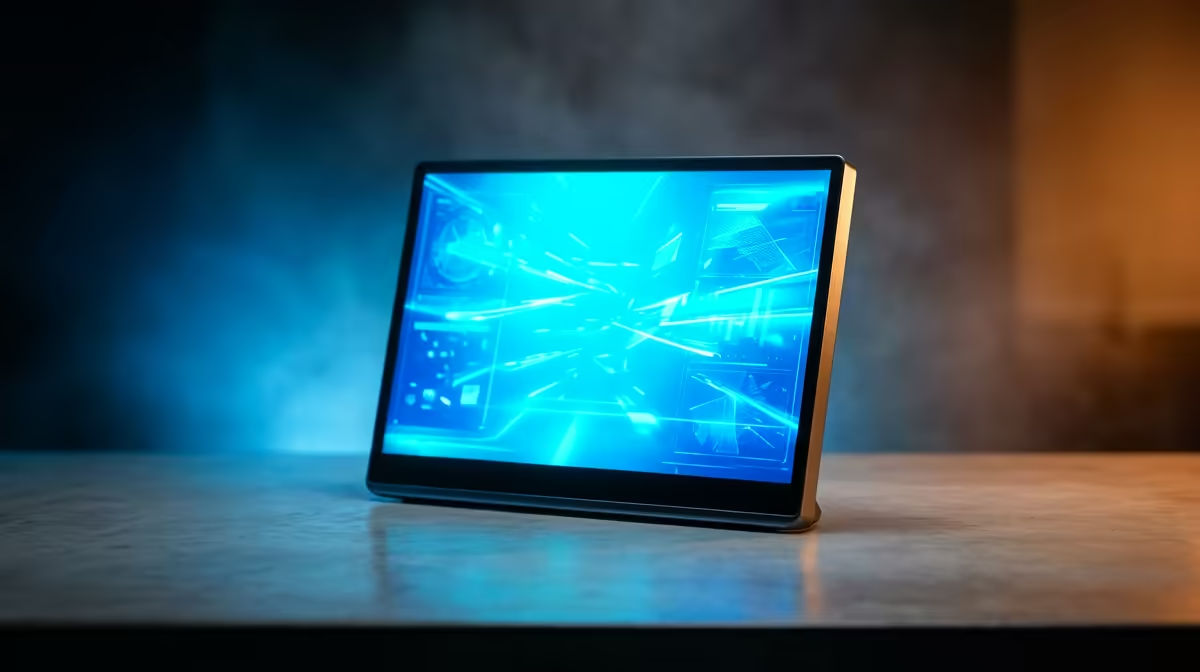
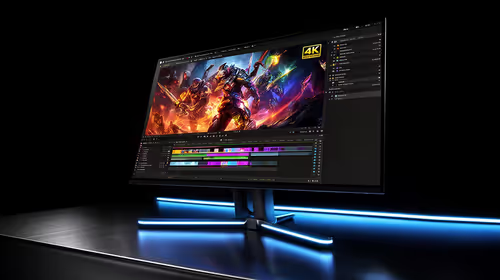
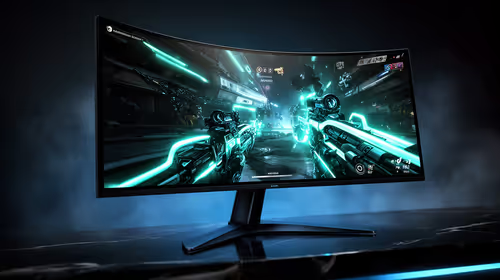
A second screen that folds into a laptop bag changes how you work on the move. The best portable monitor in South Africa for 2026 for most buyers is a 16-inch IPS panel at 1080p or 2.5K, driven by a single USB-C cable and propped up by a built-in smart-cover stand. That combination hits the sweet spot of sharpness, weight and price, while pricier 4K and OLED panels chase a level of polish most people do not need on a travel screen.
Quick Answer
For the typical SA buyer, a 16-inch 1080p or 2.5K IPS portable with USB-C DisplayPort Alt Mode single-cable power and video is the strongest all-rounder, usually landing in the R3,000 to R6,000 band. Step up to OLED or 4K only if you do colour-critical creative work or want maximum contrast for media.
Why USB-C single-cable is the feature that matters most
The single biggest convenience in a portable monitor is being driven by one USB-C connection that handles the video signal and the power simultaneously. That relies on DisplayPort Alt Mode support on the laptop's USB-C port, which most modern machines provide. One cable, no power brick, no clutter, and you are working on a second screen in seconds.
Check your laptop before buying. When its USB-C port lacks Alt Mode capability, you need a model that accepts a separate power input or an HDMI feed instead, which adds a cable and a brick to the bag. For phones and tablets the same rule holds, and many newer Android flagships can drive a portable screen directly over USB-C.
Panel size and resolution: where to spend
The 16-inch sweet spot
A 16-inch panel is large enough to be genuinely useful as a second workspace yet still slips into a laptop bag. Smaller 13 to 14-inch panels are lighter for heavy travel, while 17-inch and up start to feel like luggage. For most people 15.6 to 16 inches is the balance point.
1080p versus 2.5K
At 16 inches, 1080p is sharp enough for spreadsheets, browsing, code and video calls, and it sips less power so a laptop port can drive it comfortably. A 2.5K panel adds noticeable crispness for text and detailed work and is worth the small premium if your eyes are fussy. True 4K at this size is lovely but draws more power, costs more, and the gain over 2.5K is marginal on a screen this small.
IPS versus OLED
IPS is the right default. It delivers wide viewing angles, accurate enough colour for everyday and most creative work, and it does it at a friendly price. OLED brings deeper blacks, higher contrast and richer colour, which genuinely matters for video editing, photo grading and media binges. The trade-offs are a higher price and a small risk of burn-in if you leave static elements on screen for very long stretches. For a general-purpose travel monitor, IPS wins on value.
The stand, build and extras
A built-in smart-cover stand that doubles as a magnetic protective cover is the detail that separates a good portable monitor from a frustrating one. It props the screen at a usable angle without a separate accessory and shields the panel in transit. Look also for a reasonable weight under about 900 grams, dual USB-C ports so you can power and feed video flexibly, and a kickstand or VESA option if you mount it.
Touchscreen versions exist and suit tablet-style workflows, but they add cost and weight, so skip touch unless you will use it. To gauge what SA buyers are actually choosing, the portable monitor lineup is a useful reference point for current models and pricing.
Stand, Build, and the Details That Make or Break the Experience
A portable monitor is only as useful as its stand. The best designs ship with a magnetic smart cover that folds into a kickstand, holding the panel at a comfortable viewing angle on a desk, a flight tray table, or a client-site conference room table. Covers that wobble or only prop the screen at a single fixed angle get left at home; a solid, adjustable stand is the detail that determines whether the monitor travels every day or once a month.
Weight is equally decisive. Most 15 to 16-inch portables weigh between 700g and 900g including the cover. Models that push past a kilogram start to feel like luggage on a daily carry. If the monitor will genuinely live in a bag, aim for the lighter end of that range.
Build quality matters for a display that gets packed and unpacked repeatedly. Look for a reasonably rigid backplate, a tempered glass or quality matte coating, and USB-C ports that seat firmly. A loose port that wobbles under cable tension is a common failure point on cheaper panels.
Finally, check for dual USB-C ports. With two ports, one takes video from the laptop while the other accepts a mains charger, so the laptop stays powered even during long work sessions. Single-port designs force a choice between screen and laptop power.
Matching the monitor to how you work
For a student or office worker who wants a second screen for documents and browsing, a 16-inch 1080p IPS unit is plenty and keeps cost down. For a coder or analyst staring at text all day, the extra sharpness of 2.5K is worth it. For a creative grading photos or video on the road, an OLED panel justifies its price through colour and contrast. For travel-first buyers who carry their kit everywhere, a lighter 14-inch model trades a little workspace for less weight.
It pays to glance across the broader monitor best sellers too, since a portable screen often sits alongside a main desktop display in the same setup.
Frequently Asked Questions
What size portable monitor is best for most people?
A 16-inch panel is the sweet spot. It is large enough to work as a real second screen yet still fits a laptop bag, where smaller panels feel cramped and larger ones become bulky to carry.
Do I need a 4K portable monitor?
Usually not. On a 16-inch screen the gain from 2.5K to 4K is marginal, while 4K costs more and draws more power. A 1080p or 2.5K IPS panel is the better value for most buyers.
Will one USB-C cable power and run the screen?
Only if the laptop's USB-C port is rated for DisplayPort Alt Mode, which most current machines support. When that condition is met, one cable handles video and power together with nothing else needed. Without it, you will need a separate power input or an HDMI feed.
Is OLED worth it on a portable monitor?
For colour-critical creative work and media, yes, thanks to deeper blacks and richer colour. For everyday documents, browsing and calls, IPS delivers the better balance of accuracy, price and durability.
Can I use a portable monitor with my phone?
Many newer Android phones and tablets with USB-C DisplayPort Alt Mode can drive a portable monitor directly with one cable. Check your device supports video output over USB-C before buying.
Add a second screen that travels with you, from value 1080p IPS panels to premium OLED. Compare the current options and Rand pricing in the Evetech portable monitor range.