Juggling lectures and assignments is tough enough. The last thing you need is a slow laptop stuttering when you finally get some downtime to unwind in The Sims 4. Finding the best laptops for downtime gaming in The Sims 4 Student Life isn't just about fun; it's about having one reliable machine for both work and play. Let's find you a rig that can handle your thesis and your virtual family's drama without breaking a sweat. 💻
Why Your Standard Study Laptop Might Struggle
You've downloaded the Discover University expansion pack, created your perfect Sim, and you're ready to hit the books at Britechester... but the world is slow to load, and every action feels choppy. Sound familiar? The Sims 4, especially with multiple expansion packs, can be surprisingly demanding. The detailed worlds, custom content, and complex character AI all require more power than a basic notebook can provide.
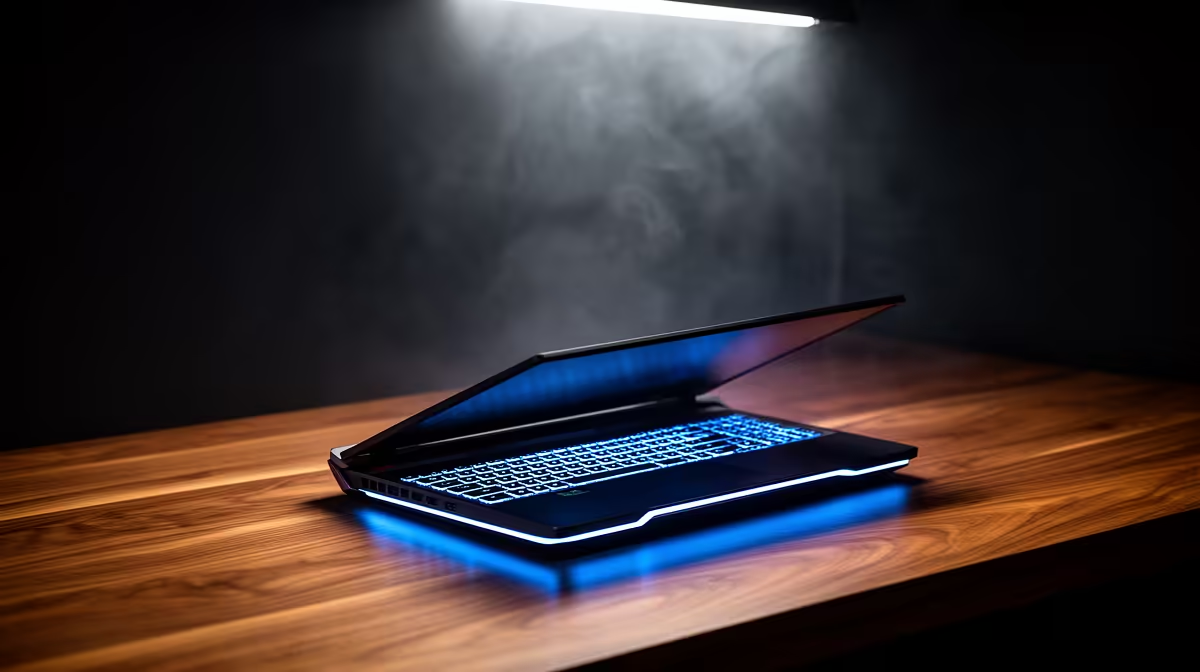
A machine designed just for browsing and typing simply won't cut it. To avoid frustrating lag, you need a laptop with a bit more muscle under the hood. This is where a well-chosen gaming laptop becomes the ultimate student tool, blending productivity with performance. You can find some incredible options in our best gaming laptop deals that won't require you to live on two-minute noodles for the rest of the year.
Core Specs for the Perfect Sims 4 Student Laptop
Finding the right balance is key. You don't need a top-of-the-line beast, but a few key components will make all the difference for a smooth experience. Think of these as the non-negotiables for the best laptops for student gaming.
The Brains: CPU
The Central Processing Unit (CPU) is your laptop's engine. For The Sims 4, a modern processor ensures the game's simulation runs smoothly. Whether you're looking at the latest powerful Intel laptops or the efficiency of versatile AMD laptops, a Core i5 or Ryzen 5 from a recent generation is a fantastic starting point.
Quick Graphics Tip 💡
Check The Sims 4's 'Laptop Mode' in the graphics settings. It can boost performance on less powerful machines, but a dedicated GPU will always give you the best visuals and smoothest gameplay!
The Powerhouse: GPU & RAM
This is where many standard laptops fall short.
- Graphics Card (GPU): An integrated GPU can run the base game, but for smooth gameplay with high settings and multiple expansions, a dedicated graphics card like an NVIDIA GeForce RTX 3050 or higher is ideal. It handles all the visuals, from detailed buildings to your Sim's stylish outfits.
- Memory (RAM): 8GB of RAM is the minimum, but 16GB is the sweet spot. It allows you to run the game smoothly while easily alt-tabbing to your lecture notes or a browser window without everything grinding to a halt. ✨
Balancing Your Budget with Britechester
We get it—being a student in South Africa means every Rand counts. The good news is that you don't need to spend R40,000 to get a great experience. Many modern gaming laptops offer the perfect blend of power for assignments and downtime gaming.
Investing in a slightly more powerful laptop from the start means you're getting a device that will last you through your degree and beyond. It’s a machine that can handle coding projects, video editing, and of course, ensuring your Sims graduate with honours without a single dropped frame. This makes it one of the smartest investments for your student life. 🎓
Ready to Ace Uni & The Sims?
Don't let lag ruin your study breaks or your Sim's social life. Find a machine that excels at both with our incredible range of student-friendly laptops. Explore our latest laptop specials for sale and get the performance you deserve.