So, you're ready to go live, but worried your stream will look like it’s broadcast from a potato? You’re not alone. For local creators, achieving the best streaming quality in South Africa can feel like a boss battle against lag and an unexpected outage. But don't stress... we've got the cheat codes. This guide will walk you through the gear, settings, and local know-how to make your stream look and sound absolutely pro. Let's get you raid-ready. 🚀
Nailing Your Connection: The Unskippable First Quest
Before you even think about a microphone or camera, let's talk about the one thing that can kill your stream instantly: your internet. In South Africa, this is our main challenge. For streaming, your upload speed is far more important than your download speed.
A stable fibre connection is your best bet. Aim for a line with at least 5-10 Mbps of dedicated upload speed. This is the minimum for a crisp 1080p stream without dropping frames. Anything less, and you'll be forced to lower your resolution, compromising the quality you're working so hard to achieve. And with an unexpected outage a reality, a small UPS for your router and ONT is a low-cost investment that keeps you online when the power goes out.
Gear Up: Your Streaming Quality Starter Pack
With your connection sorted, it’s time for the fun part: the hardware. Getting professional results doesn't mean you need to spend a fortune, but investing in the right areas makes a massive difference. This is the core of improving your stream quality in SA.
Sounding Pro: Your Mic is Non-Negotiable 🎙️
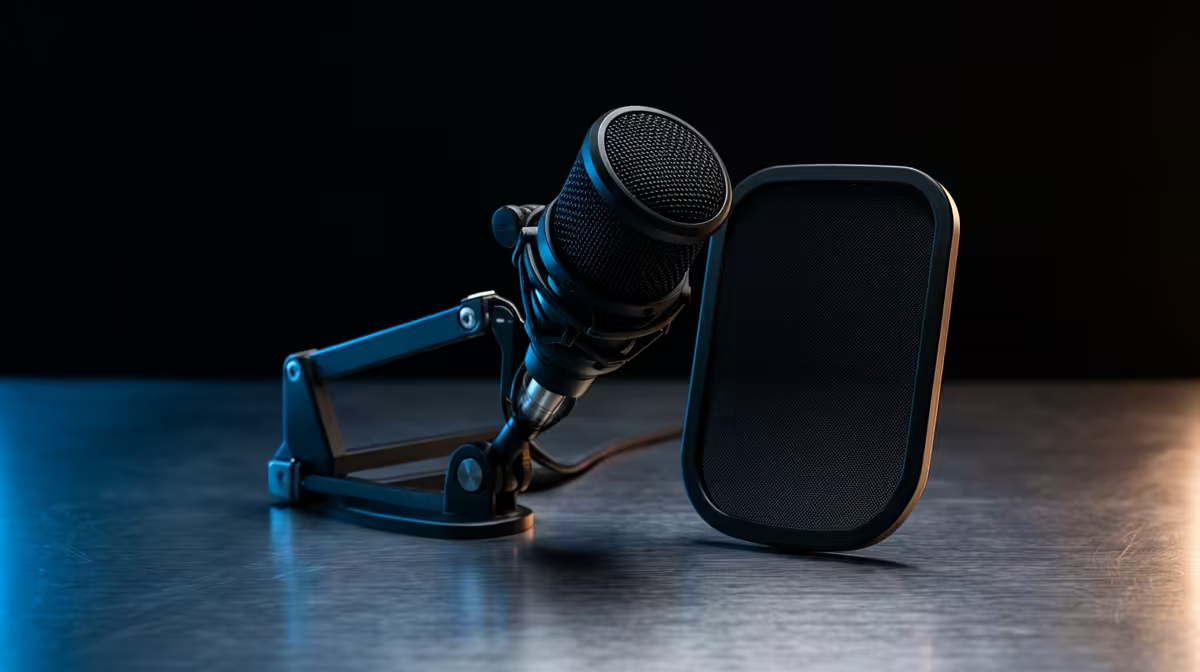
Before viewers see you, they hear you. Muffled, crackly audio from a headset mic is the fastest way to lose an audience. A dedicated USB microphone is the single biggest upgrade you can make. It captures your voice with clarity and richness, making you sound authoritative and professional. Investing in essential streaming gear like a quality mic and a boom arm will instantly elevate your production value.
Looking Sharp: Choosing Your Camera
Your grainy laptop camera won't cut it if you're serious about quality. The goal is a clear, well-lit image of your face that lets your personality shine. While a DSLR with a capture card offers the ultimate quality, it's a big investment. For most streamers, a modern 1080p webcam is the perfect sweet spot, offering fantastic image quality for the price. Look for models with good low-light performance and a wide field of view to find a solid webcam that fits your budget.
Pro Encoder Tip ⚡
If you have a modern NVIDIA graphics card, always use the NVENC (NVIDIA Encoder) in your streaming software like OBS. It uses a dedicated chip on your GPU to handle the video encoding, freeing up your CPU to focus on running the game. This results in smoother gameplay and a more stable stream—a huge win for achieving high-quality streaming in SA without performance drops.
Set the Scene: Lighting is Everything 💡
Good lighting is the secret ingredient that separates the amateurs from the pros. You could have the best camera in the world, but in a dark room, it will still produce a noisy, grainy image. Start with a key light, like an LED panel or ring light, to illuminate your face. You can find excellent options in our range of premium Corsair gear, which often integrates seamlessly for easy control.
Once your face is properly lit, you can add personality to your background. This is where RGB strips and creative lights come in. They create depth and a unique vibe for your stream, making your setup look more dynamic. A few well-placed modular lights, like these options for creative lighting from Cololight, can transform a boring wall into a visually stunning backdrop.
Final Settings for a Flawless Broadcast
With your gear in place, the final step is optimising your streaming software (like OBS Studio or Streamlabs). For a typical 10-20Mbps upload speed in SA, here’s a great starting point:
- Resolution: 1080p (1920x1080)
- Framerate: 60fps (for gaming) or 30fps (for just chatting)
- Video Bitrate: 4500 - 6000 Kbps
- Encoder: NVENC (if you have an NVIDIA GPU)
Start with these settings and do a test stream. If you notice dropped frames, lower your bitrate by 500 Kbps and try again. Finding the best streaming quality South Africa can offer is a balance between visual fidelity and connection stability. This guide gives you the foundation to build an incredible stream that will keep your viewers coming back for more.
Ready to Go Live?
Achieving the best streaming quality in South Africa is about having the right gear and the right knowledge. You've got the knowledge... now get the gear. Explore our complete range of streaming essentials and build the setup your content deserves.