If you want a 3D printer you can keep improving for years rather than replace, the tinkerable upgrade-friendly 3D printer that wins for South African makers is the Creality Ender-3 V3 SE. Its open frame, exposed belts and standardised hardware mean almost every part is swappable, and six years of community design files give you a mod path for nearly any goal, from quieter motion to higher print speeds.
Quick Answer
The Creality Ender-3 V3 SE, around R5,499 at Evetech, is the most upgrade-friendly 3D printer you can buy in SA right now. It ships with CR Touch auto-levelling and a dual-drive extruder, then opens up to hundreds of free community mods because its open-frame design hides nothing behind a sealed shell.
Why an Open Frame Beats a Sealed Box for Tinkering
A sealed, enclosed printer looks tidy, but every bracket, belt and board sits behind panels you have to remove before you can touch anything. The Ender-3 V3 SE does the opposite. The aluminium extrusion frame, the Bowden or direct path, the stepper motors and the mainboard are all reachable with a basic hex key set. That accessibility is the whole point of a tinkerer platform: when you want to change something, you are not fighting the machine first.
It also means diagnosis is faster. A skipped layer or a knocking sound usually traces back to a belt tension, an eccentric nut, or a loose pulley you can actually see and reach. On a closed unit, the same fault sends you into a teardown.
The Mod Library Is the Real Asset
Hardware is only half of what makes a printer moddable. The other half is the library of designs other people have already made and shared. Because the Ender-3 line has been around for years and sold in huge numbers, there is an enormous catalogue of printable upgrades, replacement brackets and clever fixes designed specifically for this frame.
Printable Upgrades You Make on the Printer Itself
The first mods most people print are free. Cable chains to tidy wiring, a filament guide, a tool tray that clips to the frame, a better fan duct that improves part cooling, and strain-relief brackets that stop wires fatiguing at the hotend. None of these cost anything beyond filament and an afternoon, and each one teaches you a little more about how the machine is put together.
Bolt-On Hardware Upgrades
When you are ready to spend, the usual path runs through a few well-known steps: a higher-flow hotend for faster printing, a glass or PEI flexible bed for better adhesion, upgraded springs or silicone spacers for steadier levelling, and quieter stepper dampers. Each is a contained change you can test and reverse, which is exactly what makes the platform forgiving to learn on. You can browse current printer stock and pricing on the Evetech 3D printer range to see where the V3 SE sits against its bigger siblings.
The Upgrade Path, Stage by Stage
Part of what makes this printer such a good learning platform is that the mods stack in a sensible order. You do not have to plan a final build on day one, you grow into it.
Stage One: Reliability and Quality of Life
The first changes are about making prints succeed every time. A textured PEI spring-steel sheet improves adhesion and lets you flex finished prints free instead of prying them. Better bed-levelling springs or silicone spacers hold the platform steady between sessions. A printed filament guide stops the spool dragging the feed off-angle. None of these are dramatic, but together they cut failed prints sharply, which is the difference between enjoying the hobby and fighting it.
Stage Two: Speed and Surface Finish
Once prints are reliable, the next push is making them faster and cleaner. A higher-flow hotend lets you push more plastic per second, an improved part-cooling fan duct sharpens overhangs and fine detail, and dialled-in belt tension removes the faint ringing you see on flat walls. This is also where many people first edit their slicer profiles seriously, learning how speed, temperature and cooling trade against each other.
Stage Three: Quiet, Smart and Custom
The deep end is optional and entirely up to you. Custom firmware unlocks finer control, stepper dampers and quieter fans tame the noise so the printer can live in a bedroom or lounge, and printed enclosures or lighting add convenience. Because every stage is reversible and well documented by the community, you can stop wherever the printer does what you need.
How It Compares to Sealed Budget Rivals
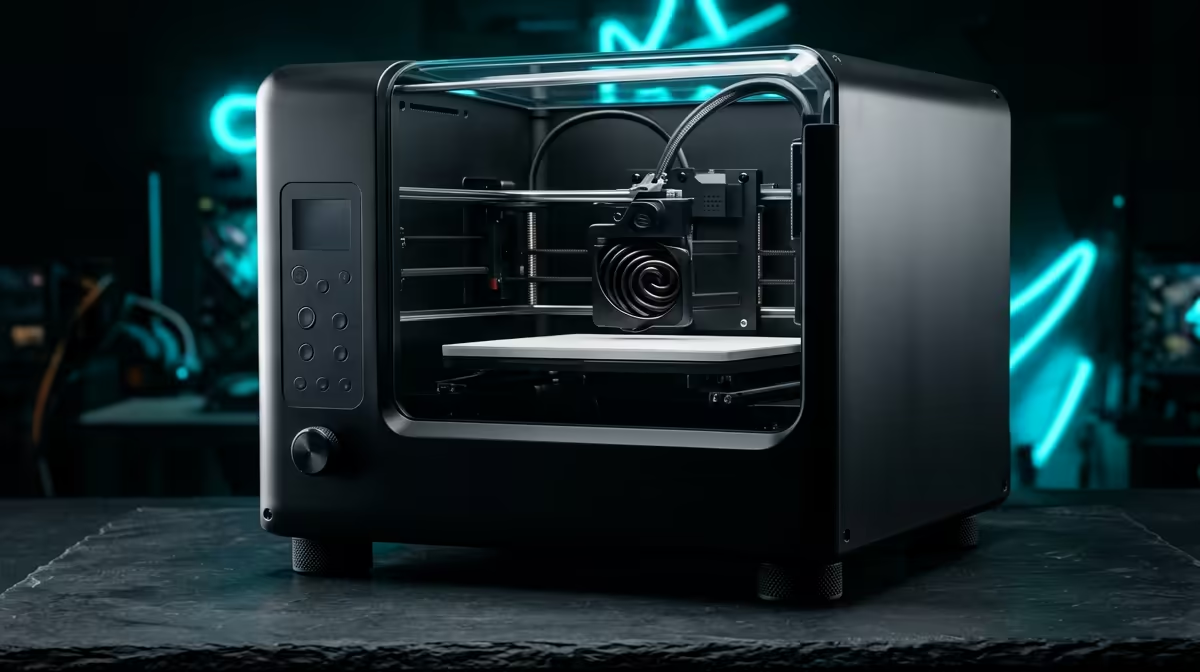
There are tidier-looking budget printers with enclosed shells and a more appliance-like feel, and for someone who wants a sealed box that never changes, those have their place. But that very design works against tinkering. Panels have to come off before you can reach anything, replacement parts are often proprietary, and the community of shared mods is far smaller. The Ender-3 V3 SE trades a little visual polish for total accessibility and the largest mod ecosystem in its class, which is the right trade for anyone who wants to learn and improve the machine rather than just own it.
What Comes Stock, and Why It Matters
Plenty of budget printers force your first upgrade to be a fix for something that should have worked out of the box. The V3 SE avoids that trap. CR Touch auto-levelling means you are not chasing a warped first layer before you have printed anything fun, and the dual-drive extruder grips filament from both sides for more reliable feeding, including with slightly flexible materials. Starting from a working baseline lets you treat every later change as an improvement rather than a rescue.
The print volume of roughly 220 by 220 by 250 mm is generous enough for most household projects, prototypes and tabletop models, and it matches the dimensions almost every community mod was designed around.
Who Should Buy It, and Who Should Not
This is the right printer for someone who enjoys the process as much as the output: students, hobby engineers, makers who want to understand the machine and shape it to their needs over time. The low entry price means a mistake during a mod is a cheap lesson, not an expensive one.
It is the wrong printer if you want a sealed appliance that never changes and prints engineering-grade materials like high-temp ABS or nylon at scale. Those needs point toward an enclosed, higher-end machine. But for the value of learning, modding and growing into the hobby, nothing in this price band matches it.
If you are kitting out alongside the printer, spare nozzles, hex sets and replacement parts turn up regularly among the most popular accessories at Evetech, which is worth a scan before you place an order.
Frequently Asked Questions
Is the Ender-3 V3 SE good for a complete beginner?
Yes. The CR Touch auto-levelling and dual-drive extruder remove the two biggest early frustrations, so first prints succeed more often. The huge community also means almost any question you hit has already been answered with a guide or video.
Do I need a soldering iron or coding skills to mod it?
No, not for the common upgrades. Most first mods are printable parts or bolt-on hardware that need only a hex key. Deeper changes like custom firmware are optional and come later if you want them.
How much should I budget for upgrades?
You can do a lot for free with printable mods. Hardware upgrades like a new hotend, a PEI bed or quieter components typically run in modest steps, so you can spread the cost over months rather than buying everything at once.
What materials can it print?
PLA and PETG are the comfortable everyday materials, and they cover most household and hobby projects. Flexible TPU works with patient settings. Stick to those before attempting high-temperature materials, which suit an enclosed printer better.
Will the mods void anything or risk the machine?
Printable and reversible bolt-on mods carry low risk because you can return the printer to stock. The cheap entry price also means experimenting is low-stakes, which is part of why this platform is so good to learn on.
Ready to start a printer you can grow with for years? Compare current models and pricing on the Evetech 3D printer range and pick the platform that lets you keep tinkering.