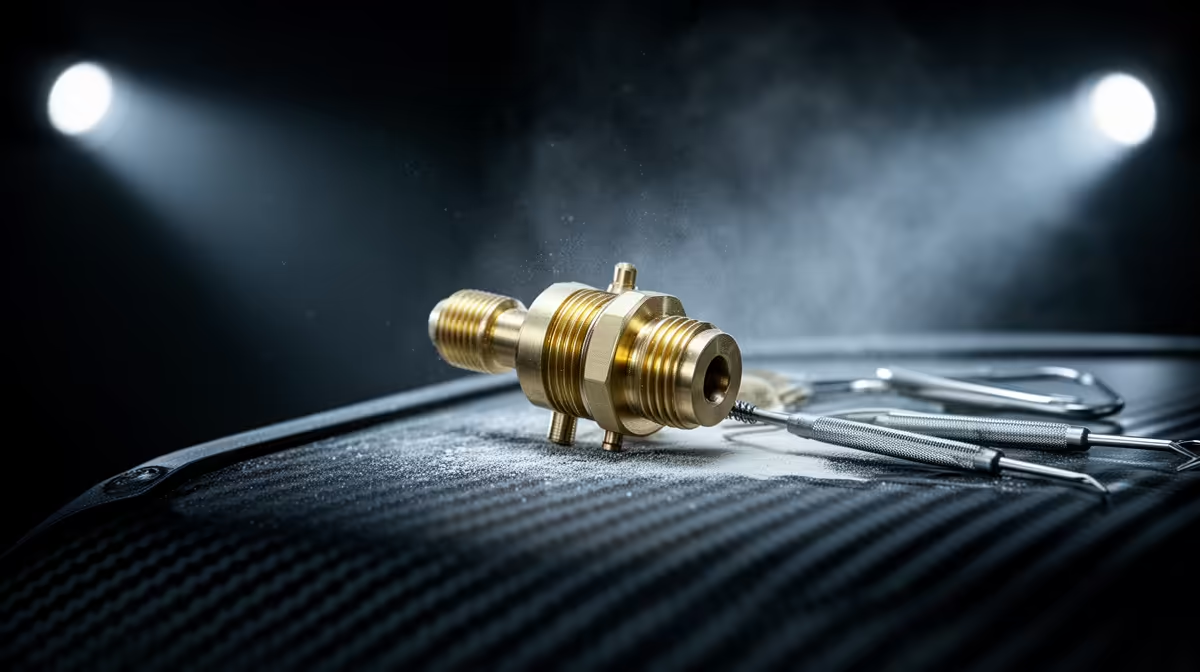
A skipped layer, a grinding extruder, or filament that suddenly stops flowing usually points to one thing: a partial or full nozzle clog. Knowing the best tools and method for clearing a clogged 3D printer nozzle turns a print-killing problem into a five-minute fix instead of an afternoon of stripping the hotend. The two techniques that solve almost every blockage are a cleaning needle matched to your nozzle bore and the cold-pull method using cleaning filament.
Quick Answer
Use a 0.4mm cleaning needle for a standard 0.4mm nozzle to clear surface blockages, then run a cold pull with cleaning or nylon filament to drag out deeper debris in the melt zone. Together these clear roughly 90 percent of clogs without removing the nozzle, and a basic kit costs under R300.
Why Nozzles Clog in the First Place
Clogs fall into two camps. A partial clog narrows the bore so flow drops and you get thin, inconsistent extrusion or heat creep where softened filament backs up above the heat break. A full clog stops flow completely, often leaving the extruder gear grinding into the filament. Causes include dust pulled in with the filament, leftover residue when switching between materials with different print temperatures, printing too close to the bed, and abrasive filaments like glow-in-the-dark or carbon-fibre blends wearing a rough interior surface that catches material.
Identifying which type you have matters, because a surface jam at the very tip responds to a needle, while material cooked solid further up the melt zone needs a cold pull to remove.
The Cleaning Needle Method
The fastest first response is a cleaning needle. The rule that matters: the needle must match or sit just under your nozzle diameter, so a 0.4mm needle for a 0.4mm nozzle. A needle that is too thick will not enter, and one far too thin does little.
- Heat the nozzle to your filament's normal printing temperature so any blockage softens.
- Insert the needle into the nozzle tip from below and push it up and down with short, firm strokes, around 10 to 15 passes.
- The needle breaks up the softened plug and pushes debris back into the melt chamber where it can extrude out.
- Load filament and extrude 50 to 100mm to flush the loosened material clear.
Go gently. Forcing a needle hard scores the inside of the brass, leaving a rough bore that catches filament and reclogs faster. A set of acupuncture-style needles in mixed gauges is the single cheapest insurance you can keep on the bench, and you will find compatible kit in the 3D printer accessories and tools range at Evetech.
The Cold Pull (Atomic Pull) Method
When a needle does not fix it, the clog sits deeper in the melt zone, and that is the cold pull's job. It works by gripping the cooled, slightly tacky filament so that as you yank it out, it lifts embedded debris with it.
- Heat the nozzle to printing temperature and push cleaning filament or nylon through until it extrudes cleanly.
- Cut the heater. Let the nozzle cool while applying gentle, steady upward pressure on the filament.
- As temperature drops into the release window, around 90C for PLA and 110C for PETG, the filament releases with a distinct pop.
- Inspect the tip. A clean, nozzle-shaped cone means the bore is clear. Black flecks or a ragged shape are the debris you just pulled out.
Repeat until the pulled tip comes out clean. Cleaning filament is engineered for exactly this, gripping at the right temperature without snapping, and it is worth keeping a small spool on hand. Browse maintenance consumables and spares through the accessories best-sellers shortlist when you are restocking.
How many cold pulls are needed?
A single successful cold pull clears most partial blockages. If the first pull comes back dirty, run a second. If three pulls still show dark flecks or irregular residue in the tip, a source of contamination is continuously shedding into the melt zone, which usually means a worn brass bore that needs the nozzle replaced rather than cleaned again.
Chemical Soaking for Stubborn Residue
Some filament residue, particularly carbonised PLA or sintered ABS, does not respond well to mechanical clearing. Removing the nozzle while hot and soaking it in acetone for several hours breaks down many stubborn resins. This is the method to reach for when the clog sits in a nozzle that has been running high-temperature materials or left idle at temperature for an extended period. After soaking, flush the bore with a needle and reinstall.
When to Stop and Strip the Hotend
If a needle and two or three cold pulls both fail, the clog has likely carbonised or sits in the heat break above the nozzle. At that point, heat the hotend, unscrew the nozzle while hot, and either soak it in a solvent suited to the residue or replace it outright. Brass nozzles are cheap and consumable, so for a stubborn, fully baked clog, fitting a fresh nozzle is often faster and cleaner than fighting the old one.
Frequently Asked Questions
What size cleaning needle do I need for my nozzle?
Match the needle to the nozzle bore. A 0.4mm nozzle takes a 0.4mm needle, a 0.6mm nozzle takes a 0.6mm needle. Buying a mixed gauge set covers every nozzle you are likely to run.
Can I do a cold pull without special cleaning filament?
Yes. Nylon is the classic substitute because it grips firmly across the right temperature range without snapping. PLA can work in a pinch but is more likely to break off and leave fragments behind, so dedicated cleaning filament or nylon is preferred.
What temperature should the cold pull release at?
Roughly 90C for PLA and around 110C for PETG. The aim is the point where the plastic is firm enough to grip the debris but still flexible enough to pull free in one piece rather than shearing off.
How do I stop nozzles clogging so often?
Keep filament dry and dust-free, set correct first-layer height so the nozzle is not dragging on the bed, purge thoroughly when changing materials, and fit a hardened steel nozzle if you print abrasive filaments regularly.
Is it worth keeping a spare nozzle on hand?
Definitely. Brass nozzles are inexpensive and wear out, so a small stock of spares means a baked-on clog never costs you more than a quick swap.
A small maintenance kit pays for itself the first time it saves a print. Stock cleaning needles, spare nozzles and tools from the 3D printer accessories range at Evetech and keep your printer running.