


AIO Liquid 240mm Setup and Configuration: Complete Tutorial
AIO Liquid 240mm Setup and Configuration. Clear setup instructions with SA-specific considerations, troubleshooting tips & recommended components.
Read morePower outages disrupt remote work. 🔋 Discover top UPS systems that keep your setup running smoothly. Boost productivity and protect equipment.
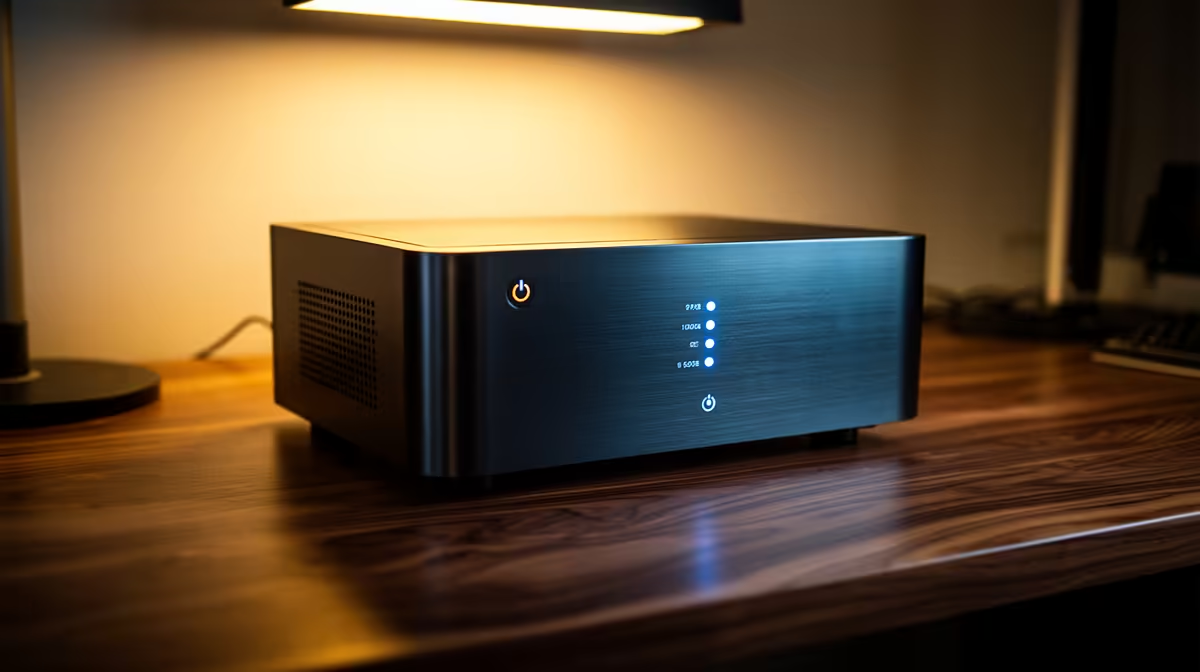
You’re deep in a work project, the deadline is looming, or maybe you’re about to clutch a 1v3 in Valorant. Then… silence. The lights go out. Load shedding strikes again, taking your unsaved work and your ELO with it. For South Africans working from home, this isn't just an inconvenience; it's a constant threat to productivity. Finding the best UPS for your remote work setup isn't a luxury... it's your digital lifeline. ⚡
An Uninterruptible Power Supply (UPS) is essentially a big battery that sits between the wall socket and your precious electronics. When the power cuts, it instantly kicks in, giving you a crucial window of time to save your work and shut down your PC safely.
But it's not just about surviving a blackout. A good UPS also protects your gear from power surges and dips—those nasty fluctuations that can slowly degrade or instantly fry your motherboard, GPU, or power supply. Think of it as an insurance policy for your expensive hardware. For a remote worker, this protection is non-negotiable. It’s the difference between a minor interruption and a catastrophic hardware failure that could put you out of action for days.
Finding the right UPS can feel a bit technical, but it boils down to a few key things. Getting this right is crucial to building the best UPS for your remote work setup.
This is the most important factor. The VA (Volt-Amps) rating tells you how much power the UPS can deliver. Too little, and it will trip the moment the power goes out. To figure out what you need, check the wattage of your PC's power supply (e.g., 650W), your monitor (around 30-50W), and your router (around 10-15W).
Add up the wattage of all the devices you want to protect (PC + Monitor + Router). A safe bet is to multiply that total wattage by 1.6 to get the minimum VA rating you should look for. E.g., a 400W total load needs at least a 640VA UPS.
How long do you need the power to stay on? Most entry-level UPS units for a standard PC setup will give you 5-15 minutes of runtime. This is more than enough time to save everything, close your applications, and perform a clean shutdown. Don't expect to work through a full 2-hour load shedding slot on a budget UPS... their main job is to prevent data loss and hardware damage.
Modern UPS units come with handy features. Look for models with software that can automatically shut down your PC for you if you're away from your desk. Multiple outlets are also a must, allowing you to protect your PC, monitor, and router all at once. For most home offices, a Line-Interactive UPS offers the perfect balance of protection and price.
The great news is that securing your work-from-home setup doesn't have to cost a fortune. There are fantastic options that provide robust protection without emptying your wallet. Evetech stocks a wide range of UPS units for sale that cater to different needs, from basic protection to more advanced setups.
For those looking for proven performance, certain brands stand out. Well-known manufacturers like Titan are renowned for their reliability, offering some of the best Titan UPS options that give you peace of mind when the lights go out. ✨
Worried about the cost? You can get solid protection for less than you think. There are highly effective and affordable UPS deals available for under R1300, making it one of the smartest investments you can make for your remote work career.
Don't Get Caught in the Dark Stop letting load shedding dictate your workflow. Equip your home office with a reliable UPS and keep your productivity, and your hardware, safe. Explore the full range at Evetech and find the perfect power solution today.
Choose based on wattage requirements. A 1000-1500W UPS suits most home offices. Ensure it supports runtime during outages.
Test monthly, replace batteries every 3-5 years, and connect essential gear like routers and desktops.
Yes! Use surge protection outlets for modems, monitors, and accessories. Prioritize critical equipment.
Runtime averages 15-45 minutes, depending on capacity and load. Enough for safe shutdowns or switching to backup plans.
Explore our range of Uninterruptible Power Supplies tailored for remote work requirements and office setups.
Prevent data loss, equipment damage, and interruptions. Essential for routers and connected peripherals.
AIO Liquid 240mm Setup and Configuration. Clear setup instructions with SA-specific considerations, troubleshooting tips & recommended components.
Read more
Setting Up DDR5 64GB Kit. Tested & verified settings for best FPS and visual quality on SA hardware budgets.
Read more
Overwatch 2 Setup Guide Gamers. Clear setup instructions with SA-specific considerations, troubleshooting tips & recommended components.
Read more
R and RStudio on Mac: Data Science Setup Guide. Clear setup instructions with SA-specific considerations, troubleshooting tips & recommended components.
Read more
NVIDIA Broadcast Setup with GPU: Streamer Guide. Clear setup instructions with SA-specific considerations, troubleshooting tips & recommended components.
Read more
Core Ultra 7 265K Temperature Guide: Normal Range. Complete product range with SA pricing, key specs & recommendations for different budgets.
Read more
AMD RX 9050 XT: Rumoured Specs, Price & Release. SA-focused analysis with local pricing data, real-world insights & actionable buying advice.

Can RTX 4080 Super Run AI Workloads for SA Developers Detailed answer with SA data, expert analysis & practical recommendations for local buyers.

Can RTX 4090 Run AI Workloads for SA Developers Detailed answer with SA data, expert analysis & practical recommendations for local buyers.

Top Settings for Intel Arc B580 at Ultrawide 1440p picks evaluated on performance, value & SA availability with current Rand pricing from Evetech.

RTX 4060 CS2 Low Settings at 1080p: FPS Results. Real-world benchmark data, FPS numbers & performance analysis. What SA gamers can actually expect.

Visual Artifacts: Possible GPU Issue Issue #1. Diagnosis steps, proven fixes & when to seek professional help. SA-specific support info included.

Can the RTX 4090 Handle 1440p 144Hz Gaming. Performance testing verdict with real data & practical recommendations for SA buyers.

Top ASUS GPU Under R15000 picks evaluated on performance, value & SA availability with current Rand pricing from Evetech.

GTA 6 Max Settings on RTX 5070. Tested & verified settings for best FPS and visual quality on SA hardware budgets.

Cyberpunk 2077 Max Settings on RTX 5080. Tested & verified settings for best FPS and visual quality on SA hardware budgets.

Starfield Max Settings on RTX 5070 Ti. Tested & verified settings for best FPS and visual quality on SA hardware budgets.

Top RTX 5090 Under R5000 picks evaluated on performance, value & SA availability with current Rand pricing from Evetech.