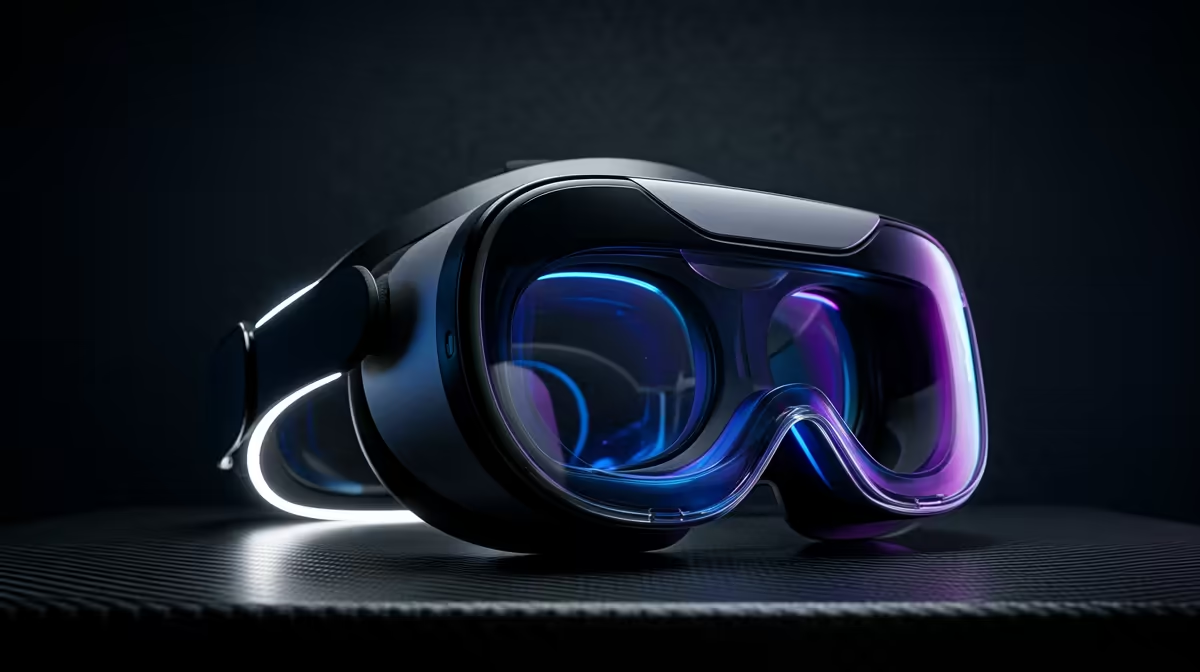
Owning an RTX 4070 or 5070 means you have already paid for the part of PCVR that costs the most and bottlenecks the hardest, so the smart move is a high-resolution VR headset that finally puts that GPU to work. With a card in that tier, the question stops being whether you can drive VR and becomes how many pixels you can feed it, and that points squarely at the Meta Quest 3 running over a PC link.
Quick Answer
For a PC gamer who already has an RTX 4070 or 5070, the Quest 3 connected to the PC is the logical pick: its 2064x2208 per-eye panel with supersampling soaks up the GPU power you already own, with no base stations to mount. Enthusiasts chasing the absolute sharpest image can look at a higher-end PCVR headset, but the value sweet spot is the Quest 3 over Link.
Why Your GPU Changes the Whole Question
VR is brutal on a graphics card. Instead of rendering one frame at 1080p or 1440p, the GPU renders two high-resolution images, one per eye, at 90 frames per second or more, because dropped frames in a headset cause real discomfort. That is why VR scales so hard with the GPU, and why a mid-tier card struggles to drive a sharp headset at full clarity.
An RTX 4070 or 5070 clears that bar comfortably. The bottleneck moves off the card and onto the headset's panel resolution. With this much GPU on tap, a low-resolution headset wastes the hardware, leaving frames on the table that a sharper display could have turned into a crisper image. The right pairing is a headset whose panels are dense enough to consume the power you have.
The Quest 3 Over Link Is the Logical Match
The Quest 3 packs a 2064x2208 panel per eye, and that resolution is exactly what a 4070 or 5070 can take advantage of. Connected to the PC by USB-C cable through Link, or wirelessly over a strong 5 GHz or Wi-Fi 6 network through Air Link, the headset displays full PCVR games while the GPU does the rendering. The standalone chip inside handles tracking and passthrough.
Supersampling Is Where the Power Goes
Here is the trick that uses every bit of the GPU: render the image at a higher resolution than the panel can show, then downsample it. Supersampling smooths edges and sharpens fine detail, and it is hungry, which is precisely why a strong card matters. A 4070 or 5070 lets you push the render resolution well above native and still hold a steady frame rate, turning surplus GPU headroom into visibly cleaner visuals.
No Base Stations, No Wall Mounts
The Quest 3 uses inside-out tracking from its own cameras, so there are no external sensors to screw into the wall and align. For most South African setups, where a permanent VR room is a luxury, that convenience is a genuine advantage over older lighthouse-tracked systems. You plug in, you play, and the same headset doubles as a standalone device when you do not feel like booting the PC.
Wired or Wireless, and the Network Behind It
The Quest 3 gives you both options and they suit different setups. A wired USB-C Link cable delivers the most stable, lowest-latency image and charges the headset as you play, which makes it the dependable default for long sessions. The catch is the tether, which limits room-scale movement and can tug during fast turns.
Air Link cuts the cord by streaming the PC's render over your home network. It works genuinely well, but only on a strong 5 GHz or Wi-Fi 6 connection, ideally with the headset close to the router or with a dedicated router for VR. On a weak or congested network the picture compresses and stutters, so the wireless freedom is real but conditional. For most South African homes, a wired Link cable is the reliable starting point, with Air Link as a bonus once your network is up to it.
Frame Rate Is the Comfort Floor
Resolution gets the headlines, but frame rate is what keeps VR comfortable. Drop below the headset's refresh target and the world judders, which causes the queasiness that turns people off VR entirely. This is the other reason a strong GPU matters: a 4070 or 5070 holds a steady high frame rate even with supersampling pushed up, so you get sharpness without sacrificing smoothness.
The balance to strike is render resolution against frame rate. Push supersampling too far and even a strong card drops frames, so the sweet spot is dialling the render resolution up until the frame rate sits comfortably at the refresh target. A 4070 or 5070 gives you a wide margin to find that balance, which is precisely the headroom a mid-tier card lacks.
When to Reach Higher
If you are an enthusiast who wants the sharpest possible image and has the budget, dedicated PCVR headsets push resolution and field of view further, and some bring lighthouse tracking and better lenses. They cost considerably more and often need external sensors, so they suit a committed sim or flight enthusiast more than a general gamer.
For the vast majority of people pairing VR with a 4070 or 5070, that extra outlay is steep for the gain. The Quest 3 delivers most of the experience at a fraction of the cost and complexity. You can see the current headset options in the AR and VR glasses category at Evetech to compare what is in stock.
Don't Forget the Cable and Comfort Kit
A good PCVR experience leans on a few extras. A quality USB-C cable rated for the data and power Link needs keeps the wired connection stable, and a head strap upgrade plus a battery pack transform long sessions. These are easy to overlook and they make the difference between a headset you tolerate and one you reach for. The best-selling PC accessories at Evetech are a sensible place to price the cabling and add-ons alongside the headset.
Frequently Asked Questions
Is the Quest 3 good enough for PC VR with a strong GPU?
Yes. Its 2064x2208 per-eye panels are dense enough to use a 4070 or 5070 fully, especially with supersampling. Connected over Link or Air Link, it runs full PCVR titles while your card does the rendering.
Do I need an RTX 4070 to enjoy VR?
Not to enjoy it, but a 4070 or 5070 lets you push render resolution high and hold a smooth frame rate, which is where VR feels sharp and comfortable. Weaker cards run VR but force you to lower clarity to keep frames stable.
Will a 4070 or 5070 keep VR comfortable?
Yes. Comfort depends on holding a steady high frame rate, and a 4070 or 5070 has the headroom to do that even with supersampling raised. That margin is what stops the juddering that causes VR discomfort on weaker cards.
Are external sensors needed for the Quest 3?
No. The Quest 3 tracks with its own onboard cameras, so there are no base stations to mount or align. That makes it far simpler to set up than older lighthouse-tracked headsets.
What else do I need for a good PCVR setup?
A solid USB-C Link cable, and for longer play a head strap upgrade with a counterweight battery. They stabilise the connection and the comfort, which matters more on long sessions than most buyers expect.
Got the GPU and want a headset that earns it? Browse the AR and VR glasses at Evetech to compare the Quest 3 and other options, then add a proper Link cable and comfort kit from the best-selling accessories to get the most out of your card.