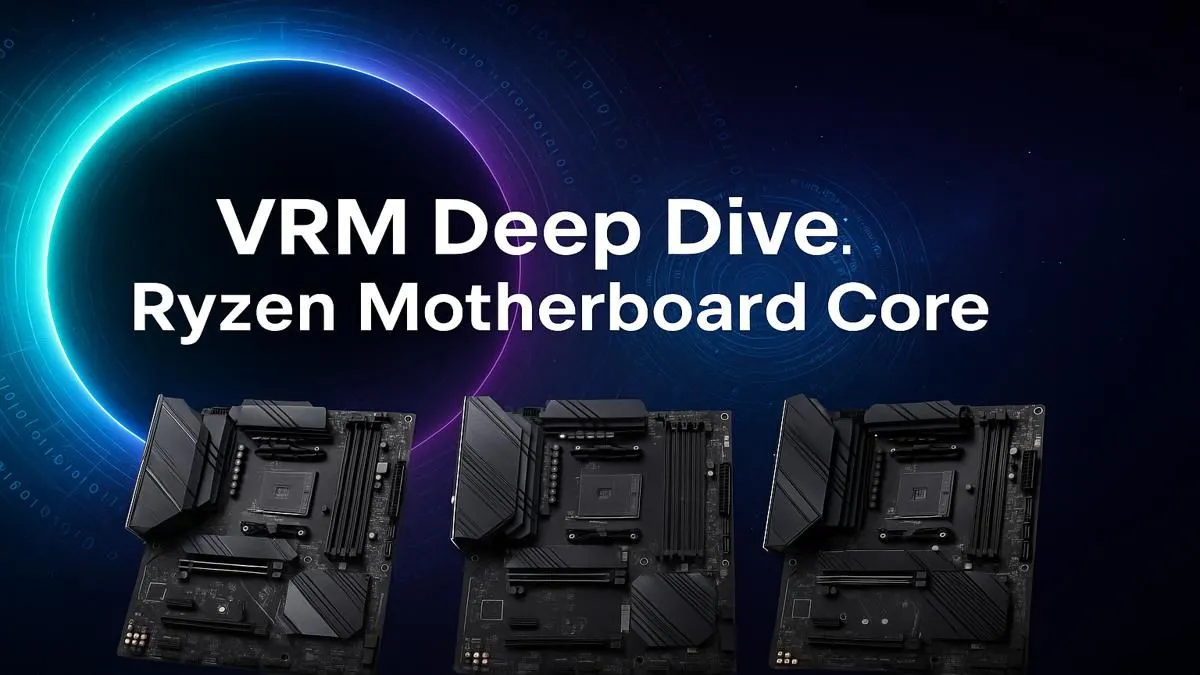
So, you’ve bagged a powerful AMD Ryzen CPU for your new build. Lekker! But before you start planning your victory royales, there’s a crucial component that often gets overlooked: the motherboard’s VRM. Choosing a board with poor power delivery is like putting budget tyres on a sports car... you’re just not getting the performance you paid for. Finding the best VRM for Ryzen isn’t just for extreme overclockers; it’s the key to unlocking stable, consistent power for your entire system.
What Exactly is a Motherboard VRM?
VRM stands for Voltage Regulator Module. Think of it as the dedicated power plant for your CPU 🔧. Your power supply unit (PSU) sends a steady 12-volt stream to the motherboard, but your sophisticated Ryzen processor needs a much lower, incredibly precise voltage (usually around 1.0V to 1.4V) to operate.
The VRM’s job is to take that raw 12V power and convert it into clean, stable, low-voltage energy that your CPU can use. A high-quality VRM does this efficiently, without overheating, ensuring your processor gets exactly what it needs, when it needs it.
Why the VRM is Crucial for Your Ryzen CPU ⚡
Modern Ryzen CPUs are smart. They use features like Precision Boost Overdrive (PBO) to automatically push their clock speeds higher if they have enough power and thermal headroom. This is where a robust motherboard power delivery system becomes essential.
Imagine this: you’re in a tense Warzone final circle, and the action gets frantic. Your CPU demands more power to handle it all.
- A good Ryzen VRM delivers that power instantly and cleanly. Your frames stay high and smooth.
- A weak or overheating VRM can't keep up. It throttles, cutting power to protect itself, and suddenly your game stutters. That momentary lag could be the difference between a win and the gulag.
Essentially, the best VRM for Ryzen ensures you get 100% of the performance you paid for, especially under heavy gaming or content creation loads.
Check Your Temps! 🌡️
You can monitor your VRM temperatures using free software like HWiNFO64. Look for the "VRM MOS" or similar sensor reading. If it's consistently hitting over 90-100°C under load, your VRM might be struggling and throttling performance. A board with better VRM cooling could be a worthwhile upgrade.
How to Spot a Motherboard with a Good VRM
You don’t need an electrical engineering degree to identify a motherboard with solid power delivery. Here are a few things to look for when browsing the specs:
- Power Phases: You'll see specs like "12+2+1 phase design". In simple terms, more phases generally mean the workload is spread out, leading to cooler operation and cleaner power. It’s like having more cylinders in an engine.
- Heatsinks: Look for big, chunky metal heatsinks covering the VRM area (usually to the top and left of the CPU socket). Good cooling is non-negotiable. If the VRM looks bare, it’s likely only suited for entry-level CPUs.
- Component Quality: While harder to judge visually, brands often boast about using premium chokes, capacitors, and MOSFETs. This indicates a focus on durability and efficiency.
When in doubt, checking out reviews for specific AMD motherboards can provide expert analysis on their VRM performance.
Matching Your Ryzen CPU to the Right Chipset
The chipset often dictates the quality of the VRM you can expect. Picking the right one ensures you're not overspending or creating a performance bottleneck.
The Reliable All-Rounder: B550
For gamers running Ryzen 5 or even some Ryzen 7 CPUs, the B550 platform remains a fantastic value proposition. Many manufacturers put surprisingly robust power delivery systems on their mid-to-high-end B550 motherboards, making them perfect for high-performance gaming without breaking the bank.
The Modern Sweet Spot: B850
Stepping up to the latest generation of Ryzen processors? The new AM5 platform's B850 chipset is designed to be the new mainstream champion. These boards offer a great balance of modern features like PCIe 5.0 support and strong VRM solutions capable of handling the latest Ryzen 7 and Ryzen 9 CPUs with ease. You can expect to find some of the best VRM for Ryzen gaming builds in the AMD B850 motherboards lineup.
The Enthusiast's Choice: X870 🚀
If you're rocking a top-tier Ryzen 9 and want to push manual overclocks to their absolute limit, you need the best of the best. The AMD X870 motherboards are built for this purpose. They feature overkill VRMs with extensive phase counts and massive heatsinks, designed to provide flawlessly stable power for the most demanding processors on the market.
Ready to Power Your Ryzen Build?
A stable PC starts with a quality motherboard. Don't let a weak VRM hold your new Ryzen CPU back. Explore our huge range of AMD motherboards and find the perfect foundation for your ultimate gaming rig.