


RTX 4060 Ti Throttling Under Load: SA Temperature Guide
RTX 4060 Ti Throttling Under Load: Temperature. Everything you need to know with SA pricing, step-by-step instructions & expert recommendations.
Read moreChoosing the best webcam resolution for streaming in South Africa requires balancing visual quality with local internet upload speeds. 🎥 Optimize your setup for Twitch and YouTube today! 🚀
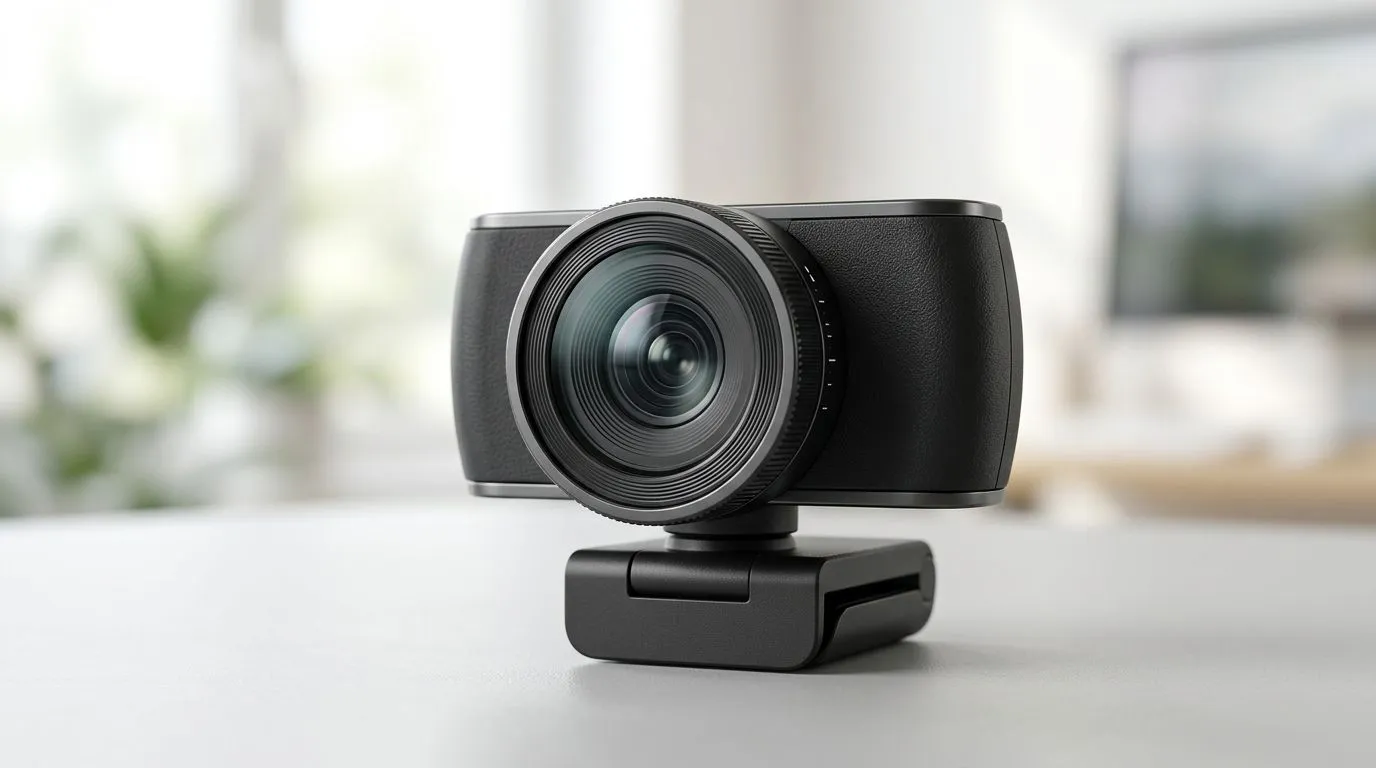
If you stream in South Africa, your webcam needs to survive more than low light. You also need crisp facial detail for Discord chats, YouTube, and Twitch… even when your upload speed decides to take a nap.
So what’s the best webcam resolution for streaming in South Africa? The short answer is that “higher” isn’t always “better”. The right resolution depends on your internet, your lighting, and whether your PC can keep up. Let’s make the choice feel simple. ✨
Resolution tells you how many pixels your camera can capture. Frame rate (FPS) tells you how smooth the motion looks. For streaming, smooth motion usually matters more than people expect.
Why this matters locally: South African streamers often deal with variable latency and packet loss during peak hours. When that happens, high resolution can look “noisy” instead of sharp because the encoder fights the network.
If you want to sanity-check your setup, open your streaming software’s stats. Watch dropped frames while you adjust settings. Don’t guess.
Even if a webcam supports 4K capture, your streaming software typically downsamples for a target output (like 1080p). If your PC struggles to encode, you’ll see stutter, frame drops, or mushy detail.
Evetech’s webcam selection is a good place to start because it’s built for practical buyer needs, not spec-sheet fantasies:
Here’s a straightforward “choose your situation” guide. Use it to match your webcam resolution to your stream style.
Choose: 720p (30 FPS)
Choose: 1080p (30 FPS)
Choose: 1080p (60 FPS) if your PC + platform supports it comfortably
Choose: 4K capture only if your workflow uses it (recording/editing)
Resolution alone won’t save a bad setup. Keep an eye on these factors when shopping:
If you’re shopping, this Evetech category helps you compare webcam options in one place:
Visit Evetech for webcams within your budget
Let’s make the decision even easier. Use these rough budget bands to guide what you should prioritise.
At this level, focus on reliability and basic clarity. You’re usually better off with steady 720p than chasing features you can’t stream smoothly.
If you want to browse options under R1,000: Webcams under R1,000 on Evetech
This is where 1080p at 30 FPS tends to land more consistently, especially if you also improve lighting.
Browse options up to R2,000 here: Webcams under R2,000 on Evetech
If you stream often, you’ll notice the difference in how the camera handles exposure and focus.
Explore up to R3,000: Webcams under R3,000 on Evetech
My friend who streams Valorant locally had the same webcam as another creator… but theirs looked sharper. Why? Their room lighting was stable and their settings matched the upload capacity. Resolution helped, but settings and lighting did the heavy lifting.
A small lighting upgrade can outperform a resolution upgrade. Use a lamp or ring light placed slightly above eye level and face-forward, then disable any auto-exposure swings if your webcam software allows it. Your 1080p stream will look cleaner because the camera won’t constantly chase brightness.
Before you start streaming tonight, run through this checklist:
If it looks soft, don’t immediately jump to a higher resolution. Often the fix is simpler: focus, distance, and light.
Ready to Find Your Perfect Match? The Mac vs Windows debate is complex, but for maximum power, choice, and value in South Africa, Windows is hard to beat. Explore our massive range of laptop specials and find the perfect machine to conquer your world.
While 1080p looks sharp, most Twitch viewers watch on mobile devices where 720p is often sufficient. Prioritize a stable bitrate over raw resolution.
High resolutions like 1080p require higher upload speeds. If your local internet fluctuates, dropping to 720p ensures your stream doesn't lag or drop frames.
Yes, but your encoder settings matter more. YouTube handles higher bitrates better than Twitch, allowing for clearer 1080p webcam feeds if your connection permits.
A 720p or 1080p webcam is ideal. Since the facecam is usually a small part of the screen, 4K is often overkill and wastes valuable upload bandwidth.
You can, but it is rarely recommended for live streaming due to massive bandwidth demands and the lack of 4K support on many streaming platforms.
Use OBS Studio to cap your output at 720p/60fps or 1080p/30fps. This provides a professional look without overwhelming your local upload connection.
RTX 4060 Ti Throttling Under Load: Temperature. Everything you need to know with SA pricing, step-by-step instructions & expert recommendations.
Read more
Apex Legends Max Settings on RTX 4080. Tested & verified settings for best FPS and visual quality on SA hardware budgets.
Read more
GPU Buying Guide. Everything you need to know with SA pricing, step-by-step instructions & expert recommendations.
Read more
GPU Terms Guide. Everything you need to know with SA pricing, step-by-step instructions & expert recommendations.
Read more
AMD Adrenalin Download & Setup Guide: GPU. Clear setup instructions with SA-specific considerations, troubleshooting tips & recommended components.
Read more
Back-to-School GPU Buying Guide. Everything you need to know with SA pricing, step-by-step instructions & expert recommendations.
Read more
Can RTX 4080 Super Run AI Workloads for SA Developers Detailed answer with SA data, expert analysis & practical recommendations for local buyers.

Can RTX 4090 Run AI Workloads for SA Developers Detailed answer with SA data, expert analysis & practical recommendations for local buyers.

Top Settings for Intel Arc B580 at Ultrawide 1440p picks evaluated on performance, value & SA availability with current Rand pricing from Evetech.

RX 7600 Overclocking Guide: Safe OC Settings for. Real-world benchmark data, FPS numbers & performance analysis. What SA gamers can actually expect.

RTX 4060 CS2 Low Settings at 1080p: FPS Results. Real-world benchmark data, FPS numbers & performance analysis. What SA gamers can actually expect.

Visual Artifacts: Possible GPU Issue Issue #1. Diagnosis steps, proven fixes & when to seek professional help. SA-specific support info included.

Can the RTX 4090 Handle 1440p 144Hz Gaming. Performance testing verdict with real data & practical recommendations for SA buyers.

Top ASUS GPU Under R15000 picks evaluated on performance, value & SA availability with current Rand pricing from Evetech.
RTX 4060 Ti Throttling Under Load: Temperature. Everything you need to know with SA pricing, step-by-step instructions & expert recommendations.
Apex Legends Max Settings on RTX 4080. Tested & verified settings for best FPS and visual quality on SA hardware budgets.
GPU Buying Guide. Everything you need to know with SA pricing, step-by-step instructions & expert recommendations.
GPU Terms Guide. Everything you need to know with SA pricing, step-by-step instructions & expert recommendations.