Tired of looking like a pixelated potato on your Zoom calls? Ja, we get it. In today's work-from-home world, a blurry, grainy video feed just doesn't cut it. Your laptop's built-in camera is fine for a quick chat, but for professional meetings or streaming, you need an upgrade. Finding the best webcam for your work from home setup can transform your online presence from amateur to absolute pro. Let's get you looking sharp. 🇿🇦
Why Your Laptop's Built-in Webcam Isn't Cutting It
Let's be honest, the tiny camera embedded in your laptop lid was an afterthought for most manufacturers. They often feature low-resolution sensors and struggle badly in anything but perfect lighting. This results in a grainy, washed-out image that makes you look unprofessional.
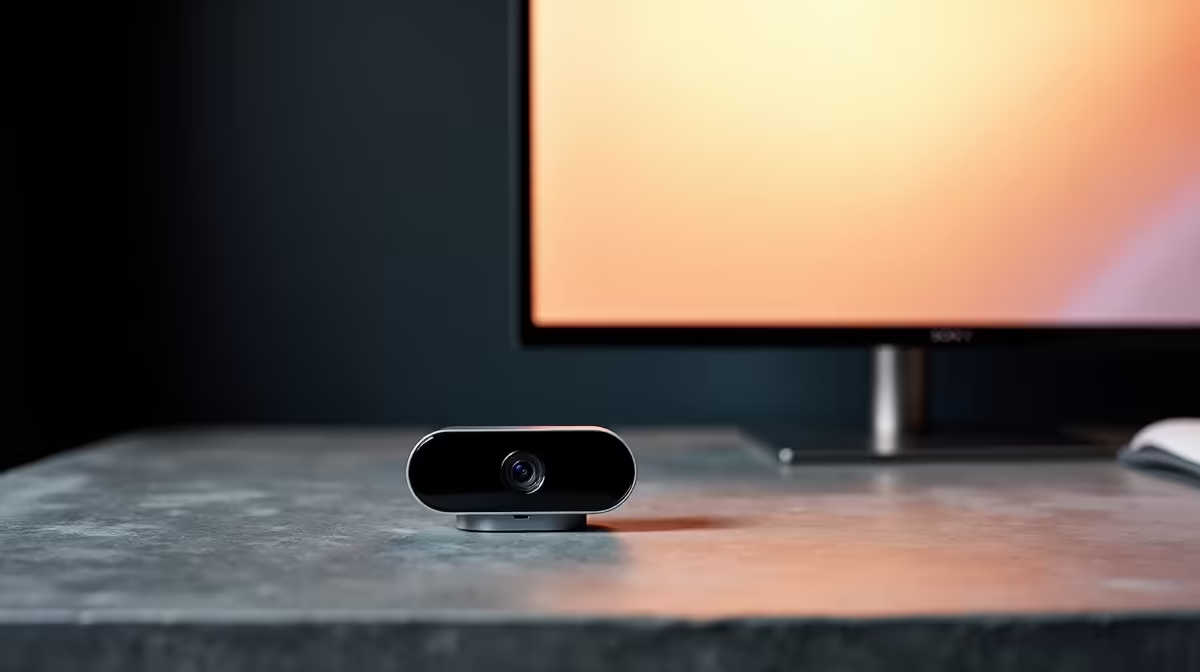
A dedicated work from home webcam is designed for one job: making you look fantastic. They pack better sensors, superior lenses, and smarter software to handle tricky lighting situations... even during loadshedding.
Key Features for the Best Work From Home Webcam
When you start shopping, you'll see a lot of specs. Here's what actually matters for a quality webcam setup.
Resolution & Frame Rate: The Sharpness and Smoothness Duo
Resolution determines how detailed your image is. 720p (HD) is the absolute minimum, but 1080p (Full HD) is the modern standard and offers a significant jump in clarity. It's the sweet spot for professional meetings. Frame Rate (fps) controls how smooth the video looks. 30fps is standard, but 60fps provides a much more fluid, lifelike picture, which is a huge plus for streamers or anyone wanting to stand out.
Low-Light Performance & Autofocus
We've all had those early morning meetings or late-night sessions where the lighting isn't great. A good webcam has a larger sensor or wider aperture to capture more light, keeping your video clear and bright. Fast, accurate autofocus is also crucial. It keeps you in sharp focus even if you move around, so you don't have to worry about looking blurry when making a point.
Lighting is Everything ✨
You don't need a fancy studio. Simply placing a small lamp behind your webcam or facing a window can dramatically improve your video quality. Good lighting helps your webcam produce a cleaner, more professional image, even on a budget model.
Finding Your Perfect Webcam for Any Budget
A great setup doesn't have to break the bank. At Evetech, we've got options for every need and wallet. The best webcam for your work from home setup is the one that meets your specific requirements.
- For Clear Calls on a Budget: If you just need to look clear and professional on daily Teams calls, you don't need to spend a fortune. There are plenty of great budget-friendly webcams that deliver excellent 1080p video without the frills.
- The Professional's Sweet Spot: For most professionals, streamers, and content creators, the mid-range is where the magic happens. Here you'll find the sweet spot for professionals under R2000, offering features like 60fps, better low-light handling, and wider fields of view.
- For Ultimate 4K Quality: If you're a serious content creator or simply demand the absolute best image quality, a 4K webcam is the way to go. These top-tier models under R3000 deliver crystal-clear detail that will make your stream or presentation pop. 🚀