Quick Answer
On a R1,500 budget, prioritise a mechanical or membrane keyboard with comfortable travel, a reliable wireless mouse, and a wrist rest. These three items have more direct daily impact on productivity and comfort than any other desk accessories at this spend level.
Best Budget Allocation for R1,500 🖥️
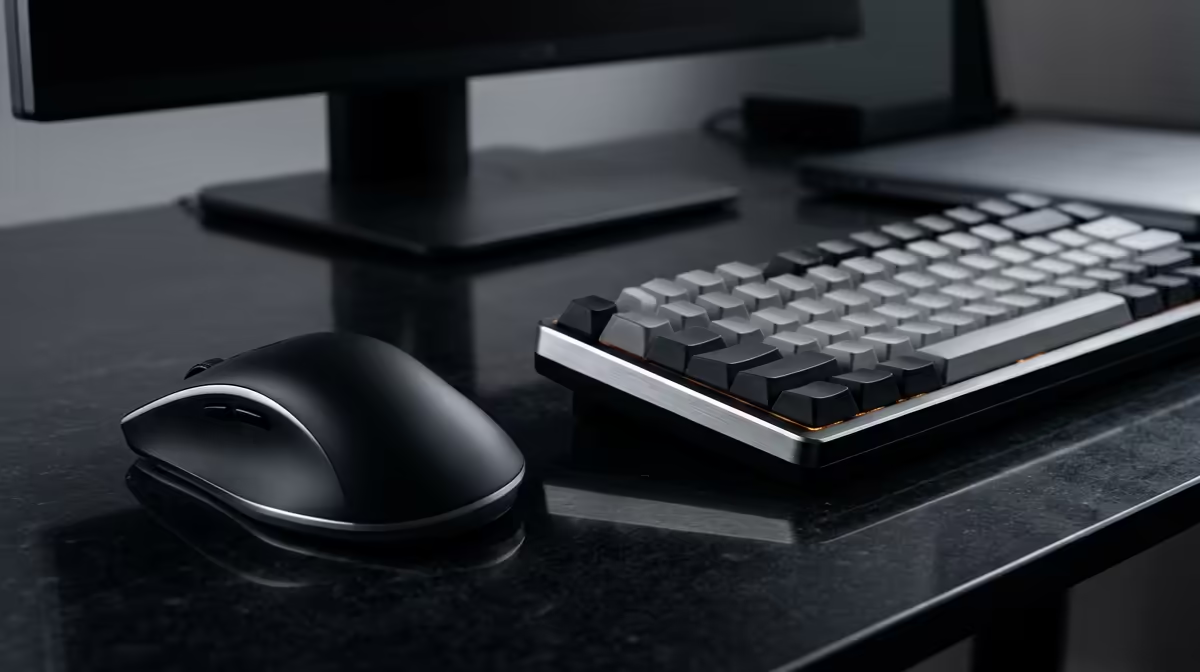
Spread R1,500 across three categories for the most meaningful upgrade. Allocate roughly R600 to R700 on a keyboard. A budget mechanical keyboard like the Redragon K552 or the Logitech K380 (Bluetooth) in the R400 to R700 range provides tactile feedback that reduces typing errors over full work days. Spend R400 to R500 on a wireless mouse. At this price, Logitech's M280 or a Rapoo multi-mode mouse offers reliable 2.4 GHz wireless, ergonomic shaping, and good battery life. The remaining R300 covers a mouse pad and wrist rest combo, which transforms a slippery desk surface into a comfortable workstation. All three items are stocked at Evetech within these price bands. This combination reliably improves typing accuracy, reduces wrist fatigue, and reduces desk clutter compared to bundled OEM peripherals.
Accessories to Add With Remaining Budget 💡
If your R1,500 allows a small remainder, a USB hub for R150 to R250 expands a laptop's limited ports without the cost of a full dock. A monitor stand or laptop stand for R200 to R350 raises your screen to eye level and prevents neck strain during long video call days, which is particularly relevant for SA remote workers juggling Zoom and Teams calls. Cable management velcro strips for under R100 clean up cable routing from the desk to the wall. A webcam is notably absent from this list because most SA remote workers use built-in laptop cameras or phone cameras for calls, and a quality webcam costs more than the remaining budget allows at this tier.
What Not to Buy First at R1,500 🔧
Desk lights and RGB accessories are satisfaction purchases rather than productivity investments. They feel good to unbox but have minimal effect on work output. A monitor arm is transformative but costs R500 to R1,200 on its own, eating most of the budget. A full USB-C dock is similarly worthwhile but stretches past R1,500 for anything with reliable power delivery. Save these for a separate upgrade round. Prioritise inputs (keyboard and mouse) before outputs (display upgrades, lighting, or audio) when budget is constrained.
Buy an Ergonomic Mouse on a R1,500 Budget ⚡
A vertical mouse or asymmetric ergonomic mouse costs around R300 to R600 at Evetech and distributes wrist load more naturally than a flat symmetrical design. If you type and click for more than four hours a day, a proper ergonomic mouse prevents repetitive strain more effectively than any wrist rest alone.
FAQ
Is a mechanical keyboard worth it at a R1,500 total budget?
A budget mechanical keyboard in the R450 to R700 range (like Redragon or Motospeed models stocked locally) is worth it if you type extensively. If you primarily use your laptop for video calls and light email, a membrane keyboard or even the laptop keyboard is perfectly adequate.
Should I prioritise Bluetooth or wired peripherals for a home setup?
For a fixed home desk, wired is slightly more reliable and cheaper. Wireless is worth the small premium if your desk setup changes frequently or if you move between rooms. Bluetooth keyboard plus 2.4 GHz mouse is a common compromise that eliminates two cables without adding receiver complexity.
Can I get a quality setup for less than R1,500?
Yes. A Logitech MK235 wireless keyboard and mouse combo retails for around R400 to R600 at Evetech and handles all basic work-from-home tasks effectively, leaving significant budget for other priorities.
Building a functional work-from-home desk without overspending?
Check out keyboards, mice, and desk accessories at Evetech to build a comfortable setup within your budget.