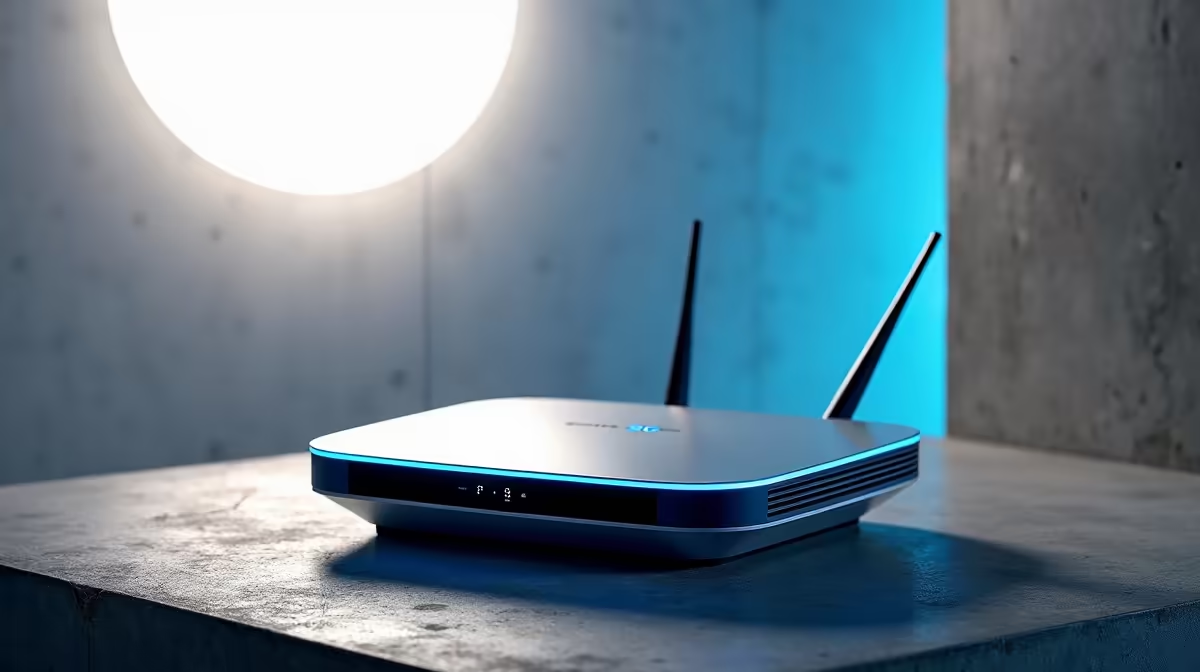
The CPE box your fixed-wireless provider hands over is built to one priority: get an average household online with no setup. The moment you live on the fringe of a tower's coverage, or you fight peak-hour congestion every evening, that box becomes the bottleneck. A standalone 5G router gives you the controls the bundled device deliberately leaves out, and on a marginal signal those controls are the difference between buffering and a usable connection.
Quick Answer
A standalone 5G router beats a typical ISP-supplied CPE on three things: band locking to pin your connection to the strongest frequency, SMA antenna ports to add a high-gain external antenna for fringe coverage, and faster Wi-Fi 6 for the home network behind it. If your bundled box drops to one or two bars or chokes at peak times, a standalone unit is the upgrade that actually moves the needle.
What The ISP Box Leaves Out
A 5G CPE combines the modem and the router into one device and runs entirely off the mobile network, with no fibre or DSL behind it. The provider's version is tuned for hands-off simplicity, which means it usually picks bands automatically, hides the radio settings, and ships with a modest Wi-Fi radio and internal antennas only. That is fine in the middle of strong coverage and frustrating everywhere else.
A standalone router aimed at advanced users exposes the parts that matter when the signal is not ideal. You get to see and control which band you connect on, attach better antennas, and run a Wi-Fi network that keeps up with a modern house full of devices.
Band Locking: The Single Biggest Win
On the edge of coverage, your CPE constantly hops between frequencies, and the band it prefers is not always the band that gives you the best real-world throughput. Lower frequencies travel further and punch through walls; higher frequencies carry more speed but fade faster with distance.
Band locking lets you force the router onto the frequency that performs best from your specific location, instead of letting it wander. In a fringe area this often stabilises a connection that otherwise swings between full speed and near-dropout through the day. It takes some trial and error, checking which band holds the steadiest signal at your address, but it is the setting that most consistently rescues a marginal install. This level of control is exactly what separates the units in the networking range at Evetech from a basic bundled gateway.
External Antennas: SMA And TS9 Ports
The second advantage is physical. Standalone routers expose SMA or TS9 connectors so you can attach a high-gain external or outdoor antenna. Internal antennas on a CPE sit wherever the box sits, usually on a shelf indoors, which is rarely the best spot to catch a distant tower.
A directional outdoor antenna aimed at the nearest tower can lift a weak signal into a workable one, and pairing that antenna with band locking compounds the benefit. For SA homes far from a mast, or in a steel-and-concrete townhouse that smothers signal, this is often the fix that finally delivers the speeds the package promised.
Matching The Antenna To The Router
Check the connector type before buying. SMA is the most common on standalone routers; some use TS9. Multi-antenna routers with dedicated cellular and Wi-Fi arrays generally outperform single-antenna designs, and users moving off a carrier gateway routinely report measurable signal gains they put down to those better antenna setups.
Wi-Fi 6 And The Home Side
Beyond the cellular link, a standalone router usually carries a stronger Wi-Fi radio, frequently Wi-Fi 6, where bundled CPEs often lag a generation behind. Wi-Fi 6 handles a crowded home better, with more devices streaming, gaming and on calls at once without the network bogging down. If your fast 5G link still feels slow on Wi-Fi, the bottleneck is often the bundled box's weak wireless radio, not the cellular signal.
Who Should Actually Switch
This upgrade is for people with a real problem to solve: weak fringe coverage, evening congestion, or a busy home network the CPE cannot keep up with. If your provider's box already gives you a strong, stable signal and the Wi-Fi copes, there is little reason to change. But if you are on the edge of a tower's reach, the combination of band locking, an external antenna and Wi-Fi 6 is the practical path to a connection you can rely on. Comparing options in the best-selling accessories at Evetech is also worth a look for the antennas, cables and mounts a fringe install needs.
Frequently Asked Questions
Will a standalone 5G router work with any provider's SIM?
Generally yes, an unlocked standalone router accepts a SIM from a mobile or fixed-wireless provider, but confirm the router supports the bands your network uses in your area. A router that omits your provider's key band will not perform, no matter how good the antenna is, so check band support before buying.
Does band locking always make my connection faster?
Not always faster, but usually steadier on a weak signal. The aim is to pin the connection to the band that performs most reliably from your location rather than letting the router hop around. The best band is found by testing a few and watching which holds the strongest, most consistent signal.
Do I definitely need an external antenna?
Only if your indoor signal is weak. In strong coverage the internal antennas are fine. In fringe areas, an SMA-connected directional antenna aimed at the nearest tower is often the single biggest improvement, especially in homes with thick walls or a long distance to the mast.
Is Wi-Fi 6 worth it on a 5G router?
If several people stream, game and take calls at once, yes. Wi-Fi 6 manages a busy home network more efficiently than the older radios in many bundled boxes. If a fast 5G connection still feels sluggish over wireless, the home-side radio is often the limiter rather than the cellular link.
Can I keep my ISP box as a backup?
Yes. Many people retain the bundled CPE as a fallback and run the standalone router as the daily driver. Just remember a SIM lives in one device at a time, so you swap the SIM across rather than running both simultaneously on one line.
If your bundled 5G box is the weak link, take control of band selection, antennas and Wi-Fi with a standalone unit. Explore current options in the networking range at Evetech and build a setup that holds its signal where the default device gives up.