


AIO Liquid 240mm Setup and Configuration: Complete Tutorial
AIO Liquid 240mm Setup and Configuration. Clear setup instructions with SA-specific considerations, troubleshooting tips & recommended components.
Read moreBias lighting for monitors reduces eye strain, boosts perceived contrast, and improves color accuracy for creators and gamers. Learn setup tips, color temps, and product picks 🎯💡
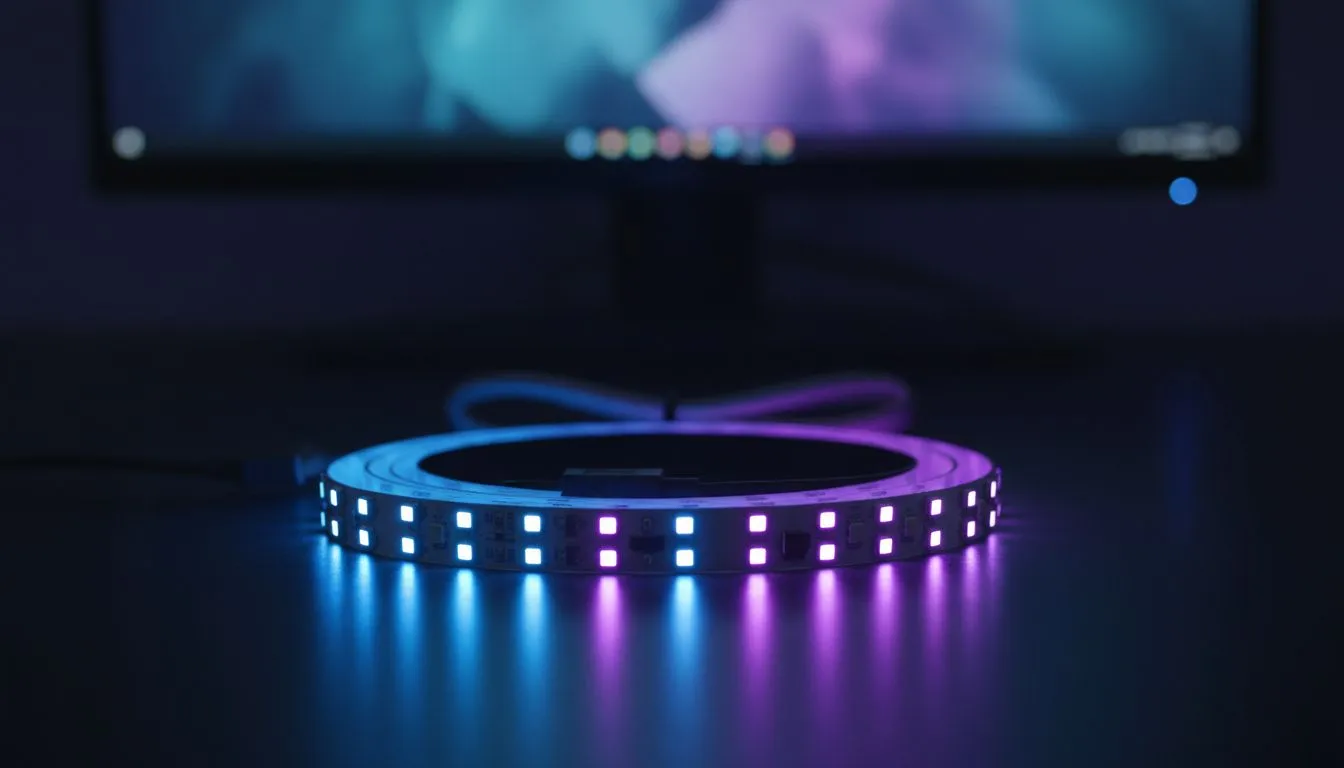
Ever finished a late-night session in Joburg only to find your eyes burning? It is a common struggle for South African gamers. Most people blame blue light... but the real culprit is often the harsh contrast between a bright screen and a pitch-black wall. Using bias lighting for monitors is the simplest way to fix this. It helps to improve contrast and color accuracy while protecting your vision. 🔧
Bias lighting involves placing a light source behind your screen to illuminate the wall. This creates a neutral glow that tricks your brain. It makes the black levels on your panel look significantly deeper than they actually are. When the area around your monitor is dark, your pupils dilate... but the bright screen forces them to constrict. This constant adjustment causes fatigue.
By adding a neutral light, your pupils remain at a consistent size. This stability allows you to see finer details in dark game scenes. If you want to enhance your setup, you can find various gaming accessories that offer easy-to-install LED solutions.
Not all lights are created equal. To truly improve color accuracy, you need a light with a Color Rendering Index (CRI) of at least 90. It should also have a temperature of 6500K. This is known as the "Daylight" standard.
Using a RGB strip set to red or blue might look cool... but it will distort how you perceive colours on your screen. A neutral white light ensures your eyes stay calibrated to the correct white point. You can often find high-quality kits in our gaming accessories deals section for a few hundred ZAR.
For the best results, ensure your LED strip is set to a "cool white" or 6500K temperature. This matches the standard white point used by film and game creators. It prevents your eyes from adjusting to a warm or cool tint, which would otherwise ruin your monitor's colour calibration accuracy.
South African gamers often play in dimly lit rooms to avoid glare. However, the intensity of a modern HDR monitor can be overwhelming in the dark. Bias lighting provides a "reference" for your eyes. This reduces the strain caused by sudden flashes or bright explosions on screen. 🚀
Investing in the right peripherals makes a massive difference for long-term eye health. You can explore our specialized gaming accessories to find lighting that fits your specific monitor size. A simple USB-powered strip is often all you need to transform your experience. ✨
Ready to Upgrade Your Visual Experience? Improving your setup does not have to cost thousands of Rands. Small changes like bias lighting can make a massive difference in how you play and work. Browse our latest gaming accessories and transform your desk into a professional-grade battlestation today.
Bias lighting is a low-level light behind your monitor that raises perceived contrast, reduces eye strain, and improves color accuracy for accurate viewing.
Use 6500K (D65) bias lighting color temperature for accurate colors, especially for photo, video, and color grading workflows.
Mount an LED strip behind the monitor, aim for even backlight, set brightness low, and match color temp to 6500K for accurate results.
Yes. Bias lighting enhances perceived contrast on both OLED and LCD by creating a neutral surround that reduces glare and halo effects.
Yes. Many inexpensive LED strips deliver good bias lighting; choose one with stable color temp and a reliable power source for best results.
Properly calibrated bias lighting, such as 6500K D65, supports color grading by stabilizing surrounding light and preserving perceived color accuracy.
Bias lighting should be dim compared to the screen—bright enough to lift the surround but low enough to avoid competing with the image.
AIO Liquid 240mm Setup and Configuration. Clear setup instructions with SA-specific considerations, troubleshooting tips & recommended components.
Read more
Setting Up DDR5 64GB Kit. Tested & verified settings for best FPS and visual quality on SA hardware budgets.
Read more
Overwatch 2 Setup Guide Gamers. Clear setup instructions with SA-specific considerations, troubleshooting tips & recommended components.
Read more
R and RStudio on Mac: Data Science Setup Guide. Clear setup instructions with SA-specific considerations, troubleshooting tips & recommended components.
Read more
NVIDIA Broadcast Setup with GPU: Streamer Guide. Clear setup instructions with SA-specific considerations, troubleshooting tips & recommended components.
Read more
Core Ultra 7 265K Temperature Guide: Normal Range. Complete product range with SA pricing, key specs & recommendations for different budgets.
Read more
AMD RX 9050 XT: Rumoured Specs, Price & Release. SA-focused analysis with local pricing data, real-world insights & actionable buying advice.

Can RTX 4080 Super Run AI Workloads for SA Developers Detailed answer with SA data, expert analysis & practical recommendations for local buyers.

Can RTX 4090 Run AI Workloads for SA Developers Detailed answer with SA data, expert analysis & practical recommendations for local buyers.

Top Settings for Intel Arc B580 at Ultrawide 1440p picks evaluated on performance, value & SA availability with current Rand pricing from Evetech.

RTX 4060 CS2 Low Settings at 1080p: FPS Results. Real-world benchmark data, FPS numbers & performance analysis. What SA gamers can actually expect.

Visual Artifacts: Possible GPU Issue Issue #1. Diagnosis steps, proven fixes & when to seek professional help. SA-specific support info included.

Can the RTX 4090 Handle 1440p 144Hz Gaming. Performance testing verdict with real data & practical recommendations for SA buyers.

Top ASUS GPU Under R15000 picks evaluated on performance, value & SA availability with current Rand pricing from Evetech.

GTA 6 Max Settings on RTX 5070. Tested & verified settings for best FPS and visual quality on SA hardware budgets.

Cyberpunk 2077 Max Settings on RTX 5080. Tested & verified settings for best FPS and visual quality on SA hardware budgets.

Starfield Max Settings on RTX 5070 Ti. Tested & verified settings for best FPS and visual quality on SA hardware budgets.

Top RTX 5090 Under R5000 picks evaluated on performance, value & SA availability with current Rand pricing from Evetech.